
6 Best WordPress eCommerce Plugins for Store Owners
WooCommerce still runs more WordPress stores than anything else. That’s not up for debate. But “most popular” and “best for you” are two different questions, and the gap between them is where most store owners get stuck. So the best WordPress eCommerce plugins is based on your store.
Let’s say you’re a solo creator selling three digital products. Or you’re running a physical store with 40 SKUs and a team of two. Those two people need completely different tools, even though they’ll both type the same search into Google.
We went through six real options, tested the setup flow on each, and checked pricing against what these companies actually charge today, not what a review from two years ago says.
Quick Look
| Plugin | Best for | Starting price | Transaction fee |
|---|---|---|---|
| WooCommerce | Flexibility, physical products | Free (extensions $29–$299/yr) | None (gateway fees apply) |
| FluentCart | Physical and digital products, subscriptions, licensing | Free, Pro $199/yr or $249 lifetime | None on Free or Pro |
| Shopify | Adding checkout to an existing site | $5/mo (Starter) | 5% on non-Shopify Payments |
| BigCommerce | Large or complex catalogs | Free plugin, BigCommerce plan from $29/mo | None |
| Easy Digital Downloads | Digital-only stores | Free, Pro from $99.50/yr | None |
| Ecwid | Multi-channel selling | $5/mo (Starter, 10 products) | None |
What “Best WordPress eCommerce Plugin” Actually Means
Here’s the thing: there’s no single winner. A WordPress eCommerce plugin has to match what you’re selling, how much control you want over your data, and how much you’re willing to spend as the store grows. WooCommerce fits some of those goals better than others. So does everything else on this list.
You can see this exact confusion play out on a Reddit thread in r/Wordpress, where a first-time store owner asked for must-have eCommerce plugins and got a flood of overlapping suggestions in return. One commenter warned that stacking plugins with overlapping features is exactly how a simple store turns into a maintenance headache.
The original poster picked WooCommerce anyway, admitting: “You got it, my friend: I chose WooCommerce.” Not because it was the right fit for a digital publishing business selling publications and services, but because it was the name everyone already knew.
That’s the trap. So we ranked these six by testing what each one does out of the box, not just what the marketing page promises.
1. WooCommerce, With Huge Community
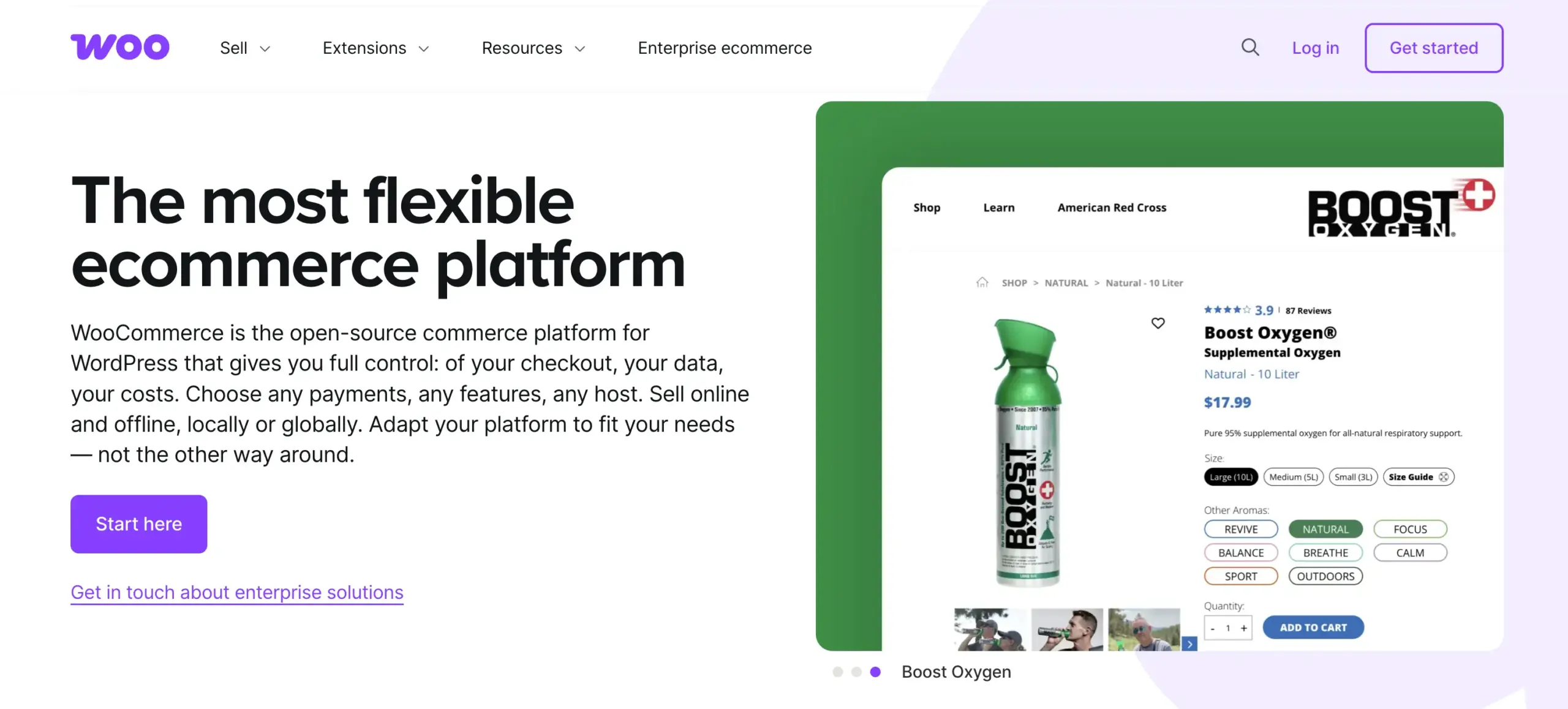
WooCommerce runs on millions of active WordPress sites, and the core plugin costs nothing to download. That’s still its biggest advantage. You get product management, cart, checkout, and basic shipping without spending a cent, and the theme and extension ecosystem is bigger than anything else on this list.
But the free plugin is a base, not a finished store. Want subscriptions? That’s a $199-a-year extension. Want proper booking or advanced shipping rules? More extensions. Add up hosting, a decent theme, and three or four essential add-ons, and most real WooCommerce stores land somewhere between $200 and $1,500 a year before they’ve sold a single item.
Best For
Store owners who want the widest possible ecosystem and don’t mind assembling their store piece by piece. If you’re selling physical products across multiple categories, or you need a specific niche feature, there’s almost always a WooCommerce extension for it. And the ecosystem is truly huge. Let’s say you need to take partial payments. WooCommerce addons such as PH Deposits for WooCommerce fully cover that. Picking the right host matters more here than with any other option, since a slow, cheap server can quickly undo a lot of the plugin’s advantages.
Trade-offs
Costs are unpredictable and grow with your store. Subscriptions, better checkout flows, advanced shipping, and proper reporting all sit behind paid extensions, and stacking five or six of them is normal, not an edge case. More plugins also means more maintenance, more update conflicts, and a slower dashboard as your catalog grows.
2. FluentCart, Built Native, Not Bolted On
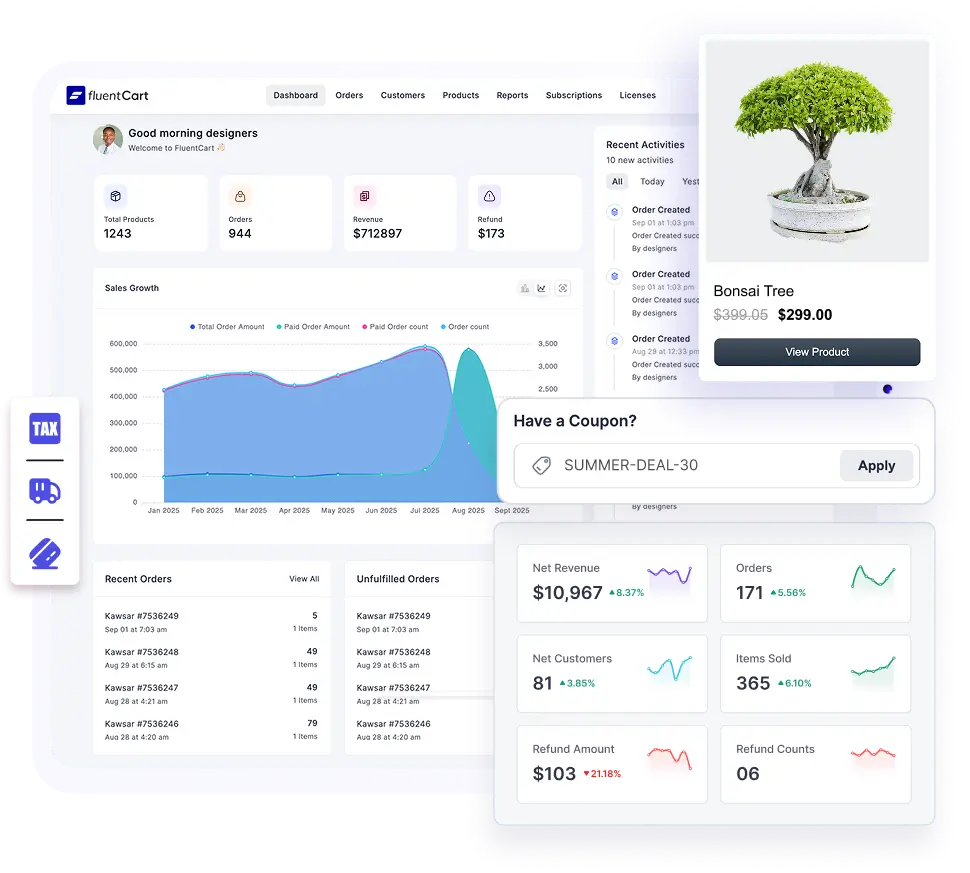
Most WordPress eCommerce plugins store your products and orders as regular WordPress posts. That works, until your catalog gets big and your admin screens start crawling. FluentCart skips that problem by using its own dedicated database tables from day one. Orders, products, subscriptions, and customers all live in tables built for commerce, not blog posts wearing an eCommerce costume.
That architecture choice shows up everywhere once you start using it. According to FluentCart’s own feature index, the free plugin alone covers more than 20 major categories. Covered from bulk import to EU VAT handling, subscriptions with zero transaction fees and digital file delivery through Amazon S3. And a full REST API for headless setups. None of that sits behind a paywall.
FluentCart isn’t just for digital products. Physical stores get a genuinely complete toolkit too. Advanced Variations handle multi-layer combinations like size, color, and material at once, with swatches, per-variation SKU, stock, tax, weight, and image settings. Plus bulk editing when you need to update dozens of variants together.
Shipping covers zones, flat-rate and free options, country include and exclude rules, shipping classes with surcharges, and mixed carts that combine physical and digital items in one order. Tax runs on built-in regional rates across Africa, the Americas, Asia, Europe, and Oceania, with per-item breakdowns, EU VAT collection, and B2B reverse-charge handling done automatically.
Pro adds the parts sellers reach for next. Software licensing with activation limits and renewal tracking, checkout order bumps, advanced inventory with stock adjustment history, more payment gateways, installment billing, LMS integrations, and role access. A single site runs $199 a year or $249 as a one-time lifetime purchase, and FluentCart charges zero transaction fees on both Free and Pro.
Best For
Store owners who want physical and digital products handled natively in the same store, without stitching together separate plugins for inventory, shipping, tax, and licensing. Also a strong fit if you’re selling subscriptions or software and want that built in from day one.
Trade-offs
FluentCart is newer than WooCommerce, so its extension marketplace and third-party theme support are still smaller.
3. Shopify, Borrow the Checkout
Or is it worth leaving WordPress behind entirely? For some people, yes. But plenty of store owners already have a WordPress site they’ve invested years into and don’t want to rebuild it on Shopify just to sell a handful of products.
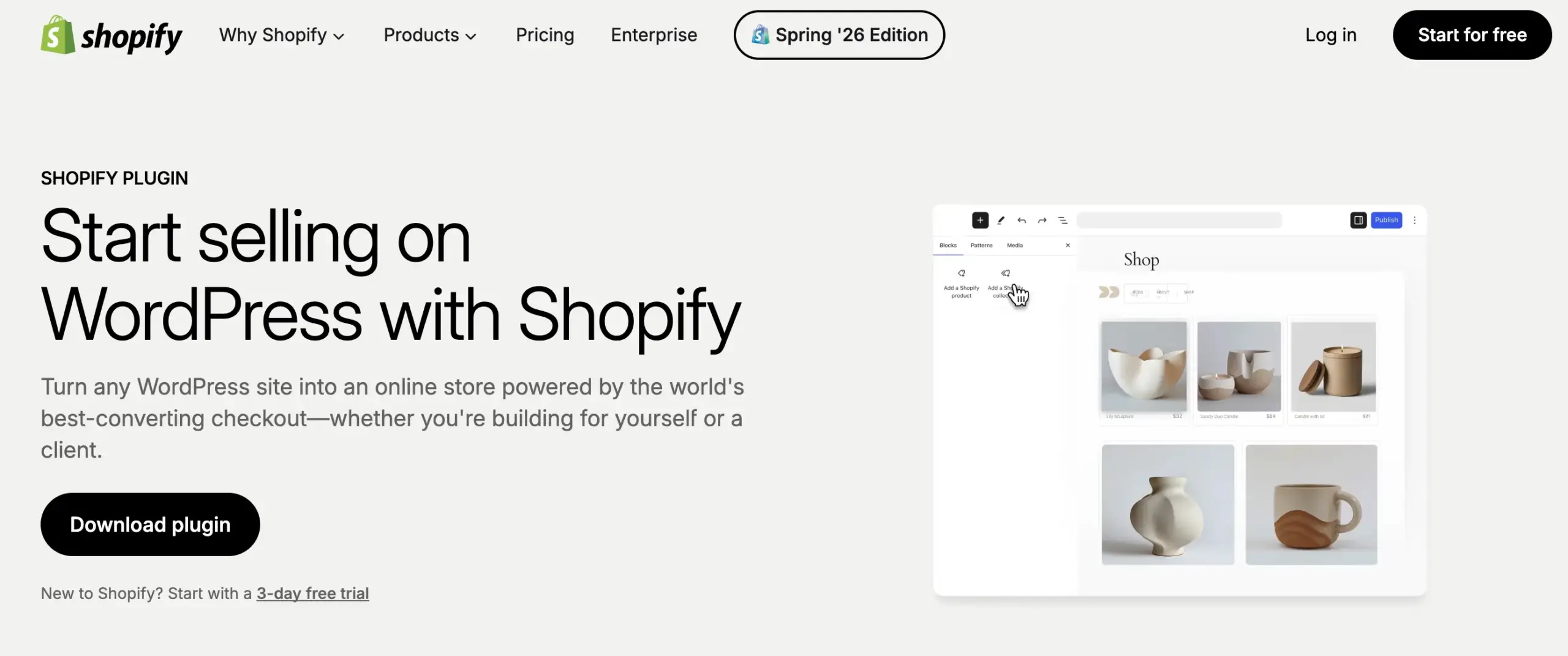
That’s what the Shopify Buy Button is for. Shopify’s Starter plan, priced at $5 a month, lets you generate a snippet of code, drop it into a WordPress page or post, and embed a fully functional product or collection with Shopify handling checkout, payments, and fulfillment behind the scenes. We reviewed the full Shopify setup process if you want the deeper walkthrough. Your WordPress content, blog, and SEO stay exactly where they are.
Best For
Bloggers, service providers, and site owners who want to add a handful of products or a single checkout link without rebuilding their existing WordPress site. Also useful if you already run a full Shopify store elsewhere and just want a few items embedded on a WordPress blog.
Trade-offs
Non-Shopify-Payments transactions on the Starter plan carry a 5% cut, roughly double what you’d pay on Shopify’s full Basic plan. Starter also isn’t a real store. There’s no standalone storefront, no full theme, just the embedded button and checkout, so it’s a poor fit for anyone building a catalog they plan to grow.
4. BigCommerce for WordPress, Handles the Complexity
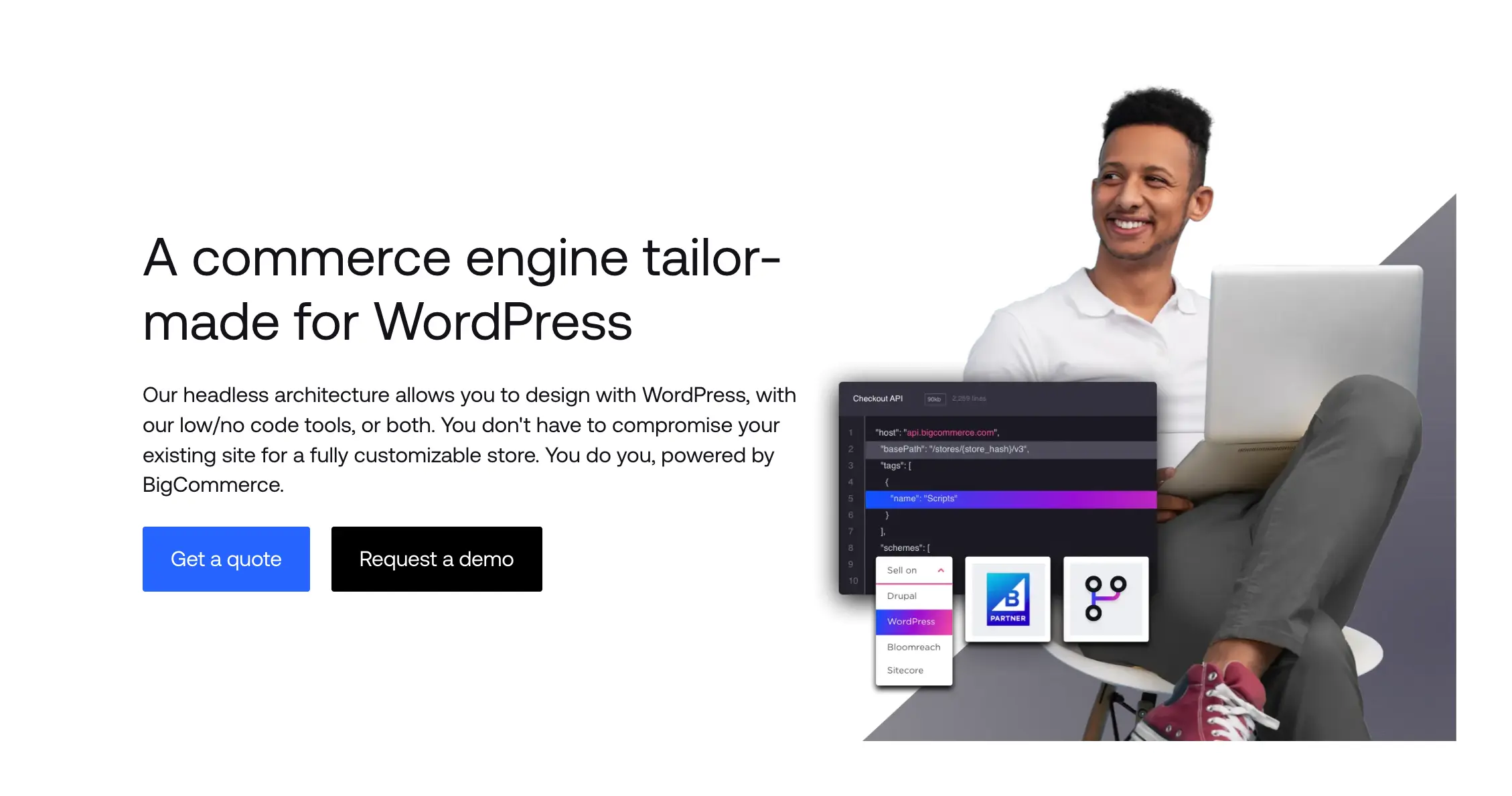
BigCommerce takes a different approach than most plugins on this list. Instead of storing your store inside WordPress, it pulls your product catalog from a BigCommerce account and mirrors it as custom post types on your site. Checkout, payments, and PCI compliance stay on BigCommerce’s servers. Your WordPress site becomes the storefront, and BigCommerce handles the heavy lifting behind it.
Our full BigCommerce review covers setup in more depth, but the short version is this. The plugin itself is free, but it needs an active BigCommerce subscription to function, starting around $29 a month on annual billing.
Best For
Merchants who’ve outgrown a basic WooCommerce setup and need enterprise-grade catalog handling without giving up their existing WordPress content and SEO. Support for up to 600 variants per product, multi-currency and multi-channel selling, and over 65 payment gateways come built in, with no extra extensions to install.
Trade-offs
Design customization runs through BigCommerce’s proprietary Stencil framework, not standard WordPress theming, so expect a learning curve if you’re used to editing WooCommerce templates directly. Your subscription cost also scales with your annual sales volume, which means the plan you start on isn’t necessarily the plan you’ll stay on.
5. Easy Digital Downloads, Built for Digital Goods
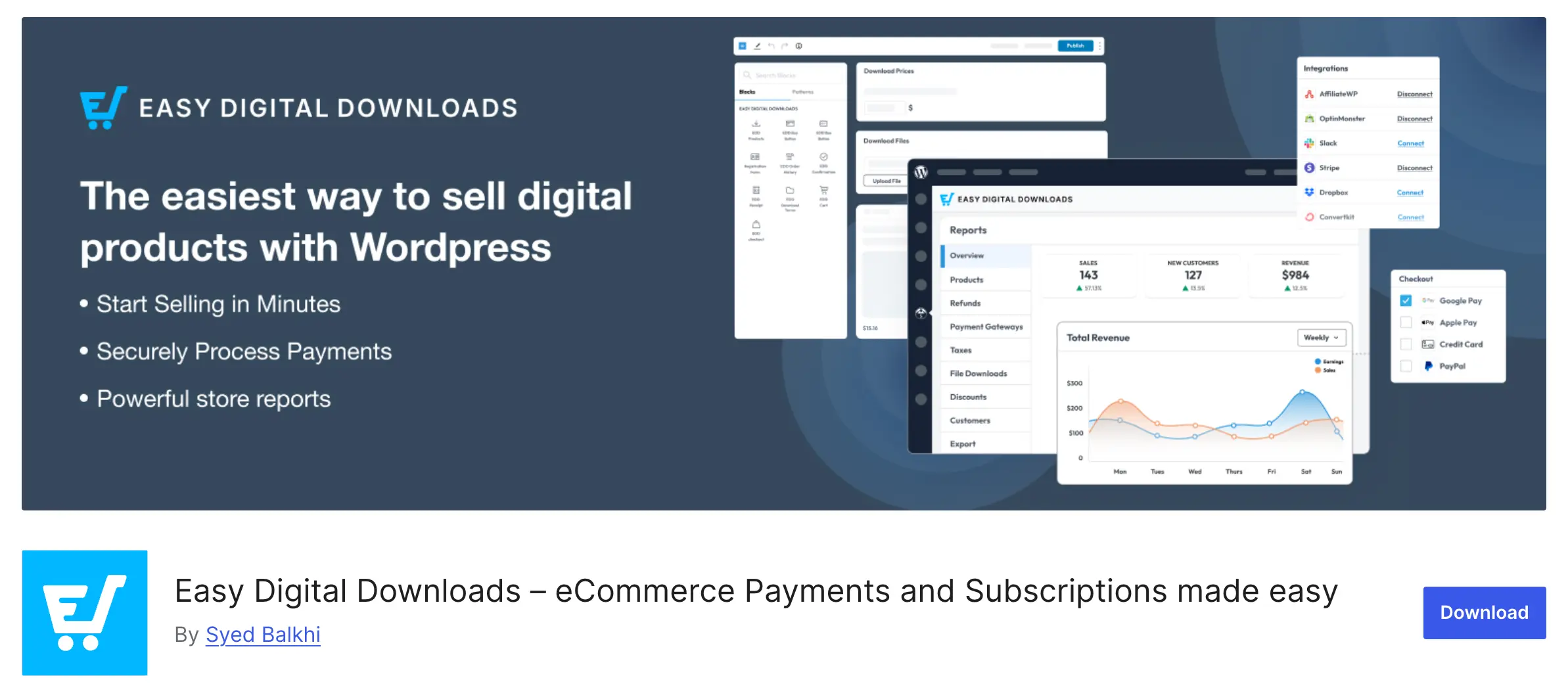
Easy Digital Downloads exists because WooCommerce, built first for physical products, feels like overkill for someone selling only PDFs, software licenses, or online courses. EDD strips out shipping zones, weight fields, and stock counters entirely and replaces them with tools digital sellers actually need: secure file delivery, download limits, license key generation, and detailed sales reporting.
The core plugin is free and handles unlimited products and transactions with no cap. Paid tiers start at $99.50 a year for the Personal pass, climbing to $499.50 for the All Access pass that unlocks every official extension.
Best For
Creators and businesses selling only digital goods, like ebooks, software licenses, templates, or online courses, who don’t want shipping and inventory fields cluttering their setup. There’s no per-sale fee on top of your payment gateway’s own rate either, which matters if you’re used to marketplaces that quietly take a cut of every sale.
Trade-offs
EDD does one thing and does it cleanly, but the moment you need to sell a physical product alongside your digital catalog, you’re reaching for extensions or a different plugin entirely. If you’re migrating away from EDD toward something that handles hybrid catalogs natively, FluentCart’s EDD migration guide walks through what that move actually looks like.
6. Ecwid, Sell Everywhere From One Dashboard
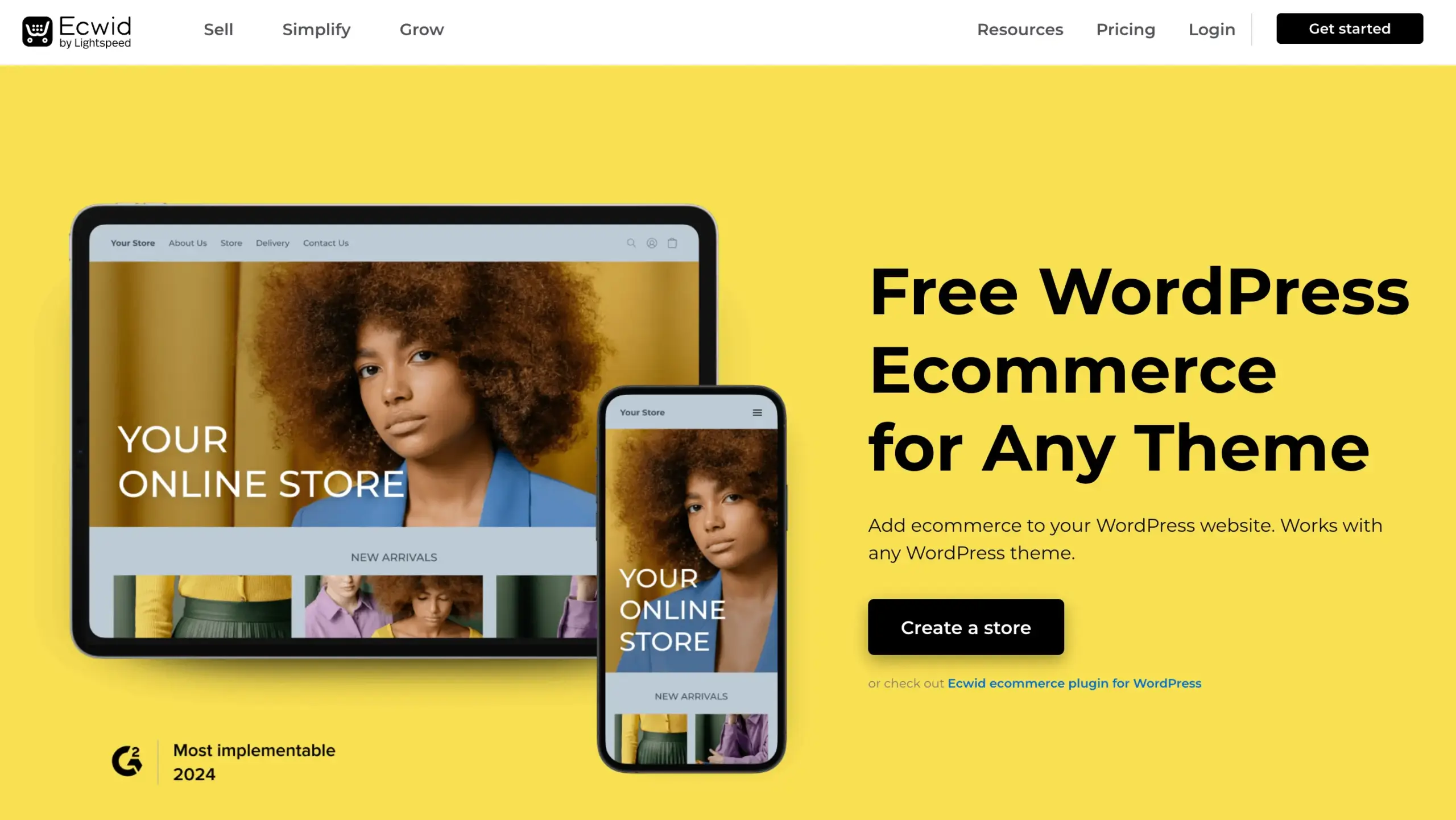
Ecwid solves a different problem than the rest of this list. Instead of building a store inside WordPress, you embed an Ecwid-powered widget into your existing site, and that same product catalog syncs automatically to Instagram, Facebook, Amazon, and eBay from a single dashboard.
Ecwid restructured its pricing in March 2026. The old permanent free plan is gone, replaced by a Starter plan at $5 a month for up to 10 products. Venture, Business, and Unlimited plans scale up from there based on catalog size and features like abandoned cart recovery, which only unlocks on the Business tier and above.
Best For
Store owners who want to sell across their WordPress site, Instagram, Facebook, Amazon, and eBay from one dashboard without stitching together three separate tools. We rounded up the broader eCommerce tool landscape if multi-channel selling is the main thing you’re solving for. Ecwid also charges zero platform transaction fees across every plan, so your only ongoing cost is your payment processor’s standard rate.
Trade-offs
Product filtering, variations, and SEO controls stay locked behind higher tiers, and you’ll never get the customization depth that a fully self-hosted plugin gives you. Since your store lives on Ecwid’s platform rather than inside WordPress, you’re also more dependent on their roadmap and pricing decisions than with a native plugin.
Frequently Asked Questions
The Bottom Line
Six plugins, six different jobs. If you already run a physical catalog and don’t mind stacking extensions, WooCommerce remains a fair default. If you want physical and digital products, subscriptions, and licensing handled natively in the same store, without a pile of add-ons, that’s the gap FluentCart was built to close.
The right WordPress eCommerce plugin is the one that matches what you’re actually selling, not the one with the biggest name. You can join the FluentCart Community to discuss with real store owners. Join today.
Real store owners. Real problems. Real answers. Join the FluentCart Community.

Hi, this is Abir, a Deputy Marketing Lead, passionate product designer, and WordPress core contributor. Creating interesting content and products that ensure a 360-degree customer experience is my daily job.

Subscribe now
Related Articles and Topics
-
Credit Card Payment Plugins Compared: Which Should You Choose?
Compare 10 credit card payment plugins for 2026. See the hidden 1.9% to 3% fees on free plans,…
-
Best Membership Website Hosting in 2026
Membership website hosting isn’t a separate kind of hosting. It’s regular managed cloud or VPS hosting that happens…
-

Best Membership WordPress Plugin: 8 Options Compared for 2026
Compare the best membership WordPress plugin options for 2026 by use case.




Add your first comment to this post