
FluentCart + WP Social Ninja
Let Customers
Sell for You
WP Social Ninja enables posting product reviews directly in your FluentCart store. Build trust, boost conversions, and get loyal customers.

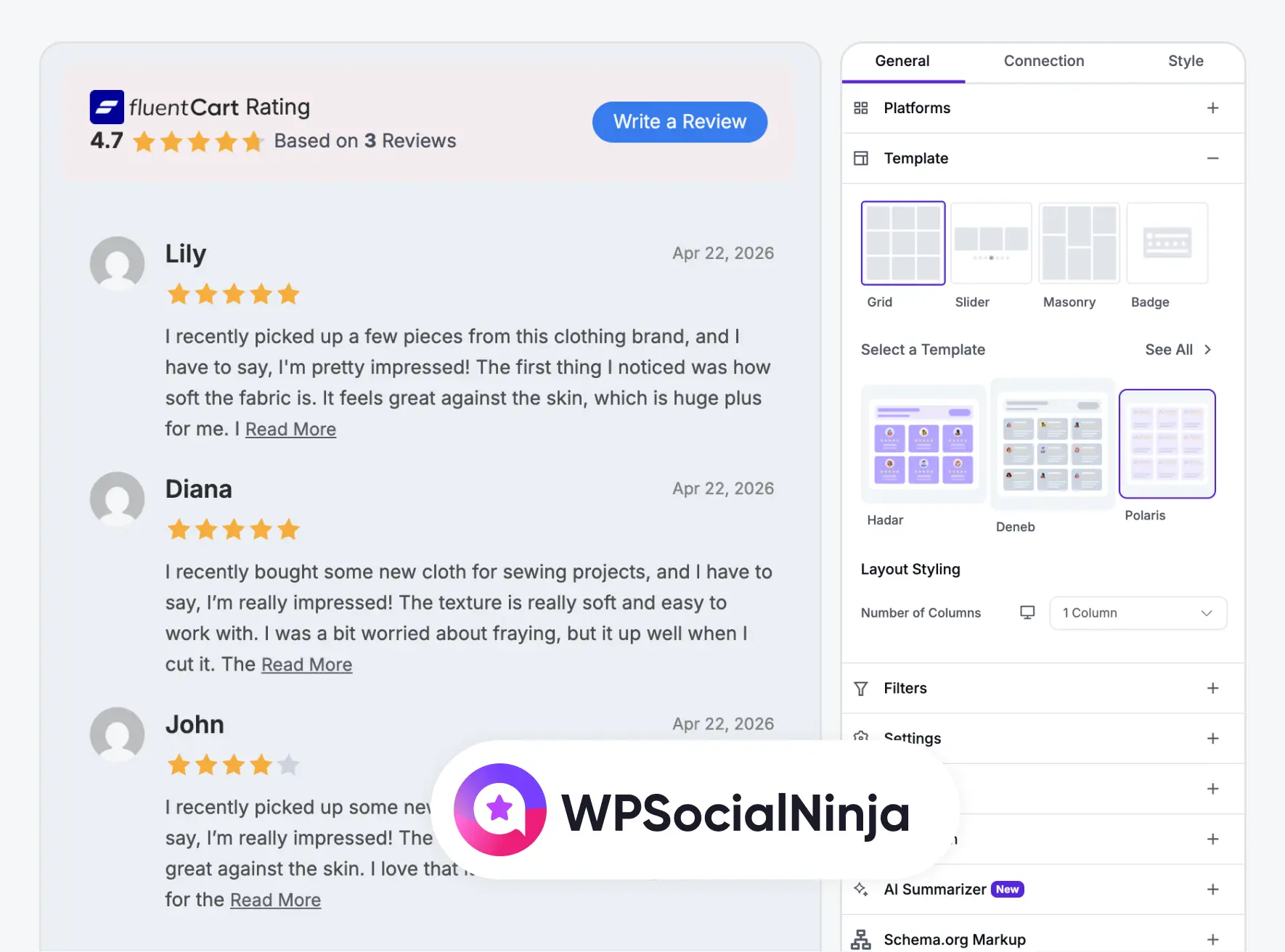
WP Social Ninja Integration
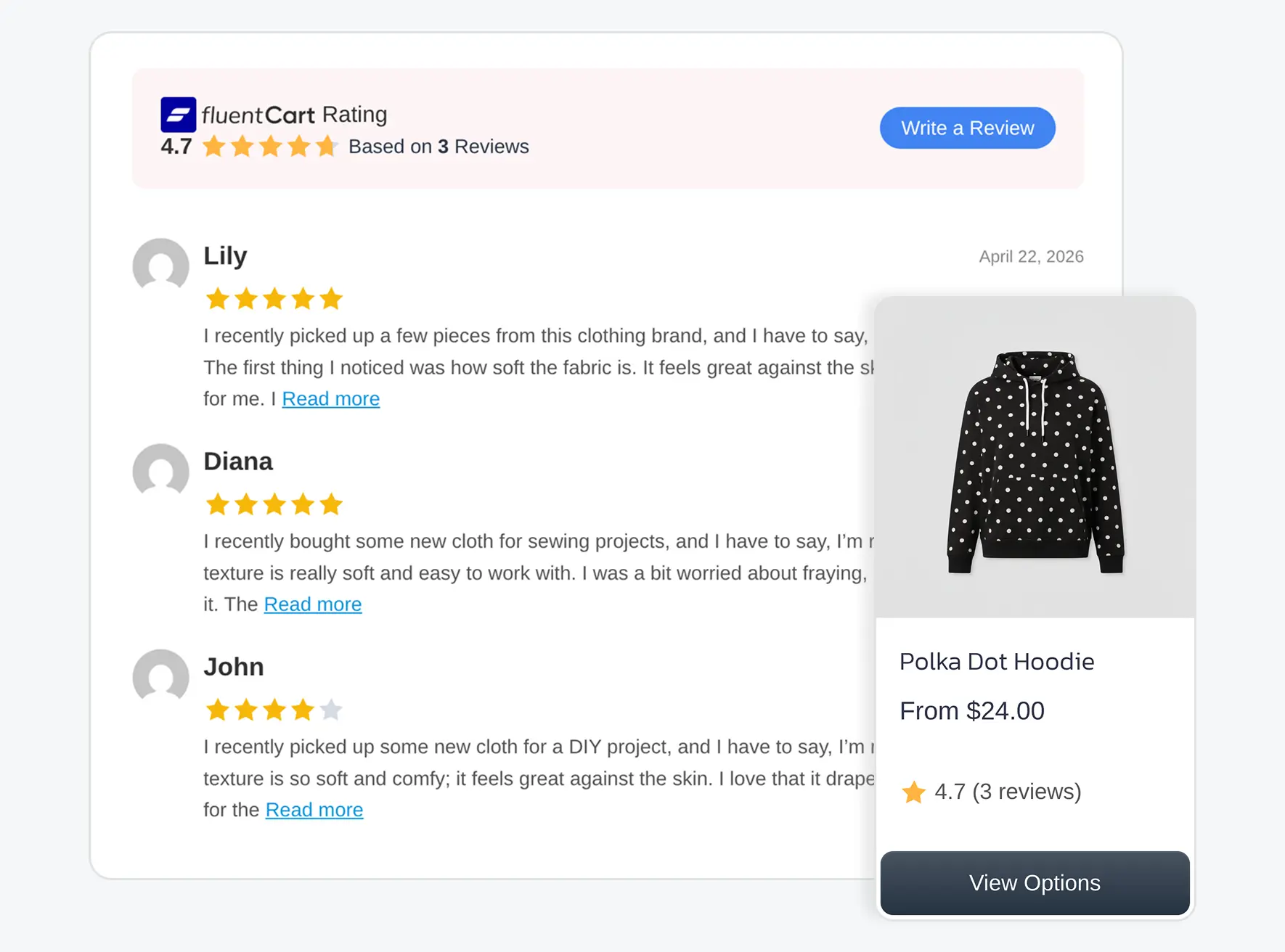
Customer can leaves a review on a FluentCart product and WP Social Ninja will in the background to beautifully display and manage it.
Why This Integration Matters
WP Social Ninja is built for stores that take social proof seriously. This is a professional-grade review engine for your FluentCart products.
Centralized Review Management
Collect, moderate, and publish reviews from a single dashboard, no tab-switching, no missed feedback.
Custom-Branded Display
Match your review layout to your storefront’s look and feel using flexible templates and styling options.
Interactive Review Experience
Let customers click a star rating to scroll to the review section or open a sleek slide-in drawer, your choice.
Per-Product Control
Add and configure the WP Social Ninja integration directly from the FluentCart product editor, per product.
Template Flexibility
Pick from multiple review templates and assign different layouts to different products.
Built for WordPress
A native WordPress integration, no third-party dependency, no API limits, no compromise.
What This Means for Your Business
When your reviews look polished and feel intentional, customers notice.
Frequently Asked Questions
Useful things to know from our helpful customer support team

