
WooCommerce Alternatives: 9 Options Worth Considering in 2026
The strongest WooCommerce alternatives for WordPress stores include FluentCart, SureCart, Shopify, and BigCommerce, each built around a different type of seller rather than one all-purpose model.
Anyone who has spent an afternoon configuring shipping zones for a store that only sells three digital files knows the feeling: WooCommerce can do almost anything, which sometimes means doing more than a specific store actually needs.
So which alternative actually fits yours? This guide breaks down nine options, what each one is built for, and how to match one to your specific setup.
TL;DR
- WooCommerce is a strong, flexible choice for WordPress stores, and it remains the right call for a large share of sellers.
- FluentCart and SureCart bring digital products, physical products, and subscriptions together in one WordPress-native plugin, which suits sellers who want fewer moving parts.
- Hosted platforms like Shopify and BigCommerce trade some WordPress flexibility for fully managed hosting and support.
- Purpose-built tools like Easy Digital Downloads work well when a store has one clear focus, such as digital files only.
- The right pick depends on what you sell, how much setup you want to handle, and how much control you want over your own store data.
What Are WooCommerce Alternatives
WooCommerce alternatives are ecommerce tools that give store owners a different starting point than WooCommerce’s all-in-one plugin.
Some, like FluentCart and SureCart, are also a self-hosted ecommerce platform running on WordPress, just built with a narrower and more opinionated feature set. Others, like Shopify and BigCommerce, are fully hosted platforms that manage servers, security, and updates outside of WordPress entirely.
Each is a genuine alternative to WooCommerce for a specific type of seller rather than a direct swap for every store.
Each tool on this list is built around a different assumption about who is using it, rather than sitting above or below WooCommerce on some general scale.
A seller with only digital downloads does not need shipping zones. A seller who wants zero server maintenance may prefer a hosted platform over any self-hosted plugin, WooCommerce included. Matching the tool to the store is usually more useful than ranking platforms in general terms.
WooCommerce Alternatives at a Glance
Here is how these nine WooCommerce competitors compare on price and fit before we go deeper into each one.
| Platform | Best For | Starting Price | Runs On |
|---|---|---|---|
| FluentCart | Self-hosted stores that want subscriptions and reporting built in | From $199/yr (1 site) | WordPress |
| Shopify | Fully hosted stores with no server management | From $29/mo (annual) | Hosted |
| Easy Digital Downloads | Selling digital products only | Free core, paid from $99.50/yr | WordPress |
| BigCommerce | Large catalogs and high traffic retail | From $39/mo (annual) | Hosted, WP plugin available |
| Wix eCommerce | Beginner-friendly drag-and-drop stores with strong app support | From $27/mo | Hosted |
| Ecwid | Adding a store to an existing site or social channels | From $5/mo | Embeddable, any site |
| PrestaShop | Highly customizable, dedicated open-source stores | Free, self-hosted | Self-hosted |
| Squarespace Commerce | Visually driven brands with smaller catalogs | From $28/mo (annual) | Hosted |
| SureCart | A modern checkout without heavy WordPress hosting demands | Free plan, paid from $179/yr | WordPress |
Pricing reflects publicly listed rates at the time of writing and can change, so it is worth checking each platform’s pricing page before deciding.
Want to hear from store owners who have actually made a switch like this? The FluentCart community is where people compare real experiences with platforms like these, not just spec sheets.
Real store owners. Real problems. Real answers. Join the FluentCart Community.
What To Check Before Switching
This is the section that actually decides which platform is right, so it is worth a few extra minutes before scrolling to the list below. Six factors cover most of what separates a good fit from a frustrating one.
Best WooCommerce Alternatives for WordPress
Here are nine tools worth comparing. The list opens with WordPress-native plugins before moving into hosted platforms.
1. FluentCart
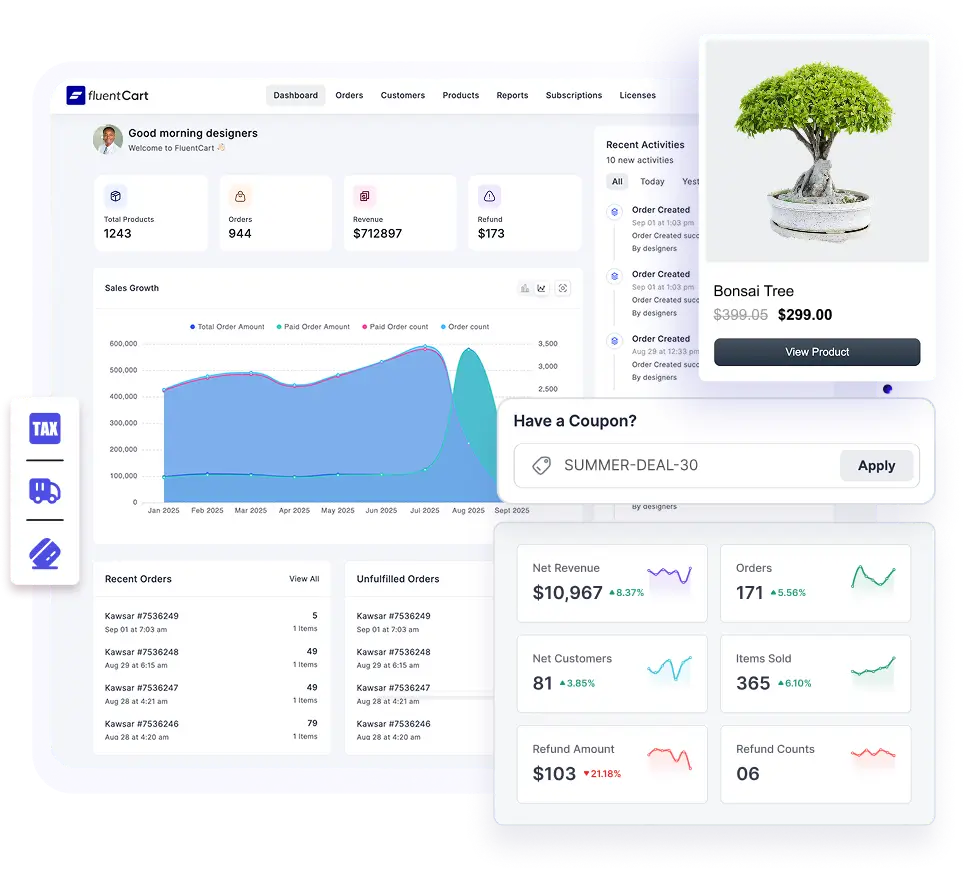
FluentCart is a WordPress-native ecommerce plugin built to handle physical products, digital downloads, and subscriptions from a single setup, rather than requiring separate extensions for each. Checkout, order management, and core reporting are built into the plugin, and more advanced reporting and controls are available on paid plans. Because it runs directly on WordPress, store and customer data stay on your own hosting rather than a third party’s servers, which matters for sellers who want full ownership of their data.
| Best For | WordPress store owners who want subscriptions, digital products, and physical products handled in one plugin |
| Starting Price | From $199/yr for one site, lifetime plans from $249 |
| Product Types | Physical, digital, and subscription products |
For a full breakdown of what is included, the feature list and pricing page cover current plans, and the vs WooCommerce breakdown is a useful read if you are weighing a like-for-like, self-hosted option.
2. Shopify
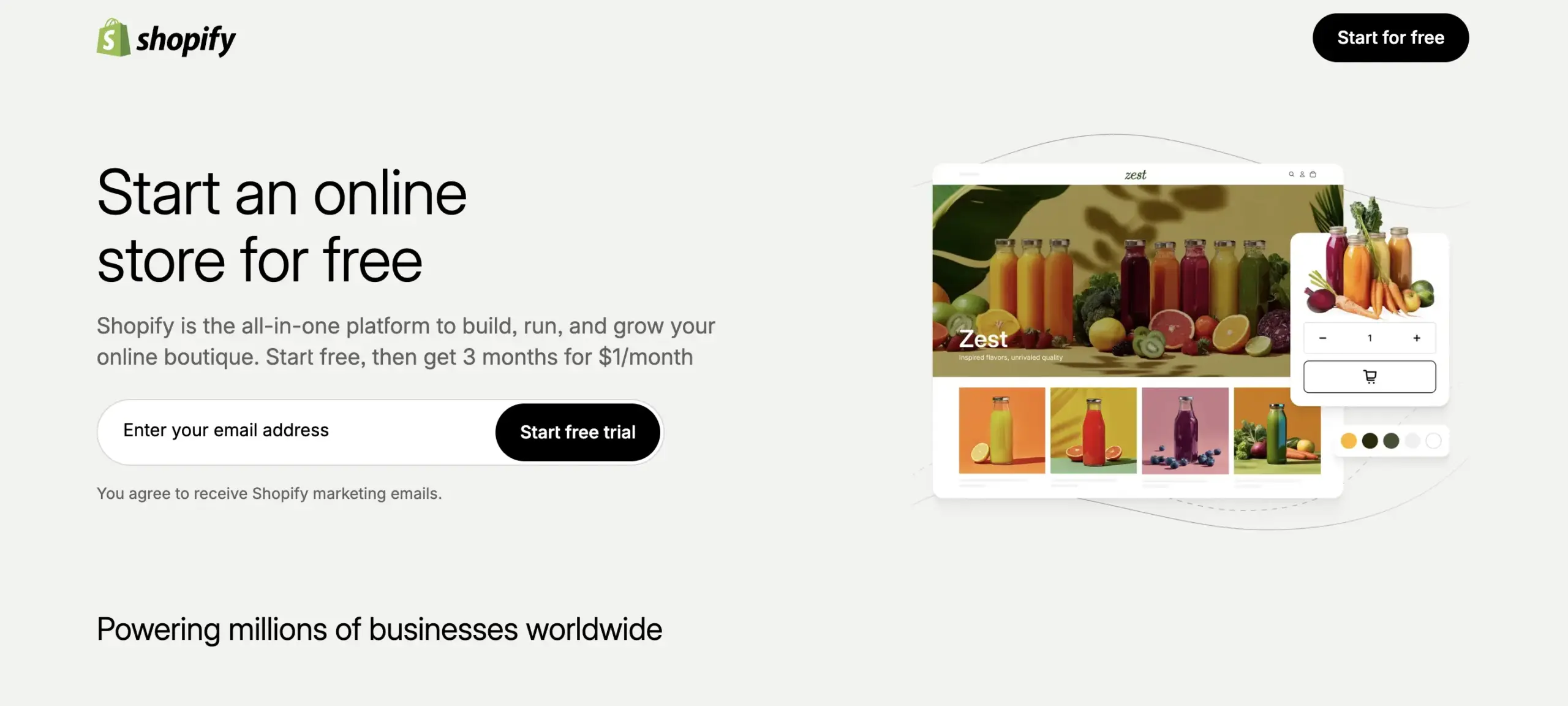
Shopify is a fully hosted platform. Your store lives on Shopify’s servers instead of WordPress hosting, and Shopify handles security, backups, and updates without manual work on your end, which is a common reason sellers choose it over any self-hosted option. The trade-off is a monthly subscription plus transaction fees unless you use Shopify’s own payment processor. Shopify is not a WordPress plugin, so moving to it means leaving the WordPress ecosystem for your storefront entirely, which is worth weighing if your content and blog also live on WordPress.
| Best For | Sellers who want a fully managed platform with no server or hosting responsibilities |
| Starting Price | From $29/mo (billed annually) |
| Product Types | Physical, digital, and subscription products |
3. Easy Digital Downloads
Easy Digital Downloads is built specifically for digital products such as ebooks, software, and online courses. It leaves out the shipping and inventory tools that a digital-only seller never needs. The free core plugin covers secure file delivery, download limits, and basic payment gateways, with premium add-ons available for subscriptions and software licensing. Because it skips physical product features entirely, setup tends to feel lighter for creators selling files only, though it is not built to handle physical inventory if a catalog later expands into physical goods.
| Best For | Creators and businesses selling digital-only products like ebooks, software, or courses |
| Starting Price | Free core plugin, paid plans from $99.50/yr |
| Product Types | Digital products only |
4. BigCommerce

BigCommerce runs on a headless setup, where BigCommerce manages products, inventory, and payments while WordPress can still handle content and design through its dedicated plugin. This split works well for stores with large catalogs or high traffic, since BigCommerce’s own infrastructure absorbs the load instead of your WordPress hosting. Plans are tied to annual sales caps, so fast-growing stores may need to upgrade tiers as revenue increases, which makes it a stronger fit for established retailers than for a first store.
| Best For | Large catalogs, high-traffic retail stores, and multichannel selling |
| Starting Price | From $39/mo (billed annually) |
| Product Types | Physical and digital products |
5. Wix eCommerce
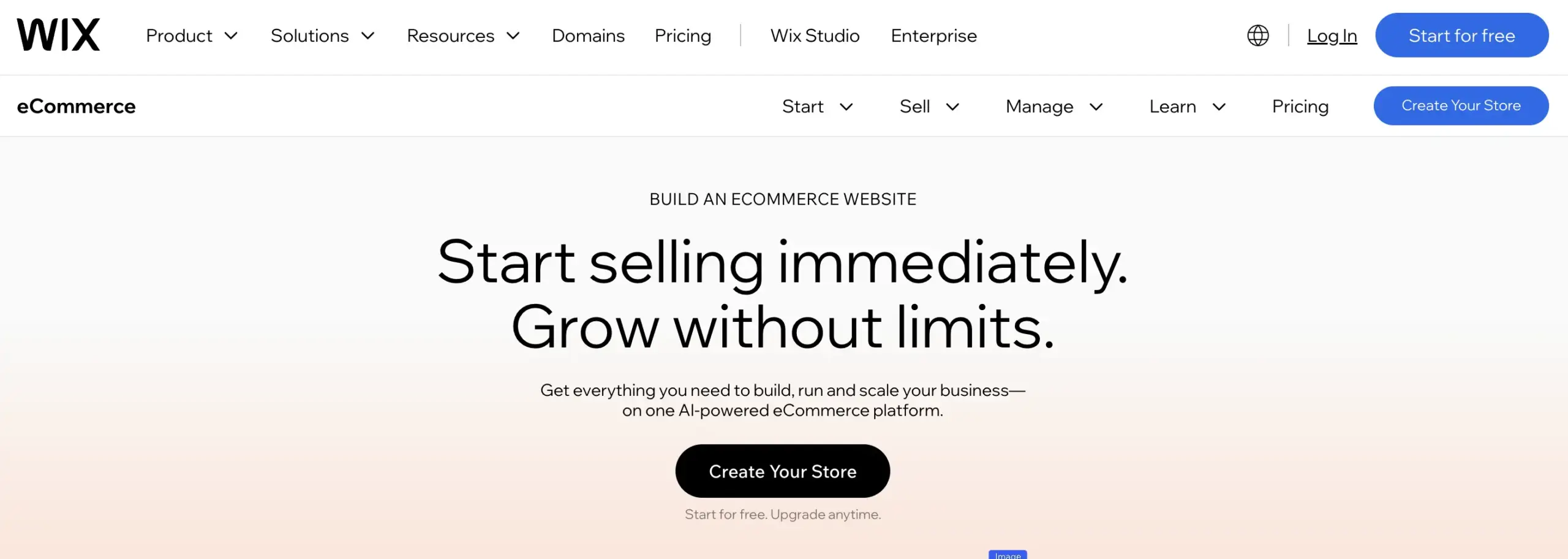
Wix pairs a drag-and-drop site builder with a genuinely capable ecommerce layer, and its app market gives it more third-party breadth than most page builders in this category. It suits beginners who want visual control without touching code, but it also holds up for stores that want more integrations and marketing tools than a template-first builder usually offers. Paid plans include zero transaction fees, so sellers keep more of each sale compared to platforms that take a percentage. The trade-off shows up after a site goes live: templates cannot be swapped without rebuilding parts of the store, and Wix is not open source, so there is no way to access or modify the underlying code the way a self-hosted plugin allows.
| Best For | Beginners and small businesses who want a visual, drag-and-drop store builder with strong app support |
| Starting Price | From $27/mo |
| Product Types | Physical and digital products |
6. Ecwid
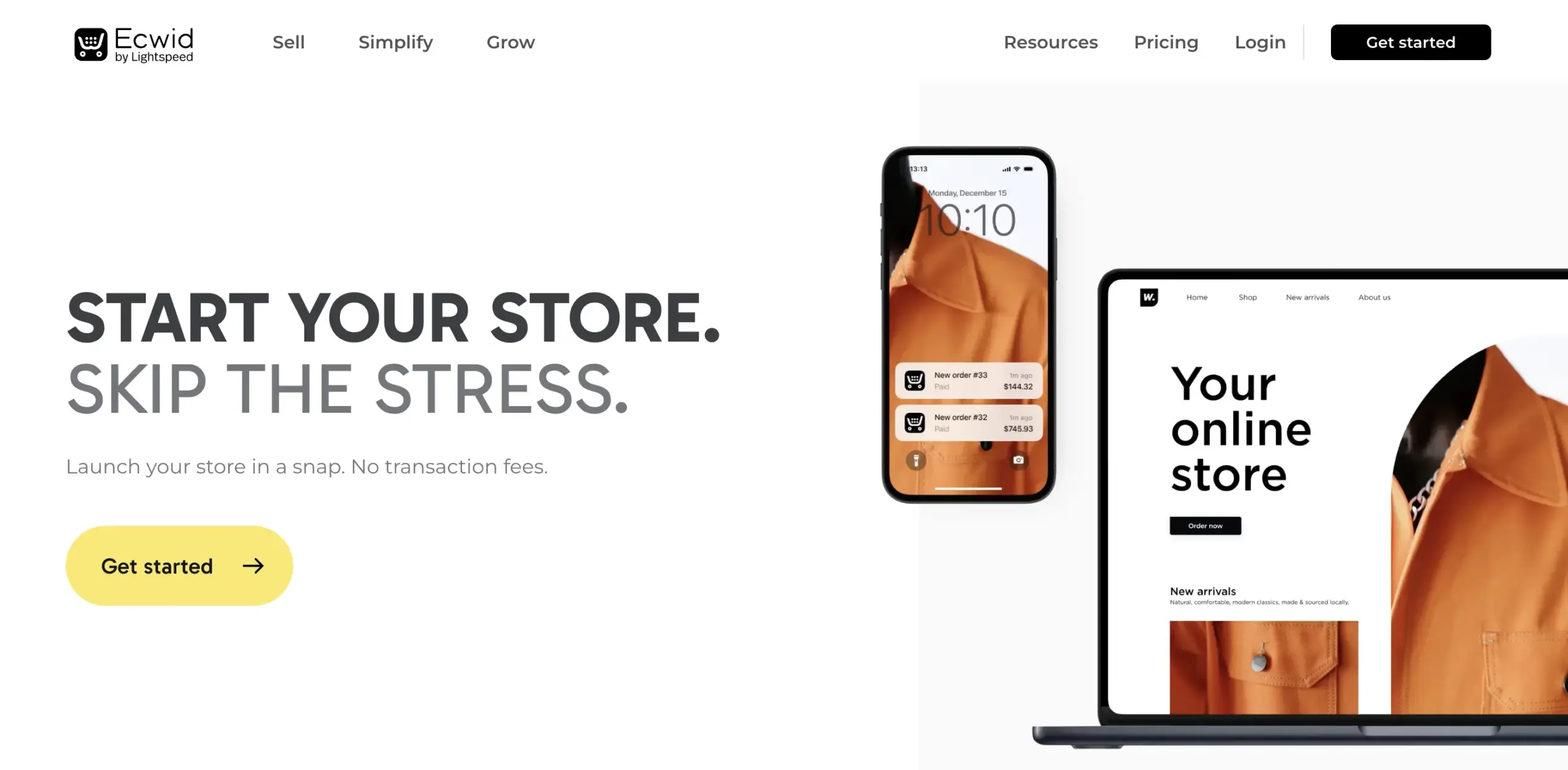
Ecwid works differently from most tools on this list because it is built to be embedded into an existing website rather than replacing it. A WordPress plugin adds an Ecwid storefront to a site in minutes, and the same catalog can sync across Instagram, Facebook, and other marketplaces from one dashboard. This makes it practical for someone who already has a site and just needs a shopping cart added on top. Design control is more limited than a dedicated store builder, and the free tier caps out at a small number of products.
| Best For | Adding a store to an existing website, or selling across social platforms and marketplaces |
| Starting Price | From $5/mo |
| Product Types | Physical and digital products |
7. PrestaShop
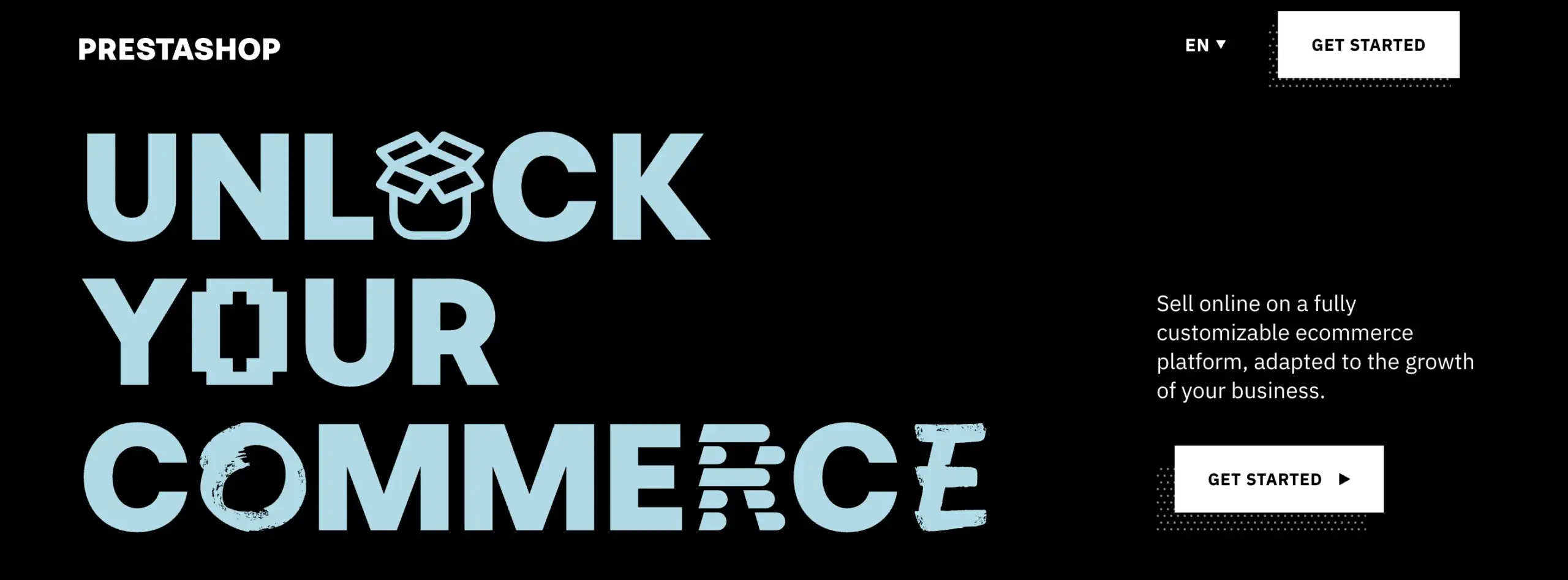
PrestaShop is open source and free to download, similar in spirit to WooCommerce but built only for ecommerce rather than as an add-on to a general content platform. It ships with hundreds of built-in features and a large module marketplace for extending functionality further. The main difference in a PrestaShop vs WooCommerce comparison is that PrestaShop is dedicated entirely to online stores, while WooCommerce is a plugin layered onto a broader content management system. Like WooCommerce, PrestaShop requires comfort with self-hosting, security, and ongoing updates, and its back office has a steeper learning curve for first-time users, which suits sellers who want deep customization and already have some technical background.
| Best For | Technically comfortable sellers who want a dedicated, highly customizable open-source platform |
| Starting Price | Free to download, self-hosted |
| Product Types | Physical and digital products |
8. Squarespace Commerce

Squarespace is best known as a website builder, and its commerce features work well for visually driven brands with smaller catalogs. Templates are clean by default, and core features like blogging, basic SEO, and mobile responsiveness are built in without extra plugins. Once a catalog grows, the gaps show up. Squarespace offers fewer third-party integrations than Wix or dedicated ecommerce platforms, and inventory tools are more limited for stores managing hundreds of products, which suits solopreneurs and small, design-led catalogs better than growing retail operations.
| Best For | Visually driven brands with smaller, curated product catalogs |
| Starting Price | From $28/mo (billed annually) |
| Product Types | Physical and digital products |
9. SureCart

SureCart is a plugin for WordPress built on a headless architecture. Payment processing and order data run on SureCart’s own servers instead of your WordPress host, which keeps a site lighter since the heavier processing happens off-site. The free plan covers digital and physical products, subscriptions, and basic upsells, which is a fairly complete free tier compared to most tools on this list. Customer data lives on SureCart’s infrastructure rather than your own server, which is worth knowing if full data ownership is a priority.
| Best For | Sellers who want a modern checkout experience without heavy WordPress hosting requirements |
| Starting Price | Free plan available, paid plans from $179/yr |
| Product Types | Physical and digital products, subscriptions |
Which Alternative Fits Your Store
The right pick usually comes down to what you sell and how much control you want over hosting.
If you’re moving your store to any of the platforms above, the checklist below covers everything from product data and customer records to tax settings and URL redirects, so nothing gets missed in the switch.
Get the free printable migration checklist.
Nothing missed, nothing left to chance.
Print 3 copies and check them off by hand.
A Note on WooCommerce’s Scale
WooCommerce’s scale is well earned. According to W3Techs, WooCommerce still runs on roughly one in ten websites worldwide, which makes it the most widely used ecommerce plugin in the WordPress ecosystem by a wide margin. That scale is exactly why it works so well as a general-purpose default. It also explains why more specific store types, digital-only sellers and subscription-based businesses among them, have started looking at purpose-built tools instead of adding extensions to a broader platform. The decision usually comes down to fit rather than any real shortcoming on WooCommerce’s part.
Wrapping Up
WooCommerce remains a strong, well-supported choice, and for a large share of stores it is still the right call. The alternatives in this guide exist because ecommerce needs are not all the same. A digital creator, a subscription-based seller, and a large retailer each have different priorities, and picking a tool built around your specific use case, whether that is FluentCart’s self-hosted approach or a fully managed platform like Shopify, usually means less setup work and fewer extensions to manage down the line.
Still deciding? Ask in the FluentCart community. Store owners who have already been through this exact decision are there to talk it through
Real store owners. Real problems. Real answers. Join the FluentCart Community.

Hi, this is Sajid, a Marketing Strategist who creates content and visuals designed for maximum audience engagement. I also love exploring different tech tools, always curious to see what’s out there.

Subscribe now
Related Articles and Topics
-

Best WooCommerce Plugins: For Physical and Digital Sellers
Skip the 30-plugin lists. 12 WooCommerce add-ons sorted by store type, with an honest note on what’s free,…
-
Teachable vs Kajabi vs MemberPress: Which One Fits You Best in 2026?
Teachable vs Kajabi vs MemberPress compared on pricing, fees, and features to help you choose the right platform…
-
eCommerce Platform Migration: Guided Migration w/ Checklist
Ecommerce platform migration checklist: move WooCommerce to FluentCart Free.




Leave a Reply