
Introducing One-Click Migration from EDD to FluentCart
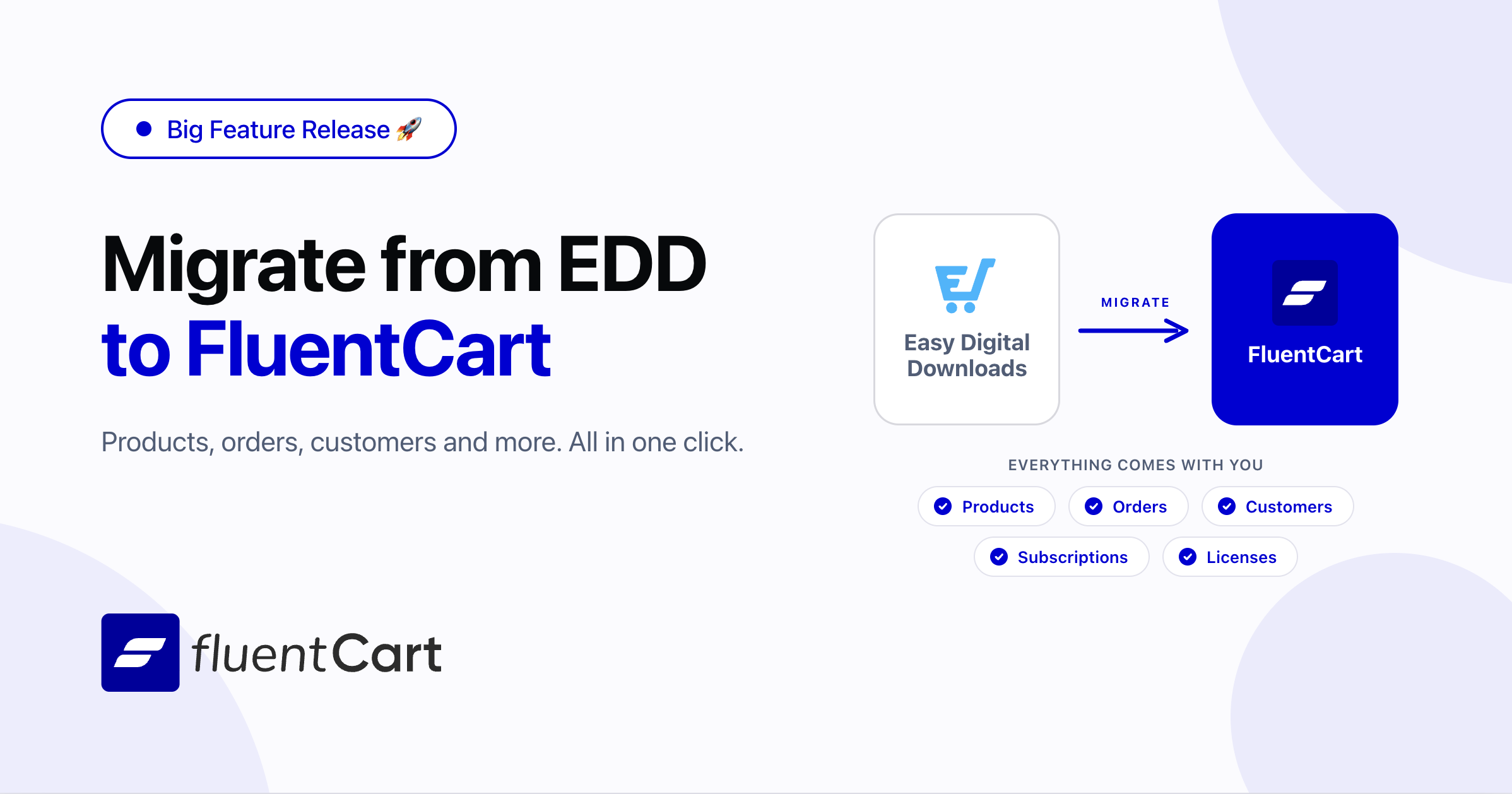
Switching eCommerce platforms is terrifying. One wrong move and your customers lose access to their downloads, subscriptions stop billing, and license activations break across thousands of sites. We built the FluentCart Migrator so you never have to worry about any of that.
FluentCart Migrator 1.0.0 beta moves your entire EDD 3.x store into FluentCart products, customers, orders, subscriptions, licenses, coupons, tax rates — in a single automated pipeline. No CSV exports. No manual re-entry. No broken customer sites.
What gets migrated and what stays identical
Here is exactly what transfers from EDD to FluentCart, and what your customers will never notice changed:
Products
| EDD → FluentCart | What stays the same |
|---|---|
| Downloads → Products | Title, content, slug, featured image, author |
| Variable pricing → Product variations | Price, name, billing interval |
| Bundle products → Bundle variations | Per-variation bundle access rules |
| Downloadable files (local + S3) → Product downloads | File names, per-variation file conditions |
| Recurring pricing → Subscription variations | Interval, signup fee, trial days, bill times |
Orders & Transactions
| EDD → FluentCart | What stays the same |
|---|---|
| Orders → Orders | Order ID preserved, timestamps, IP address |
| Order items → Order items | Unit price, quantity, tax, discount per line |
| Transactions → Transactions | Stripe payment intent IDs, PayPal transaction IDs |
| Refund orders → Refund transactions | Refund amounts distributed proportionally per item |
| Order addresses → Order addresses | Full billing address |
| Applied discounts → Applied coupons | Coupon code, discount amount per order |
| Order notes → Activity log | Note content, timestamps, user attribution |
| UTM data → Order operations | Campaign, source, medium, refer URL |
Order statuses mapped:
| EDD Status | FluentCart Order Status | FluentCart Payment Status |
|---|---|---|
| complete / publish | Completed | Paid |
| processing | Processing | Paid |
| edd_subscription (renewal) | Completed | Paid |
| pending | On Hold | Pending |
| partially_refunded | Completed | Partially Refunded |
| refunded | Canceled | Refunded |
| revoked | Canceled | Failed |
| failed / cancelled / abandoned / trash | Skipped (not migrated) | |
Customers
| EDD → FluentCart | What stays the same |
|---|---|
| EDD customers → FluentCart customers | Email, name, WordPress user link |
| Customer address → Customer location | Country, city, state, postcode |
Customers are deduplicated by email. If a customer already exists in FluentCart, incoming orders link to the existing record — no duplicates. After migration, a recount step rebuilds each customer’s lifetime value (LTV), average order value (AOV), purchase count, and purchase dates from the actual order data.
Subscriptions
| EDD → FluentCart | What stays the same |
|---|---|
| EDD subscriptions → FluentCart subscriptions | Status, billing interval, recurring amount |
| Stripe customer ID → Vendor customer ID | Stripe continues billing seamlessly |
| PayPal profile ID → Vendor subscription ID | PayPal renewals keep working |
| Subscription notes → Activity log | Full note history preserved |
Subscription statuses mapped:
| EDD Status | FluentCart Status |
|---|---|
| active | Active |
| trialling | Trialing |
| expired | Expired |
| completed | Completed |
| cancelled | Canceled |
| failing / needs_attention | Failing |
| pending | Pending |
Billing intervals mapped:
| EDD Interval | FluentCart Interval |
|---|---|
| day | daily |
| week | weekly |
| month | monthly |
| quarter | quarterly |
| semi-year | half_yearly |
| year | yearly |
Signup fees, trial days, and bill-times limits all carry over.
Coupons & Tax Rates
| EDD → FluentCart | What stays the same |
|---|---|
| Discount codes → Coupons | Code, amount, max uses, start/end dates |
| Flat discount → Fixed (converted to cents) | Discount value preserved |
| Percent discount → Percentage | Percentage value preserved |
| Product restrictions → Included/excluded products | Product-level restrictions preserved |
| AffiliateWP affiliate ID → Affiliate meta | Affiliate attribution preserved |
| EDD tax rates → FluentCart tax classes | Tax enabled/disabled, inclusive/exclusive, country rates |
Software licensing: Zero downtime for your customers
This is the part that matters most if you sell software. Other migration tools ask your customers to deactivate and reactivate their licenses. We don’t. Every active site stays active.
| EDD Software Licensing → FluentCart | What stays the same |
|---|---|
| Licenses → Licenses | License key (verbatim), status, expiration date |
| License activations → License activations | Site URL, activation hash, is_local flag |
| Per-variation activation limits → Activation limits | Limits preserved (including manual overrides) |
| Product version + changelog → License settings | Version string, changelog content |
| License-subscription link → License-subscription link | Cancellation still controls license expiry |
But what about existing API calls? Your customers’ plugins and themes are still calling EDD’s license endpoints. The Migrator intercepts these requests and routes them through FluentCart’s license engine, returning responses in EDD’s exact JSON format. Your customers don’t need to update anything. Their software keeps working.
The same backward compatibility covers:
- License activation/deactivation/check — EDD-format API responses from FluentCart’s engine
- Plugin update checks — version info served from FluentCart
- Package downloads — redirected to FluentCart’s download handler
- Renewal URLs — redirected to FluentCart’s subscription renewal page
- PayPal IPN webhooks — renewal notifications for existing PayPal subscriptions
- Stripe charge ID resolution — legacy orders using charge IDs instead of payment intents
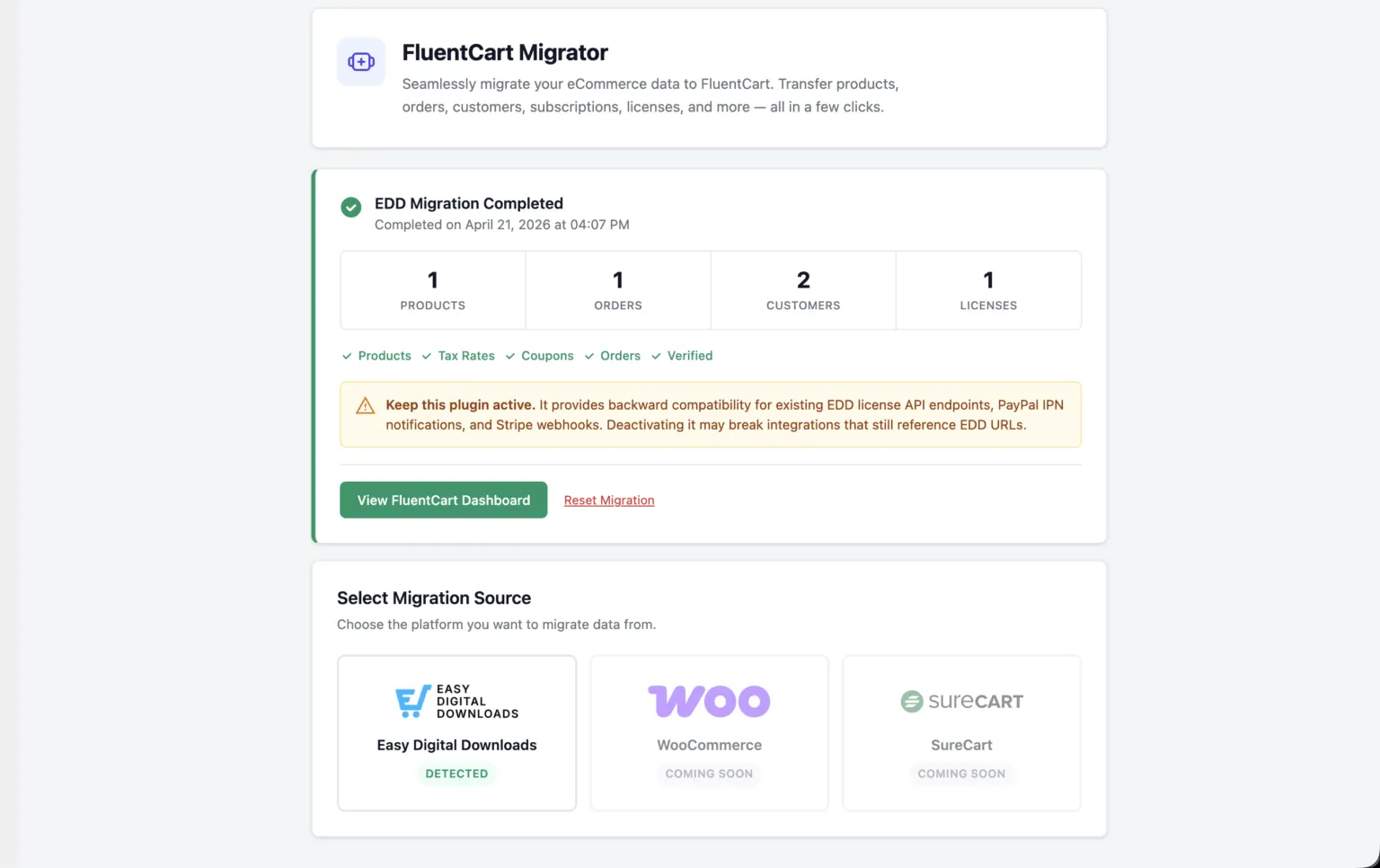
This is why the Migrator plugin should stay active after migration. It’s the bridge that keeps legacy API calls working until all your customers have updated to versions that talk to FluentCart natively.
Download and install the Migrator
The Migrator is a separate plugin that runs alongside FluentCart. We keep it separate so we can iterate fast without shipping every update to the main plugin. It is in beta for now, so you grab it from us directly, not from the WordPress.org repo.
Download
Install
From your WordPress admin:
- Go to Plugins → Add New → Upload Plugin
- Pick the zip you just downloaded
- Click Install Now
- Activate the plugin once it finishes installing
Run the migrator
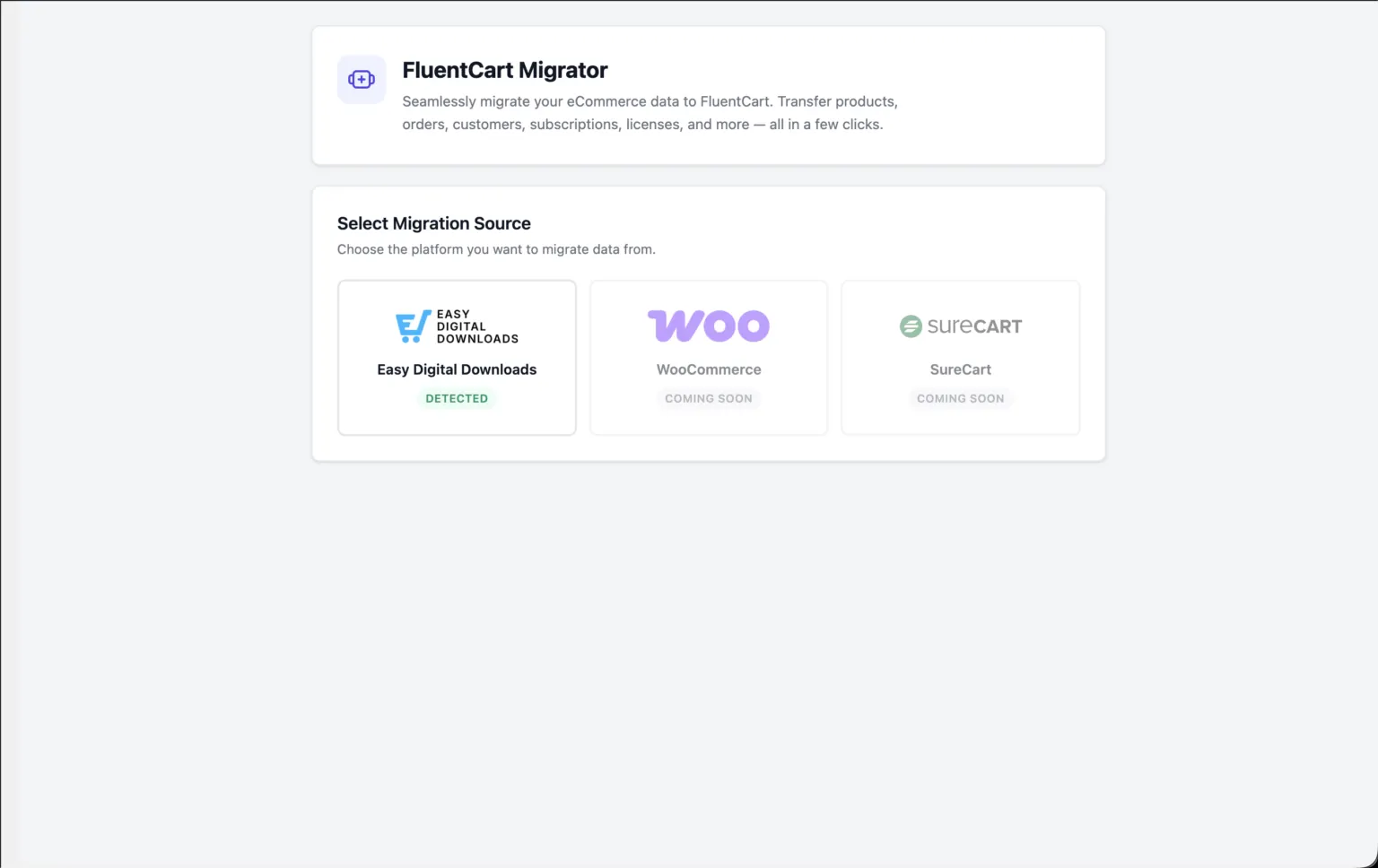
Once activated, a new menu shows up at FluentCart → Migrator in your admin sidebar. Open it and the wizard starts from Step 1.
Prefer the terminal? The WP-CLI commands are available right away, no extra setup needed.
One reminder from the licensing section above: keep the Migrator plugin active after the migration finishes. It is the bridge that keeps your customers’ existing license API calls working. Do not deactivate it until your customers have updated to plugin or theme versions that talk to FluentCart directly.
Two ways to migrate
Admin wizard (for most stores)
A five-step visual wizard that runs from your WordPress admin — no terminal required:
- Select Source — auto-detects EDD installation
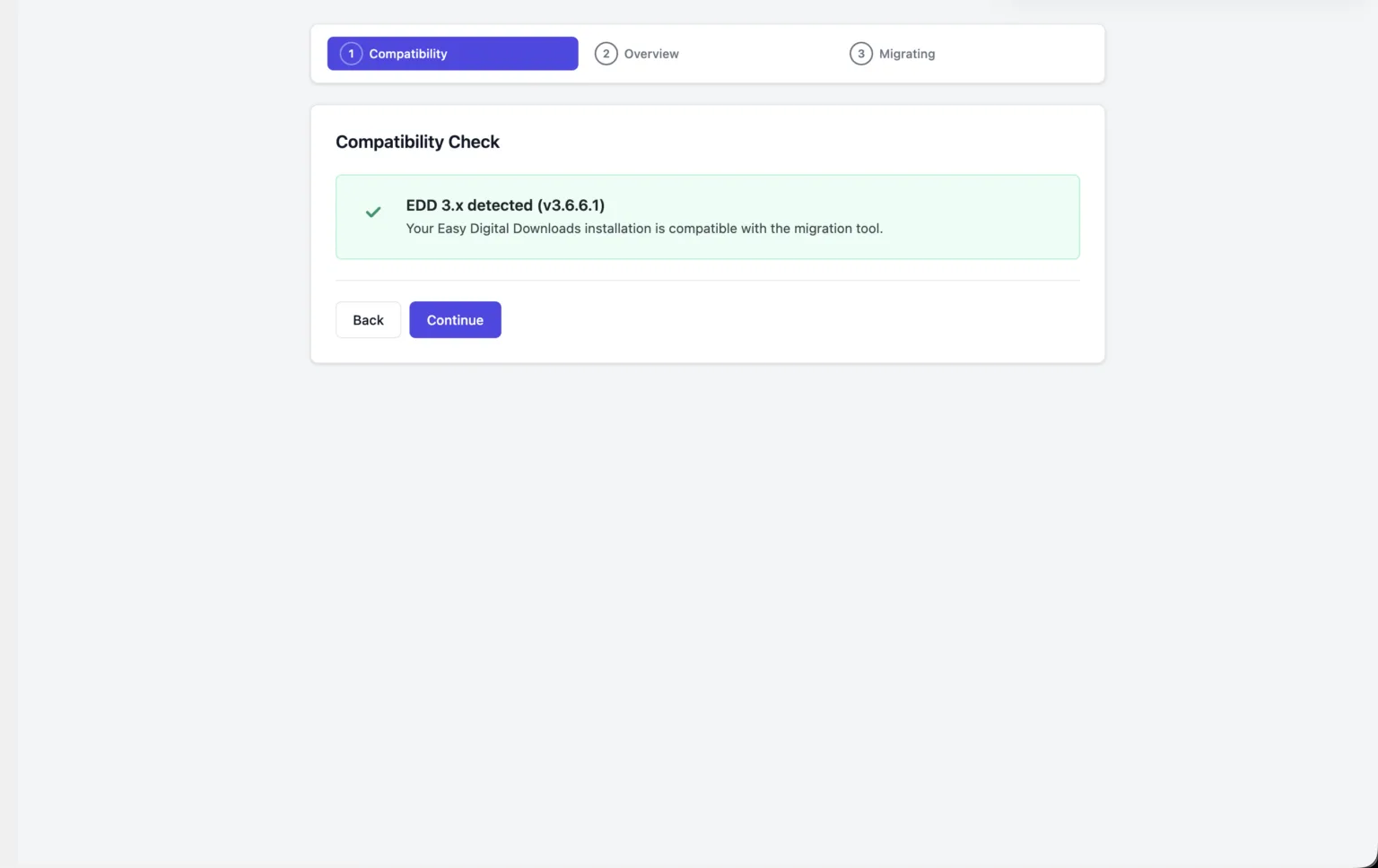
- Compatibility Check — verifies EDD 3.x with v3 tables
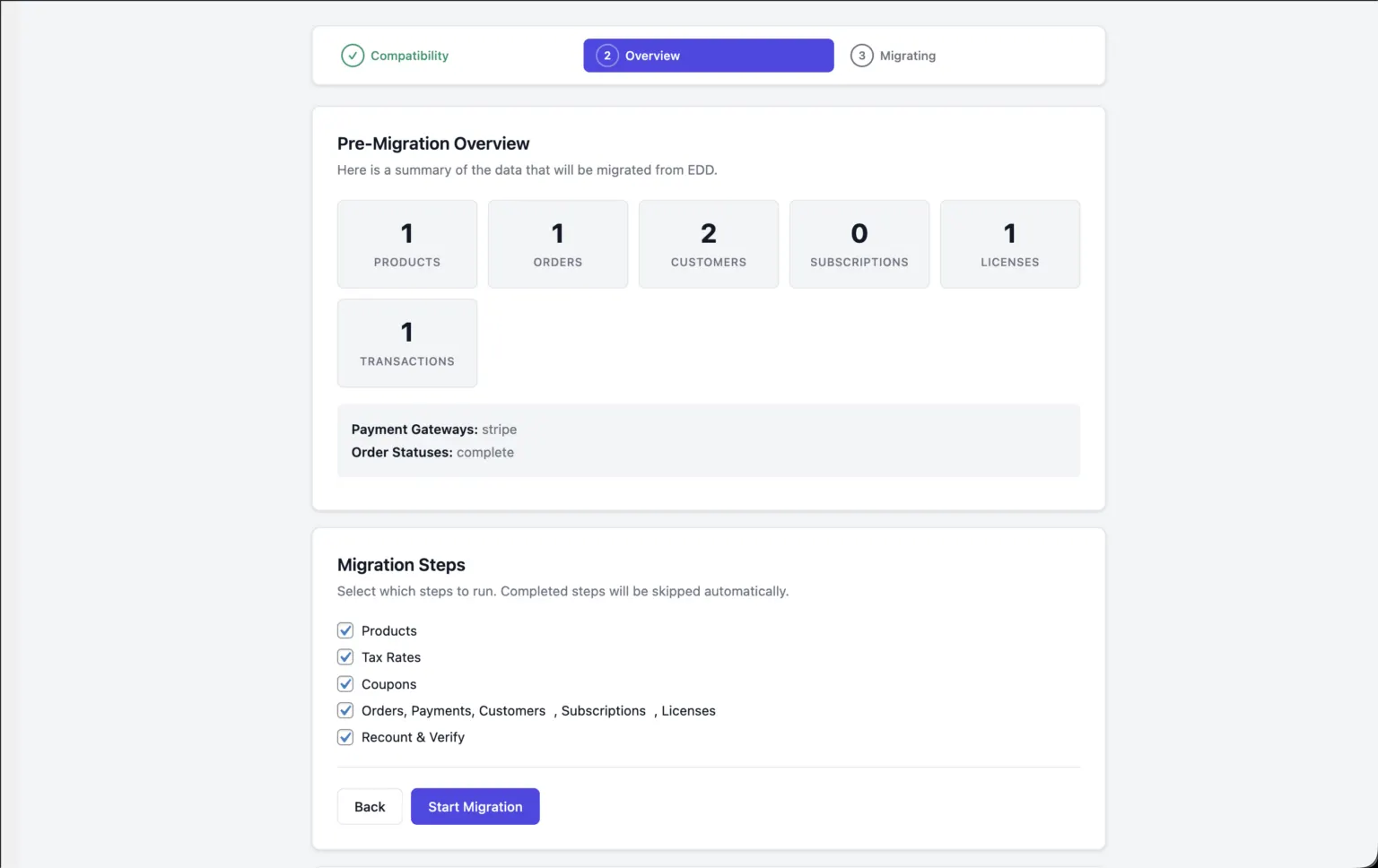
- Overview — shows counts of everything that will migrate, with checkboxes to select specific steps
- Migration Runner — live progress with per-step status, progress bar for orders with ETA, and pause/resume controls
- Completion Summary — stats, completed step tags, inline error log for any failed records
The runner is time-boxed: each REST call processes orders for up to 25 seconds, then returns control to the browser. This means it works on shared hosting with strict timeout limits. If you close the tab or your connection drops, reopen the page — it picks up exactly where it left off.
WP-CLI (for large stores)
For stores with thousands of orders, WP-CLI is faster and avoids browser timeout concerns entirely:
# Full migration in one pass
wp fluent_cart_migrator migrate_from_edd --all

# Or step by step
wp fluent_cart_migrator migrate_from_edd --products
wp fluent_cart_migrator migrate_from_edd --tax_rates
wp fluent_cart_migrator migrate_from_edd --coupons
wp fluent_cart_migrator migrate_from_edd --payments
wp fluent_cart_migrator migrate_from_edd --recount

# Preview before migrating
wp fluent_cart_migrator migrate_from_edd --stats

# Review failures
wp fluent_cart_migrator migrate_from_edd --log

# Verify license integrity
wp fluent_cart_migrator migrate_from_edd --verify_license
Post-migration utilities:
wp fluent_cart_migrator edd_cleanup
wp fluent_cart_migrator fix_subs_uuid
wp fluent_cart_migrator migrate_fresh  # dev mode
wp fluent_cart_migrator reset          # dev mode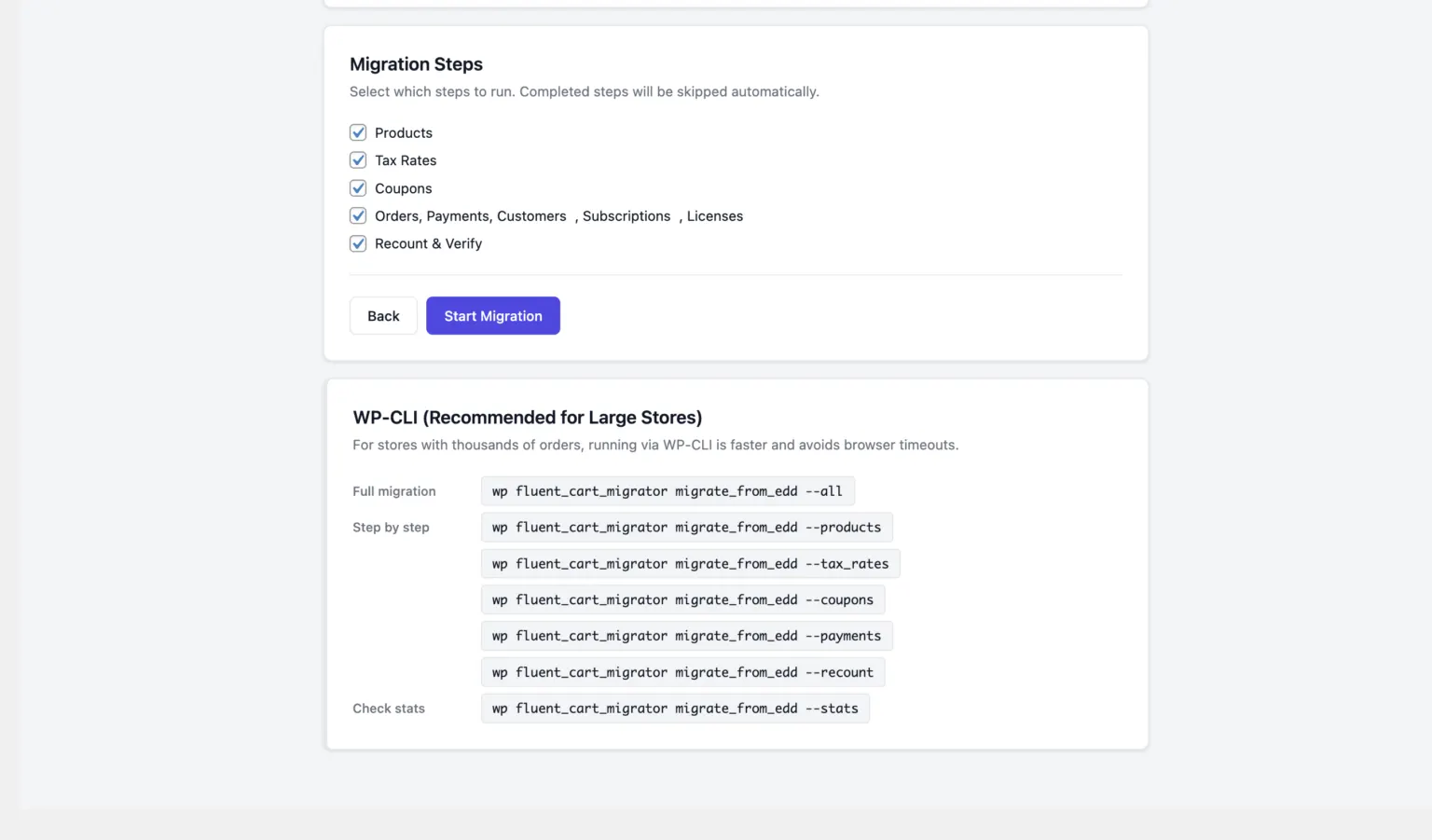
The migration pipeline: 5 steps, fully resumable
Whether you use the wizard or CLI, the same engine runs these steps in order:
| Step | What it does | Resumable? |
|---|---|---|
| 1. Products | Migrates all EDD downloads with variations, bundles, files, and license config | Re-run updates existing products in place |
| 2. Tax Rates | Syncs EDD tax settings, generates FluentCart tax classes for all EDD countries | Skips if already completed |
| 3. Coupons | Migrates all discount codes with product restrictions and affiliate links | Matches on code, updates existing |
| 4. Orders & Payments | Migrates orders, customers, transactions, subscriptions, licenses, refunds, notes, addresses, tax records | Tracks last page; resumes from next batch |
| 5. Recount & Verify | Fixes orphan renewals, generates subscription UUIDs, recounts coupon usage, rebuilds customer LTV/AOV | Safe to run multiple times |
Each completed step is recorded in the database. If the server times out, the connection drops, or you close the browser — the next run picks up exactly where it stopped. Failed records are logged individually (EDD payment ID, error message, which stage failed) and surfaced in the completion screen or via WP-CLI.
Built-in data validation
Every order goes through validation before it’s written to FluentCart. The migrator checks that:
- Order subtotal = sum of all line item subtotals
- Coupon discount total = sum of all line item discounts
- Total amount = subtotal – discounts + tax
- Total paid matches the transaction total
- Refund amount never exceeds total paid
If any check fails, the order is skipped and logged — it never writes bad data to FluentCart. You review the failures and fix them individually instead of discovering corrupted orders weeks later.
Dev mode: Iterate safely on staging
Reset is destructive — it drops all FluentCart data and migration state. That’s why it’s locked behind a constant:
// Add to wp-config.php on staging only
define('FLUENT_CART_DEV_MODE', true);
With dev mode enabled, you get access to the Reset button in the wizard, the reset and migrate_fresh CLI commands, and the POST /reset REST endpoint. Without it, all reset paths are blocked. This lets you iterate freely on staging — migrate, review, reset, tweak, migrate again — while making it impossible to accidentally wipe production data from the admin UI.
Requirements
| Requirement | Details |
|---|---|
| EDD Version | 3.x with v3 table schema. EDD 2.x is blocked at the compatibility check. |
| FluentCart | Installed and activated |
| FluentCart Pro | Required only if migrating EDD Software Licensing data. License module is auto-enabled on first detection. |
| PHP Memory | 256 MB+ recommended for larger stores |
| WP-CLI | Required only for command-line workflows |
Tested with: EDD Core, EDD Recurring Payments, EDD Software Licensing, AffiliateWP coupon associations, Stripe, PayPal Standard, and PayPal Commerce.
What is not migrated (and why)
We’d rather be honest about boundaries than pad a feature list:
| Not Migrated | Reason |
|---|---|
| Product categories and tags | FluentCart’s category model differs from EDD’s taxonomy; a 1:1 map would mislead |
| Third-party EDD add-on metadata | Only known fields are parsed; unknown meta is not preserved |
| Abandoned and trashed orders | Deliberately filtered out — these aren’t real transactions |
| Payment gateway API keys | Transaction records transfer; credentials never do |
| Email templates | FluentCart has its own notification system |
| Download history logs | EDD file download logs are not read |
| Refund reason text | Amounts and dates transfer; the reason is not extracted separately |
What’s next
EDD is just the beginning. The Migrator is designed to support multiple sources, and WooCommerce and SureCart migrators are already in development. Coming soon in future updates.
If you’re running an EDD store and have been waiting for the right moment to move to FluentCart, this is it. Your data, your customers, your licenses. All intact.
For more details please refer to user doc.

I’m Jewel, founder of FluentCart and CEO at WPManageNinja, the team behind Fluent Forms, Fluent CRM, Fluent Support, FluentLogs and a handful of other WordPress plugins. I have been writing WordPress code since 2009 and still think of myself as a developer first and an entrepreneur second. Most of what I write on this blog comes from arguments we have had inside the team about how to build software people can actually depend on.

Subscribe now
Related Articles and Topics
-

Introducing Product Videos – FluentCart 1.6.4
Most of what makes a store trustworthy happens when nobody is watching: the product page a shopper studies…
-
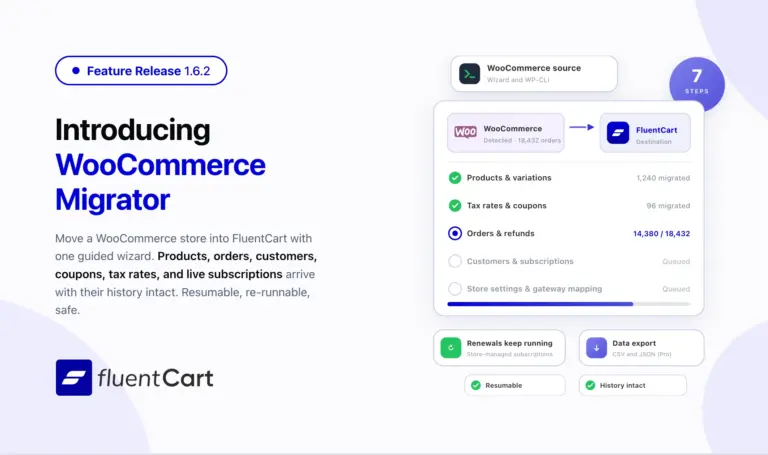
FluentCart 1.6.2 – Bring your WooCommerce store to FluentCart.
Switching platforms is the decision most store owners put off, not because the new platform is worse but…
-
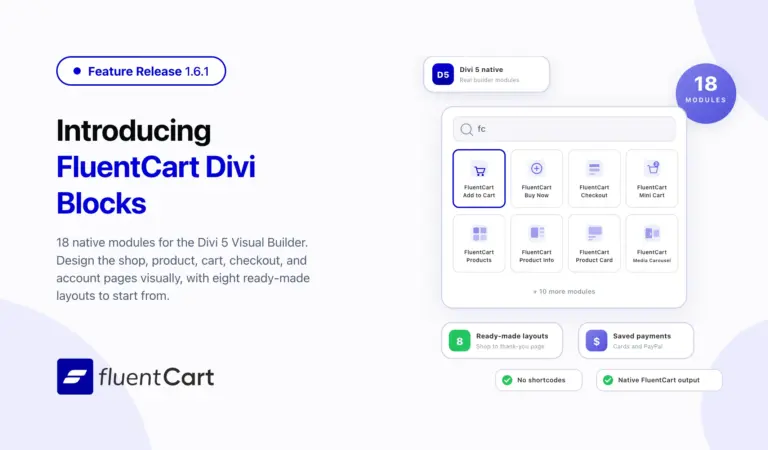
FluentCart 1.6.1 – Built Into the Divi Builder
FluentCart 1.6.1 ships FluentCart Divi Blocks, a new add-on with eighteen native Divi 5 Visual Builder modules, eight…



Leave a Reply