
150+ Business Prompts That Actually Work in 2026
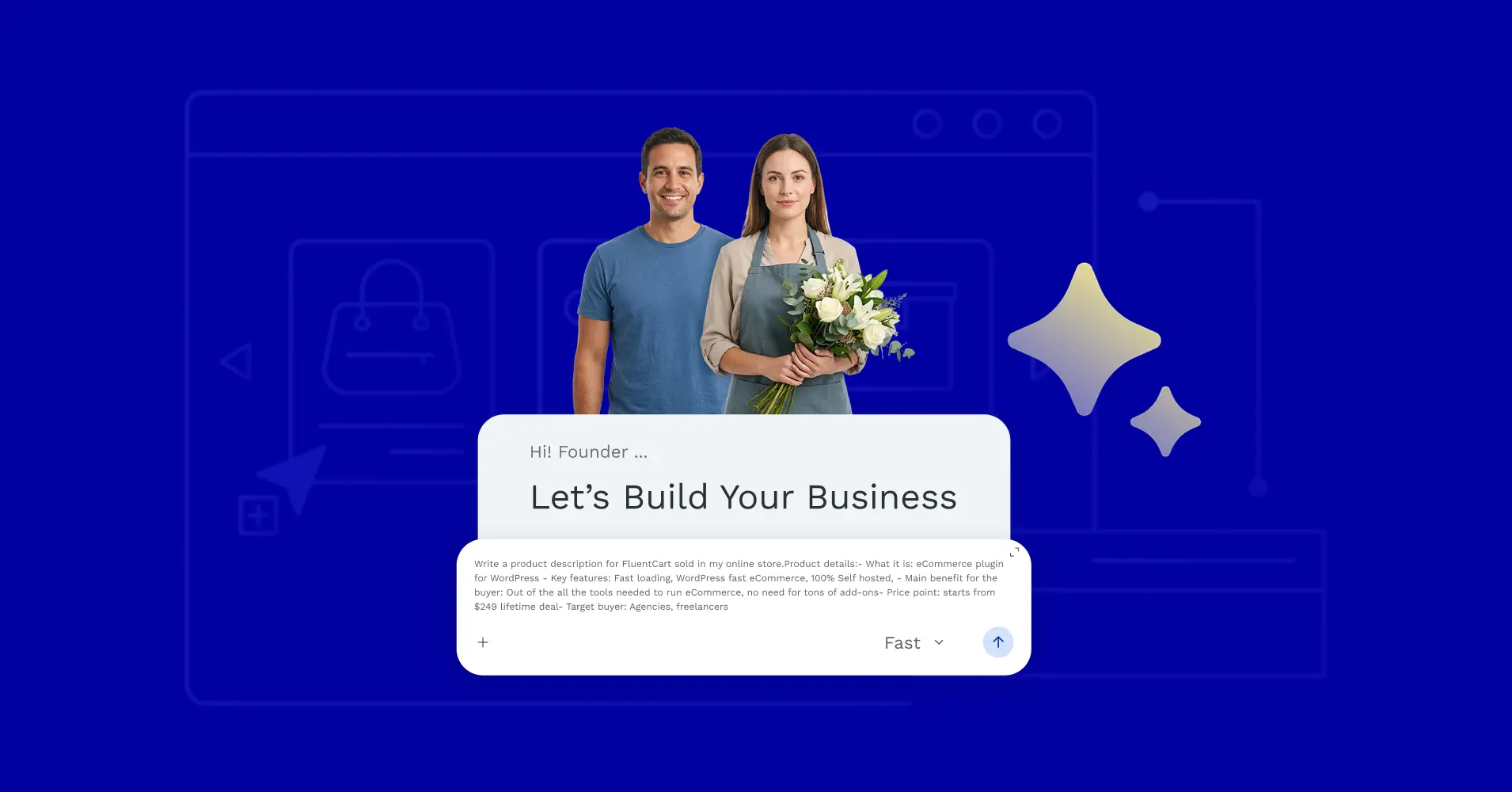
Most online store owners trying AI tools hit the same wall. They open ChatGPT, stare at a blank box, type something vague, get something useless back, and quietly close the tab. The tool is not the problem. The prompt is.
In this blog, we will break down what business prompts actually are, why the generic ones waste your time, and show you one working prompt from each of the 10 operational categories that run an online store, along with what each category covers, where AI helps most, and where the full library of 168 prompts lives.
TL;DR
- Entrepreneurs spend an average of 36% of their work week on repetitive tasks that do not require their unique judgment.
- A well-built business prompt reclaims that time by turning AI into a first-draft engine across every function of your store.
- Ten operational categories are covered: product setup, copywriting, SEO, email, ads, customer experience, social media, analytics, operations, and brand.
- What you see below is one prompt per category, not the most powerful one. The full -150+ rompt library is at near the bottom of this blog post.
What Are Business Prompts?
Business prompts are structured instructions you give to an AI tool that are specific enough to produce a usable output on the first try. A well-built prompt includes your product type, target audience, tone, output format, and the exact task at hand.
The difference between “write me a product description” and a prompt that names the product, specifies the buyer’s emotional state, and requests a formatted output with a headline, benefit bullets, and a soft CTA is not subtle. One produces filler. The other produces something close to publish-ready.
You Are Doing Work That Should Be a First Draft
You’re spending real hours on work that was never meant to be final. Most of it is just getting to a usable first draft; the part AI can handle if you let it. Here are some real stats:
- Time etc research found that “entrepreneurs spend an average of 36% of their work week on repetitive administrative tasks, not strategy, not product development.” Writing captions, drafting emails, rewriting product descriptions. These are tasks where the job is to produce a starting point, not a creative decision.
- IDC research puts “the cost of manual process inefficiency at 20 to 30% of annual revenue”. For a store owner, that is the afternoon lost rewriting a retargeting ad or the week that passes before an abandoned cart email gets set up.
- Semrush data shows that “38% of marketers without AI say writing one long-form article takes 2 to 3 hours. Among those using AI with structured prompts, 36% finish the same task in under an hour.”
- Salesforce research across 3,350 SMB leaders found that “91% of businesses using AI report a revenue boost, and 87% say it helps them scale operations.”
The shift is actually about giving AI the right instructions so it handles the drafting while you handle the deciding.
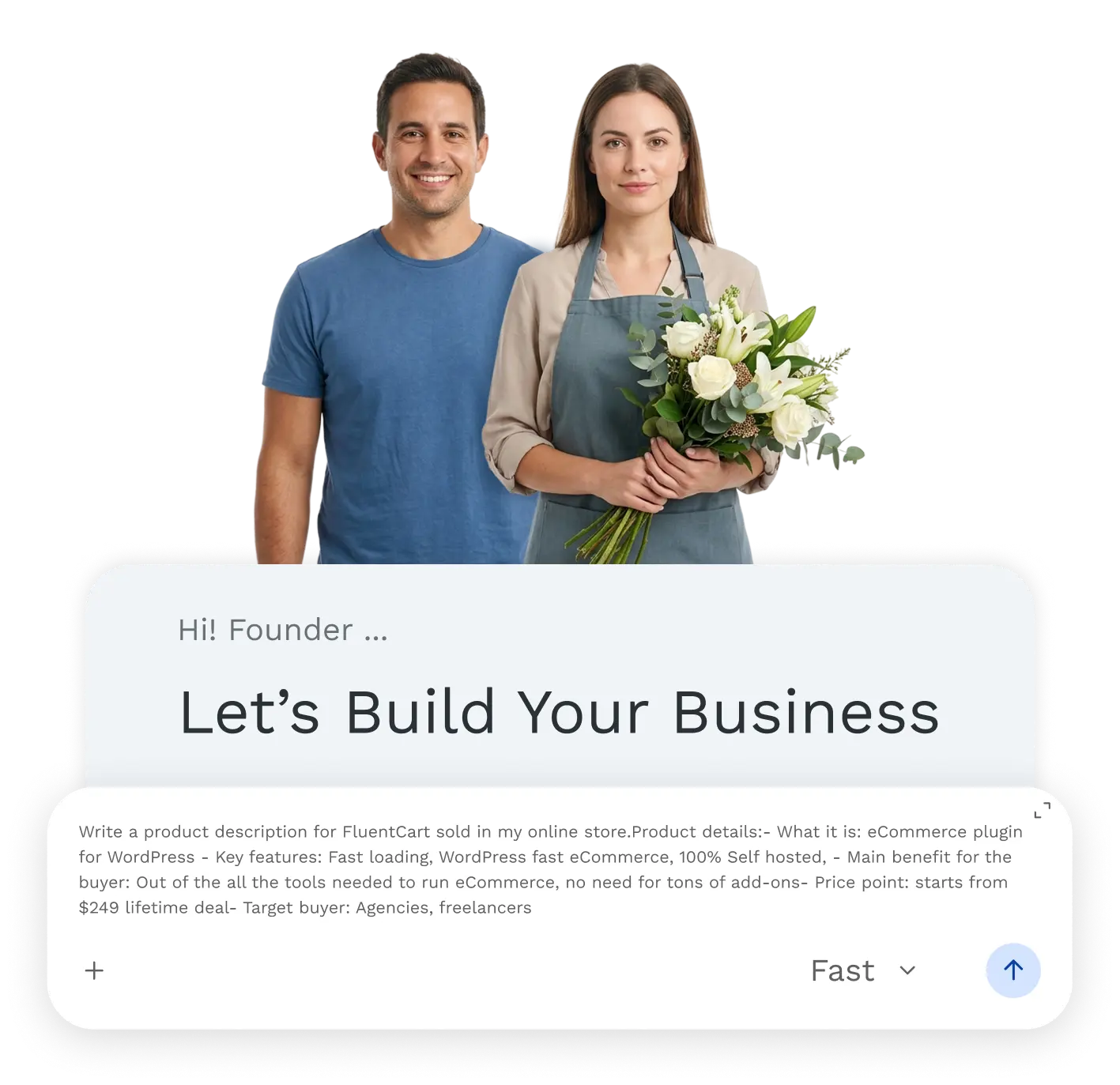
10 Categories of Business Prompts
What follows is one practical prompt from each of the 10 domains in the full library. These are second-tier picks, solid and immediately usable, but not the highest-leverage prompts in each category. Those are reserved in the download because they need the full context and structure to use well.
1. Store & Product Setup
Your product pages are either converting or leaking. Everything on them, the description, the variant names, the bundle copy, the trust signals, is copy someone has to write.
Store owners with dozens or hundreds of SKUs end up rushing the later products or writing them inconsistently. This category covers product descriptions, pricing page copy, bundle offers, launch announcements, upsell scripts, and seasonal collection copy.
The 20 prompts here handle everything from a short shop-card teaser to a full product page rewrite.
Example Prompt: Short Product Description (Shop Page Card)
Use this when you need a short teaser for the shop or category page listing card.
Write a short product teaser description (40–60 words maximum) for [PRODUCT NAME].

This text appears on the shop/category page card — it must make someone click through to the full product.

Key selling point: [ONE MAIN BENEFIT OR HOOK]

Target buyer emotion: [WHAT THEY WANT TO FEEL — safe / excited / stylish / productive / etc.]

Do not summarize features. Spark curiosity or desire. End with a subtle pull, not a hard sell.
2. Copywriting & Content
Most store owners know what they want their website to say. The problem is sitting down to write it. Homepage hero sections, about pages, category intros, email pop-up copy, these feel simple until you are staring at a blank document. The result is copy that sounds generic or gets pushed back to “later,” which usually means never.
This category covers every piece of writing that sells or explains your store, from homepage headlines to checkout microcopy. If you are working on writing product descriptions that actually convert, this is the category that builds a repeatable system.
Example Prompt: Product Category Page Intro
Use this when you need an intro paragraph for a category page that improves both SEO and conversions.
Write an intro paragraph (60–90 words) for my store's category page titled "[CATEGORY NAME]."

This category contains: [BRIEF DESCRIPTION OF PRODUCTS IN THIS CATEGORY]

Who buys from this category: [TARGET BUYER]

Their main goal or pain point: [WHAT THEY WANT / WHAT PROBLEM THEY HAVE]

The paragraph should:

- Speak directly to the buyer's goal, not describe my catalog

- Include the category keyword naturally (for SEO)

- End with a gentle CTA or a guiding sentence that helps them browse

Do NOT write a generic "Browse our collection of..." opening.
3. SEO & Organic Traffic
Most store owners understand SEO matters. What stops them is knowing exactly what to do next. More blog posts? Fix product page titles? Build links?
Without a clear answer, the work gets deferred and the site stays invisible to people already searching for what it sells. This category covers keyword clustering, on-page audits, content gap analysis, internal linking, technical SEO briefs, link building, and Google Business Profile optimization.
For store owners trying to grow organic traffic without agency fees, these 17 prompts replace most of the early-stage SEO consulting work.
Example Prompt: Content Gap Finder
Use this when you want to find blog topics your competitors are covering that you are missing.
I sell [PRODUCT CATEGORY] online. My top 3 competitors are [COMPETITOR 1], [COMPETITOR 2], [COMPETITOR 3].

Based on typical content strategies in the [NICHE] space, identify:

1. 5 blog topics my competitors are likely covering that I should also cover

2. 5 underserved topics or angles that most stores in my niche ignore

3. 2 "pillar page" ideas — long, comprehensive guides that could rank for a keyword cluster and link to my product pages

For each suggestion, give me: the topic, the likely target keyword, and a 1-sentence reason why it's worth creating.
4. Email Marketing
Email is still the highest-ROI channel most online stores underuse. Not because owners do not know it matters, but because building the flows feels like a project that requires a block of time that never arrives. The welcome sequence never gets written.
The post-purchase flow is a single receipt. HubSpot research found that “email creation alone takes marketers an average of 3.48 hours per week.” Solo store owners writing from scratch take longer. This category covers welcome sequences, abandoned cart flows, win-back campaigns, behavioral triggers, and seasonal email series across 21 prompts. The higher-leverage flows for reducing cart abandonment are in the full download.
Example Prompt: Lapsed Customer Re-Activation Email
Use this when you need to bring back a customer who bought once but has not returned in six or more months.
Write a re-activation email for customers who bought from my store [6 / 9 / 12] months ago but haven't purchased since.

Store name: [NAME]

Their last purchase (use as example): [PRODUCT CATEGORY]

What's new since they last bought: [NEW PRODUCTS / IMPROVED RANGE / BETTER OFFER / etc.]

Re-activation offer (if any): [DISCOUNT / FREE SHIPPING / LOYALTY BONUS — or "no offer"]

Brand tone: [DESCRIBE]

Write a single email that:

- Acknowledges the time gap without guilt-tripping them

- Reminds them what they loved (or why they bought)

- Shows them what's new or better

- Makes returning feel easy and worthwhile

- Has a clear, low-pressure CTA

Subject line: 3 options

Body: 150–180 words maximum
5. Paid Ads & Promotions
Running paid ads without a structured copy process is an expensive guessing game. Most store owners write one or two ad versions, see flat results, and either overspend or abandon the channel. The issue is rarely the budget. It is that the copy was written from instinct rather than a defined angle.
This category covers Google Search ads, Facebook and Instagram cold and retargeting ads, TikTok UGC scripts, Google Shopping optimization, hook testing plans, and a 12-month promotional calendar across 16 prompts.
Example Prompt: Retargeting Ad Copy (Visited Product Page, Did Not Purchase)
Use this when you need short retargeting ads for warm audiences who visited a product page but did not buy.
Write a retargeting ad for someone who visited my [PRODUCT NAME] product page but did not purchase.

Product: [NAME + PRICE]
The likely reason they didn't buy: [E.G. — price hesitation / comparing options / got distracted / unsure if it's right for them]
What I can offer to overcome that: [DISCOUNT / REVIEW QUOTE / RISK REVERSAL / COMPARISON CLARIFICATION]

Write 2 retargeting ad variations:
- One that uses a customer review or social proof angle
- One that offers an incentive or removes a specific objection

For each: primary text, headline, description, and CTA. Keep copy short, retargeting audiences need reminders, not education. Under 60 words per variation.
6. Customer Experience
Getting someone to buy once is hard. Getting them to buy again requires a deliberate post-purchase experience, and most stores have none. The confirmation email is a receipt. There is no follow-up, no review request at the right time, no loyalty nudge.
The customer buys, hears nothing, and forgets the store exists. This category covers CRO audits, FAQ sections, support email templates, post-purchase sequences, loyalty and referral copy, complaint handling playbooks, and packaging insert copy across 16 prompts.
For deeper work on improving conversion rates and retention, the heavier prompts are in the download.
Example Prompt: FAQ Section for a Product Page
Use this when you need a realistic FAQ section that reduces buyer hesitation before purchase.
Write a FAQ section for the product page of [PRODUCT NAME].

Product: [DESCRIBE — what it is, what it does, price]

Common questions buyers ask before purchasing: [LIST — or "generate based on product type"]

Key concerns for this product type: [E.G. — sizing, compatibility, ingredients, delivery time, return policy]

My return/exchange policy: [DESCRIBE BRIEFLY]
My shipping time: [DESCRIBE]

Write 6–8 FAQ items. For each:

- Question: write it the way a real customer would ask it (conversational, specific)
- Answer: clear, reassuring, brief (2–4 sentences max)

Avoid corporate tone. Write like a helpful store owner answering a real customer.
7. Social Media & Community
Social media is one of the biggest time sinks in any store operation, not because of the strategy but because of the execution.
Writing captions, figuring out what to post, starting from scratch every week. A Vertical Response survey found that “43% of small business owners spend six hours weekly on social media marketing alone.” That is a full working day every week.
This category covers monthly content calendars, product launch reel scripts, TikTok content strategy, UGC campaigns, micro-influencer plans, and caption writing across 16 prompts. The full calendar and strategy prompts are in the download.
Example Prompt: Caption Formula Library
Use this when you want a reusable system for writing social captions faster and more consistently.
Build a caption formula library I can use to write social media captions faster and more consistently.

Store name: [NAME]
Products: [WHAT I SELL]
Brand tone: [DESCRIBE]
Primary platform: [INSTAGRAM / FACEBOOK / TIKTOK / LINKEDIN]

Write a fill-in-the-blank formula + 1 completed example for each of these 8 post types:

1. Product showcase post
2. Behind-the-scenes post
3. Customer review / social proof post
4. Educational / tips post
5. Story / founder moment post
6. Seasonal or trending topic post
7. Sale or promotion announcement post
8. Engagement question post (designed to get comments)

For each formula:

- The fill-in template with [PLACEHOLDERS]
- A completed example using my products
- The optimal CTA for that post type
- Recommended hashtag count and strategy for that type
8. Analytics & Decisions
Numbers without interpretation are just noise. Most store owners can see that their conversion rate dropped but cannot quickly diagnose whether it is a traffic quality issue, a product page problem, or checkout friction.
Without a structured diagnostic process, the response is usually to change something random and hope. This category covers monthly performance reviews, conversion rate diagnosis, CLV analysis, pricing strategy reviews, break-even analysis, competitor research, and 90-day growth plans across 14 prompts.
These map directly to the ecommerce KPIs that drive real revenue decisions, not just vanity metrics.
Example Prompt: Conversion Rate Diagnosis
Use this when your conversion rate is underperforming and you need a prioritized fix list.
My online store has a conversion rate of [%]. The industry average for my product type is approximately [%].

Traffic breakdown:

- Organic: [%]
- Paid: [%]
- Email: [%]
- Social: [%]
- Direct: [%]

My most visited product page converts at [%].
My checkout abandonment rate (if known): [%]

Diagnose why my conversion rate might be low and give me:

1. The 3 most likely causes based on the data above
2. A prioritized fix-list (quick wins first)
3. One test I should run in the next 14 days with a clear hypothesis

   (e.g., "If I add X, I expect Y to improve because Z")
9. Operations & Systems
What keeps most store owners stuck in execution is the absence of documented systems. Every process lives in their head. Every time they bring in a VA or delegate something, they explain everything from scratch because nothing is written down.
The Alternative Board found “the average entrepreneur spends 68% of their time working in the business on day-to-day tasks and only 32% on strategic work.” This category covers fulfillment SOPs, customer service SOPs, VA job descriptions, inventory systems, cash flow planning, automation audits, and delegation plans across 13 prompts.
Example Prompt: Job Description for a Virtual Assistant
Use this when you need a VA job post that filters serious applicants from casual ones.
Write a job description for a part-time Virtual Assistant for my online store.

Hours needed: approximately [X] hours per week

Tasks they will handle: [LIST — e.g., customer email responses, order tracking, social media scheduling, product listing updates]

Required skills: [LIST WHAT'S REQUIRED vs. NICE TO HAVE]

Tools they need to know: [E.G. — your eCommerce platform, Canva, Trello, Gmail]

Pay range: [HOURLY RATE — or "competitive, based on experience"]

Work arrangement: [FULLY REMOTE / SPECIFIC TIME ZONE REQUIRED]

Write a job post suitable for Upwork or OnlineJobs.ph. Include:

- Role title
- Brief store description (2–3 sentences)
- Responsibilities (bullet list)
- Requirements
- How to apply (include a screening question to filter serious applicants)

Make it sound like a real person wrote it, not a corporate HR department.
10. Brand & Positioning
Most store owners carry their brand entirely in their heads. They know instinctively how the store should sound and who it is for, but because none of that is written down, every piece of content reflects a slightly different version depending on who wrote it or when. The result is a store that feels inconsistent without anyone being able to explain why.
This category covers positioning statements, competitor differentiation maps, brand voice guides, messaging hierarchies, style guides, origin stories, and media kit copy across 13 prompts. Sharp positioning makes every other category in this library perform better.
Example Prompt: Competitor Differentiation Map
Use this when you need to map your differences from competitors to sharpen your messaging.
Help me map how I differ from my main competitors so I can sharpen my messaging.

My store: [NAME] — sells [PRODUCTS]
My 3 main competitors: [NAME each one briefly — what they sell and what they're known for]

Evaluate these differentiation dimensions for each competitor vs. me:
- Price positioning (budget / mid / premium)
- Product quality or sourcing story
- Customer service reputation
- Brand personality / tone
- Target audience specificity
- Unique features or offering

Then:

1. Identify where I'm currently undifferentiated (danger zone — I look the same as someone else)
2. Identify where I have a genuine advantage I'm not communicating loudly enough
3. Suggest 1 positioning angle I should double down on based on this analysis
What the Full Library Actually Contains
168 prompts. 10 domains. 30+ sub-categories. Every prompt uses fill-in brackets so you drop in your product, audience, and context. Built for the real operational work of running an online store, from writing your first product page to mapping a 90-day growth plan.
Salesforce and supporting research shows that “58% of SMBs using AI save more than 20 hours per month, with 66% estimating monthly savings of $500 to $2,000.” That comes from having the right prompts for the right jobs, not from using AI randomly.
The prompts above are the second-tier picks. The ones in the download handle your highest-stakes work: homepage hero copy, abandoned cart sequences, cold audience ad copy, pricing page copy, and full brand positioning.

Wrapping Up
The operators getting the most from AI are not the ones with the best tools. They are the ones with the best inputs. A well-structured business prompt is the difference between a usable first draft in 10 minutes and an afternoon of editing output that missed the point.
Download the complete 168-prompt library. Pick your category, fill in your details, and get your first draft back in minutes, not hours.

Deputy Marketing Lead, published literary author, and musician. I thrive on marketing for tech companies while composing music, collecting books of lasting depth, exploring cinema with a discerning eye, and studying the arts and history.

Subscribe now
Related Articles and Topics
-
eCommerce Laws in 2026: The 8 Rules Regulators Are Fining Stores Over
The 8 ecommerce laws regulators fined stores over in 2025 and 2026.
-
WordPress Coupons: How to Create and Manage Discounts
Set up a WordPress coupons plugin and manage discount codes in minutes.
-
What Is a Payment Gateway? A Guide for WordPress Store Owners
Confused about payment gateways? Here’s what they actually do, which ones fit WordPress, and how to pick the…




Leave a Reply