
Best Membership WordPress Plugin: 8 Options Compared for 2026

Your members don’t care which plugin runs your site. They care that the login works, the renewal charge makes sense, and the content they paid for opens on the first try. Pick the wrong tool and you spend your weekends patching those three things.
This guide compares eight options for anyone looking for the best membership WordPress plugin in 2026. You’ll see what each one does well, where it gets heavy, and which setup fits a blog paywall, a course, a community, or a store. If you already sell with a WordPress-native eCommerce plugin, you’ll also see how memberships can sit inside the same checkout.
Skip ahead to the comparison table or the decision guide.
TL;DR
What a Membership Plugin Does
A membership plugin decides who can see what on your WordPress site and charges people for that access. Most tools combine four jobs: access rules, membership levels, recurring billing, and member management. The right plugin depends on which of those four jobs matters most for your business.
Here is what each job covers:
A learning management system (LMS) is a different tool. It structures lessons, quizzes, and progress tracking. Many course sites run both: an LMS for teaching and a membership or commerce plugin for billing.
How We Compared These Plugins
We compared each plugin’s published feature set against five questions a site owner asks before buying.
How do access rules work? Which payment options does it support? Can members manage their own accounts? What does the full feature set cost? And how hard is it to leave later?
That last question gets skipped in most reviews. Members, subscriptions, and access rules are hard to move once a site grows. A plugin that fits today but traps you later is an expensive choice.
Plugin prices change often, and published figures differ between review sites. So this guide describes each pricing model instead of quoting numbers that may become invalid on later dates. Check the vendor’s pricing page before you buy.
The Best Membership WordPress Plugin Options for 2026
No single tool wins every scenario. A blog paywall, a course, and a paid community each need different strengths. The eight tools below cover the common use cases, from free starter plugins to full platforms, with notes on where each one gets heavy.
Here are our picks for the best membership WordPress plugin by use case.
MemberPress
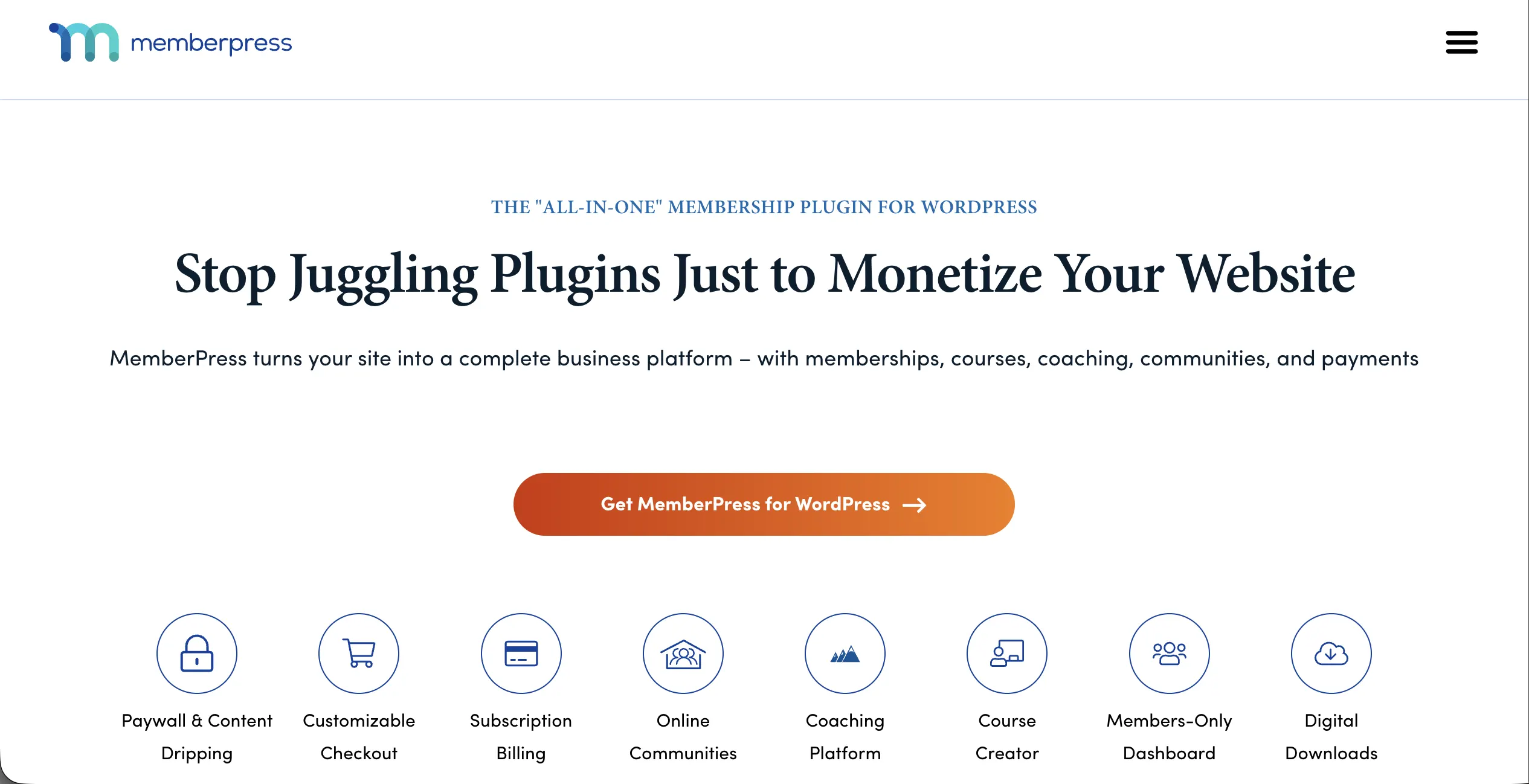
MemberPress tops most review lists, and the reason is breadth. It sets detailed access rules for posts, pages, categories, and custom post types. It also covers drip schedules, coupons, upgrade paths, and a built-in course builder.
A setup wizard guides first-time owners, so you don’t start from a blank dashboard. Stripe, PayPal, and Authorize.Net handle one-time and recurring payments.
The setup wizard is what most people notice first. Instead of dropping you into a blank dashboard, it walks you through gateways, your first membership, and your first access rule in order. The plugin also sits inside WordPress the way a native feature does, rather than feeling like a separate system bolted on top.
That matters once you start building tiers: creating levels, setting drip schedules, and attaching digital downloads happen in the same few screens. Documentation and video tutorials are unusually thorough, which shortens the first build. The flip side shows up on smaller sites. If all you need is one locked page, you will spend the first hour configuring features you may never turn on.
Where it gets heavy: there is no free version, and some integrations sit in the higher tiers. For a single members-only page, it can be more tool than you need.
Pricing model: Premium only, billed yearly in three tiers.
Best for: Creators who want paywalls, tiers, and simple courses in one plugin.
Paid Memberships Pro
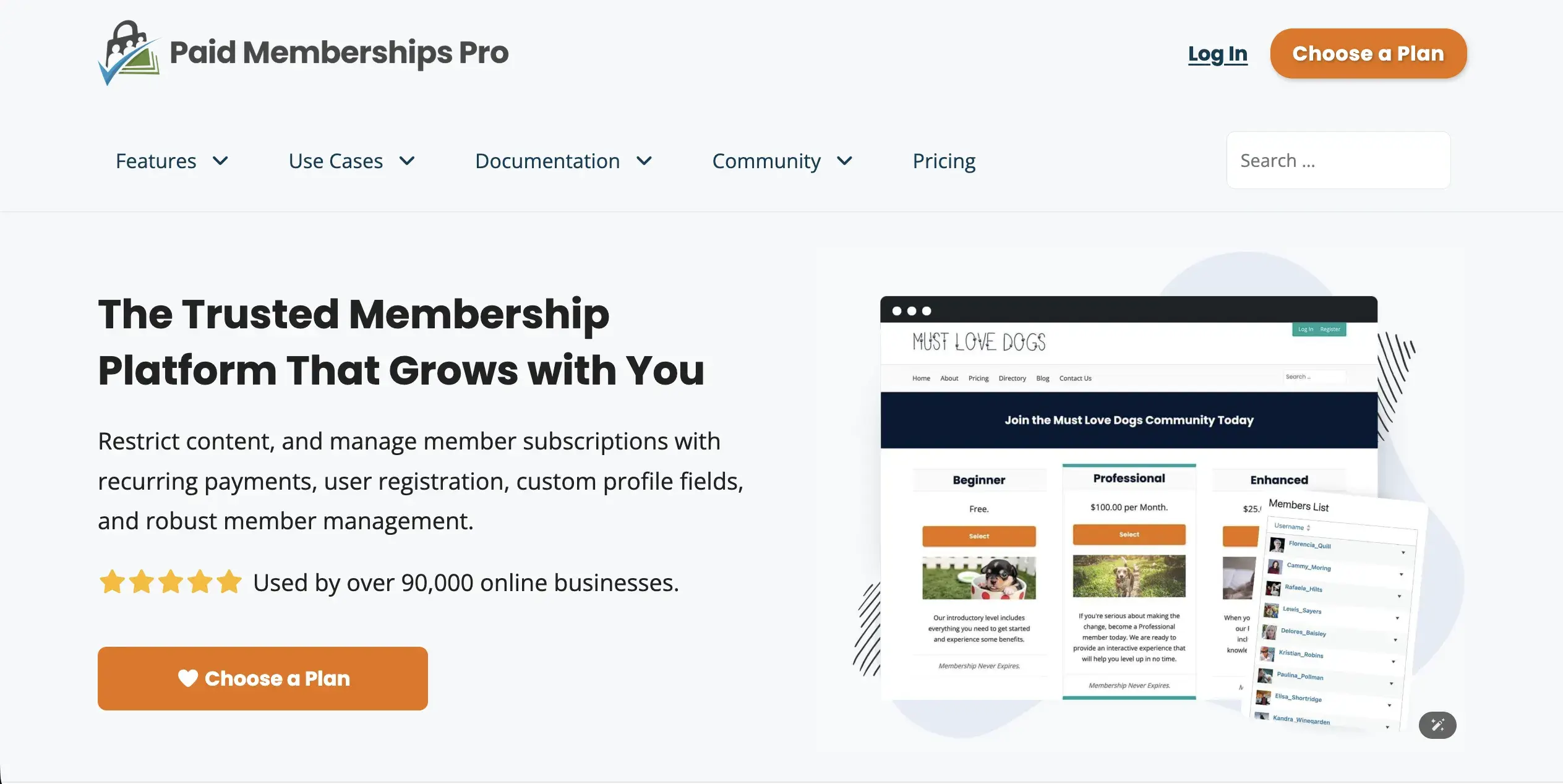
Paid Memberships Pro has the most generous free core in this group. The free plugin includes unlimited levels, content rules, discount codes, and gateways like Stripe, PayPal, Braintree, and Authorize.Net. Members can update their own profiles and subscriptions, which cuts admin work.
The free core is the real story here, and it holds up in daily use. You can build membership levels, write content rules, create discount codes, and connect a gateway without paying anything. Members get a genuinely useful account area where they update their own profiles and subscriptions, which quietly removes a stack of admin requests from your inbox.
Reporting on sign-ups and sales is more detailed than free tools usually manage. The trade-off arrives when you want drip content or payment plans, since those live in separate add-ons. That is the design, not an oversight: a solid free base you extend as the site grows. Budget the extra configuring time.
The code is open source under the GPL, so custom work is easier. The trade-off is add-ons. Features such as drip content come from separate add-ons, which means a full setup takes more configuring. You can review the free core on its WordPress.org plugin listing.
Pricing model: Free core, with paid yearly plans for premium add-ons and support.
Best for: Developers and budget-conscious owners who want a free start.
Restrict Content Pro
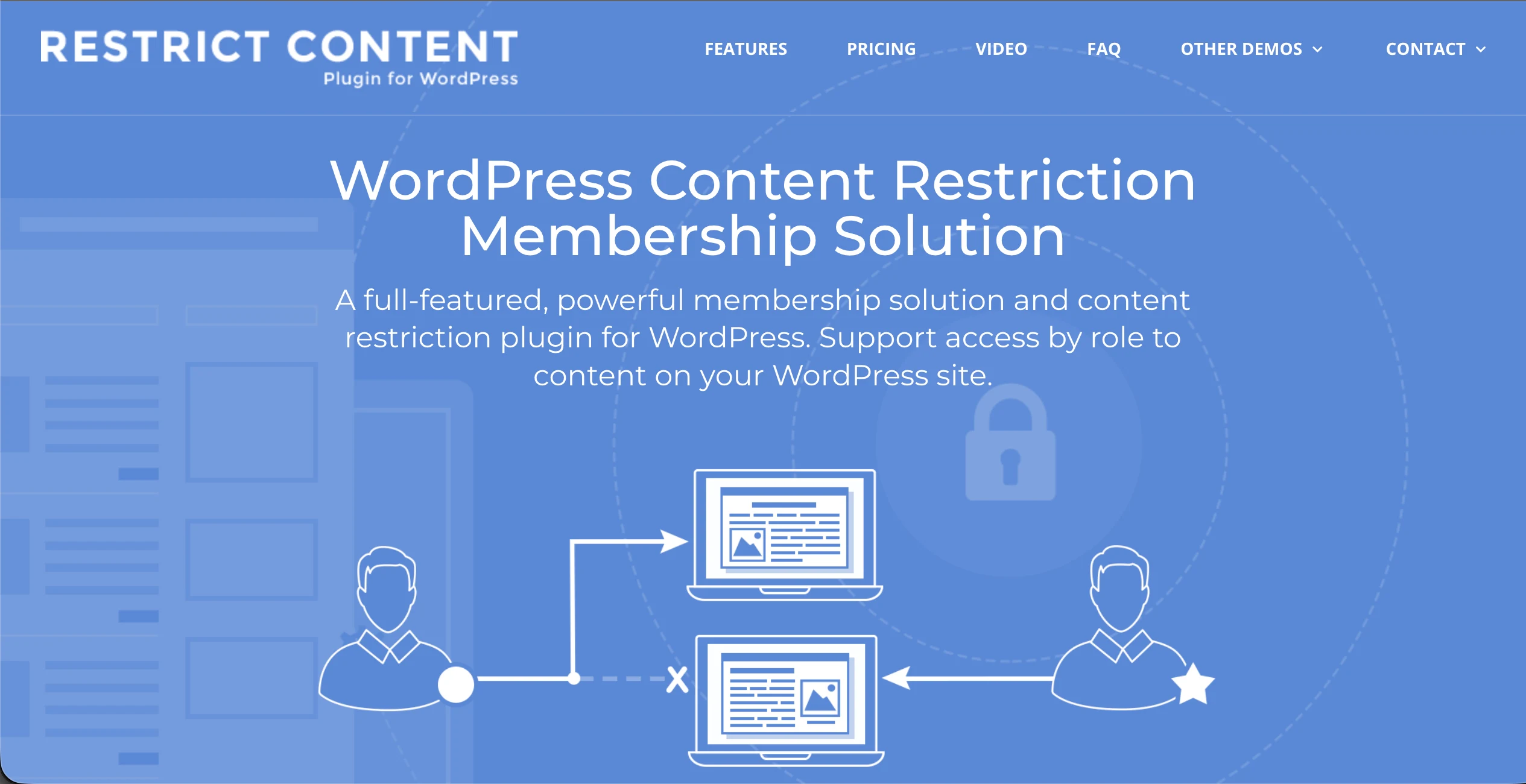
Restrict Content Pro sticks to the core job of hiding content from non-members. You can restrict posts and pages by level, offer free, trial, and paid tiers, and send member emails. A free version, Restrict Content, covers the basics.
Setup is quick because there is less to decide. You create levels, pick which posts and pages each one unlocks, and turn on member emails. The interface stays clean, and access rules work off user roles, so the mental model is one WordPress admins already know.
It also pairs with Easy Digital Downloads if you later add a shopping cart, or runs on its own if you never need one. Where owners hit the ceiling is complexity. Multiple tiers with different drip schedules, course content, or upgrade paths will push you toward a bigger plugin. For a paywalled blog or a small members-only library, that ceiling may never arrive.
It stays simple on purpose. Sites with many tiers, drip schedules, or course features will likely outgrow it.
Pricing model: Free version, plus paid yearly plans priced by site count.
Best for: Bloggers who want to lock posts and pages with little setup.
WooCommerce Memberships
This paid extension adds membership levels to a WooCommerce store. It’s built by a 3rd-party company (SkyVerge) andf not by WooCommerce themselves. Members can get exclusive products, member-only discounts, and restricted content, with drip scheduling included.
If you already run WooCommerce, this feels like turning on a setting rather than learning a new tool. Products, orders, and customers stay where they are, and memberships layer on top: exclusive products, member-only pricing, drip content, and manual membership grants for people you add by hand. Store owners selling physical goods get the most from it, since perks can attach to purchases customers already make.
The friction is stacking. Recurring billing comes from WooCommerce Subscriptions, sold separately, so a full setup means running WooCommerce plus two paid extensions. Coming in without an existing store, you would be learning and paying for an ecommerce platform to get a membership feature.
Recurring billing runs through the separate WooCommerce Subscriptions extension, so costs stack up as your needs grow. If you don’t already run WooCommerce, this is a long route to a membership site.
Pricing model: WooCommerce is free. Memberships is a paid yearly extension, and Subscriptions is sold separately.
Best for: Existing WooCommerce stores that want member perks.
MemberMouse
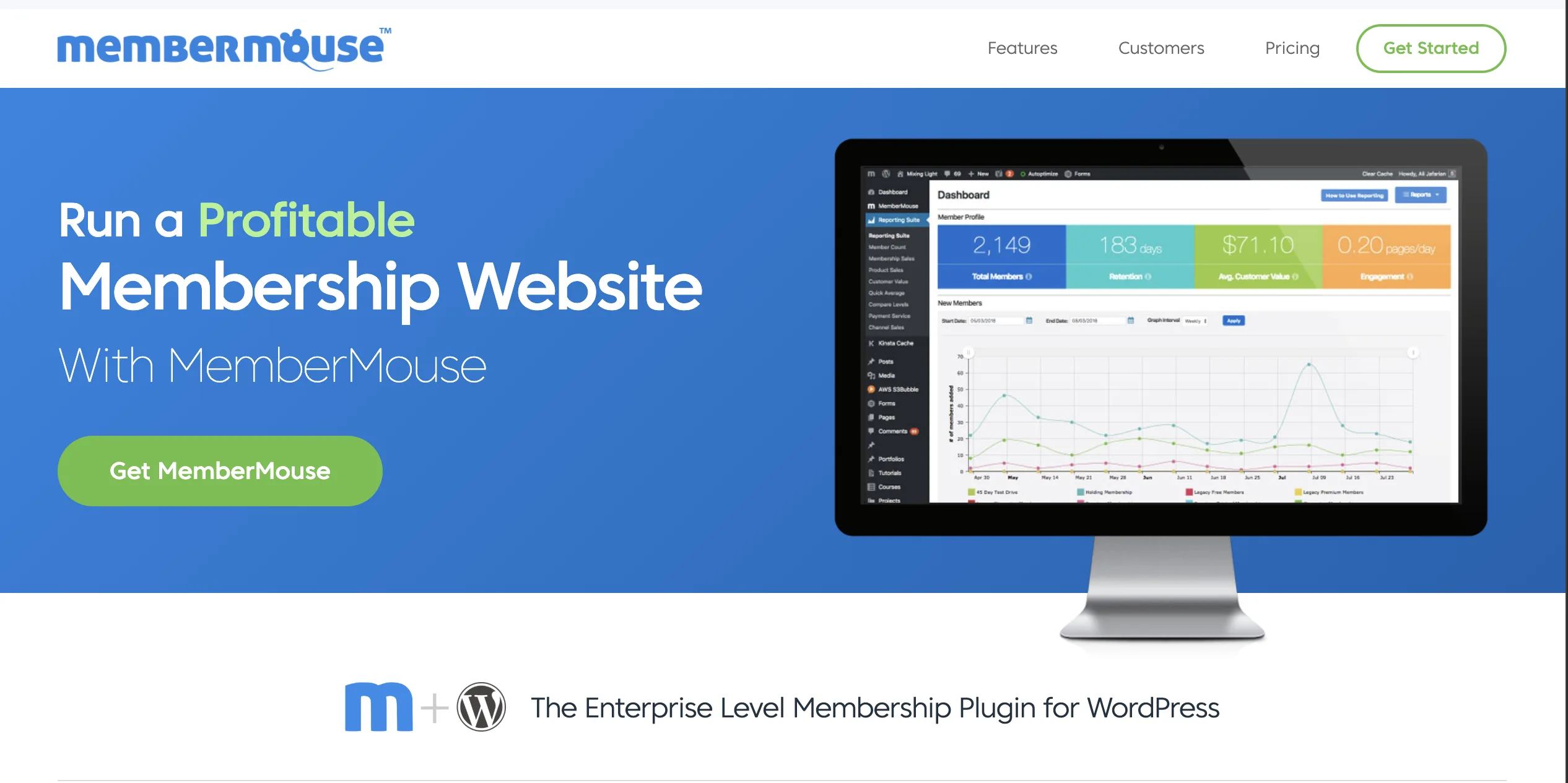
MemberMouse leans into revenue tools. It offers one-click upsells and downsells, SmartTags that show content based on member status, and reports on lifetime value and retention. The member account area is strong, which reduces support requests.
The admin side has a steeper learning curve, and advanced setups take time. Beginners may find it more than they need.
The member-facing side is where this one earns its price. Customers manage their own accounts, upgrades, and payment details with little hand-holding, and support tickets drop accordingly.
Behind that sit the tools built for people who run funnels: one-click upsells and downsells, SmartTags that change page content based on someone’s level, and reporting that tracks lifetime value and retention rather than sign-ups alone. The admin experience does not match.
The backend feels dated, routine tasks take more clicks than they should, and the learning curve steepens quickly once you attempt custom integrations. It suits a marketer with volume to optimize, not someone launching a first membership.
Pricing model: Premium only, billed yearly in three tiers.
Best for: Marketers who run sales funnels and upsells at scale.
LearnDash
LearnDash is an LMS first. It builds courses with lessons, quizzes, assignments, certificates, and drip schedules. You can sell each course as a one-time or recurring purchase.
People often arrive here skeptical, expecting an LMS to be a clumsy fit for memberships, and leave convinced by the structure. Courses break into lessons and topics, quizzes and assignments gate progression, and certificates arrive automatically at completion. Access control follows the course rather than the post, which is the right model when your product is a curriculum. Reporting on enrollment and learner progress is detailed enough to show where students stall.
The mismatch appears when teaching is not the point. Using an LMS to lock a handful of blog posts means maintaining course structure you do not need, and many sites end up pairing it with a separate billing tool for bundles and subscriptions.
If your membership is mostly a course, LearnDash is a strong fit. If you mainly want to gate blog posts, a dedicated membership plugin is lighter. Many course sites pair LearnDash with a separate billing tool for bundles and subscriptions.
Pricing model: Premium only, billed yearly by site count.
Best for: Course creators who need quizzes, certificates, and progress tracking.
Simple Membership
Simple Membership is free and quick to set up. You protect a post by ticking a box on its edit screen, then create free and paid levels. PayPal handles one-time and recurring payments.
Activation to first protected post takes minutes. You create free and paid levels, then open any post and tick a box to choose who can see it. Everything lives in the standard WordPress dashboard, so there is no new interface to learn, and shortcodes handle partial restriction inside a page.
PayPal is wired in for one-time and recurring payments out of the box. The limitations are honest ones. There is no bulk way to apply a rule across a list of pages, so protecting a large archive means repeating the same action. Reports, funnels, and course tools are absent. Add-ons fill some gaps, though a growing business will outgrow it.
There are no advanced reports, funnels, or course tools. Paid add-ons extend it, but a growing business will likely move on.
Pricing model: Free core with optional paid add-ons.
Best for: Hobby sites and small projects with no budget.
FluentCart with FluentCommunity or an LMS
FluentCart is an eCommerce plugin, not a stand-alone paywall tool. It runs the billing side of a membership. Subscriptions support trials, several billing intervals, pause and resume, proration, and retries for failed payments. Members manage plans, downloads, and licenses from a built-in customer portal.
Setup runs in a different order than the others. You start in the checkout, not the access rules: build a subscription product for each tier, set the interval and trial, then connect FluentCommunity, LearnDash, or LifterLMS to decide what that purchase unlocks.
Buying grants the space or course enrollment, and canceling removes it, so access follows billing status without a manual step. Members land in a customer portal holding subscriptions, downloads, and licenses together, which covers most of the “how do I update my card” questions. The order also explains the limit: with no LMS or community in place, there is nothing for a purchase to unlock yet.
Access comes through integrations. The FluentCart and FluentCommunity integration grants community spaces and courses on purchase. It also removes access when a subscription is canceled. LearnDash and LifterLMS integrations enroll buyers in courses automatically.
Since the FluentCart 1.3.23 release, LearnDash course expiry can follow each buyer’s subscription or license. FluentCRM tagging can then trigger onboarding or win-back emails. If your membership is mainly locked blog posts, a dedicated restriction plugin is the simpler fit.
Pricing model: A free version is on the FluentCart WordPress.org page. Pro starts at $199 per year for one site, or $249 one time for a lifetime license, with 0% transaction fees.
Best for: Sellers who want memberships, products, and subscriptions in one self-hosted checkout.
Side-by-Side Comparison of Membership Plugins
The biggest differences between these plugins are where access rules live, whether a free version exists, and how billing works. Use the table to shortlist two or three tools. Then test them on a staging site with a real membership level and a test payment.
| Plugin | Best for | Free version | Recurring billing | Access control | Courses | Pricing model |
|---|---|---|---|---|---|---|
| MemberPress | Paywalls plus simple courses | No | Built in | Detailed rules by post, page, category, and post type | Built-in course builder | Yearly, three tiers |
| Paid Memberships Pro | Custom builds on a budget | Yes | Built in | Built in, extended by add-ons | Through integrations | Free core plus yearly plans |
| Restrict Content Pro | Blog paywalls | Yes (Restrict Content) | Built in | Posts and pages by level | No | Free version plus yearly plans |
| WooCommerce Memberships | WooCommerce stores | No | Needs WooCommerce Subscriptions | Content and products | Through integrations | Paid yearly extension |
| MemberMouse | Funnels and upsells | No | Built in | Built in, with SmartTags | Not a focus | Yearly, three tiers |
| LearnDash | Online courses | No | Built in for courses | Course and lesson access | Full LMS | Yearly by site count |
| Simple Membership | Hobby sites | Yes | PayPal | Checkbox per post | No | Free core plus add-ons |
| FluentCart | Stores that sell memberships | Yes | Built in, with customer portal | Through FluentCommunity, LearnDash, LifterLMS | Through LMS integrations | Yearly or lifetime |
*Table Powered by NinjaTables
Which Membership Plugin Should You Choose?
Choose by the main job your membership does. A paywall needs strong access rules, a course needs an LMS, and a store needs a checkout that handles products and subscriptions together. Match the tool to that job and you avoid paying for features you won’t use.
Use these scenarios as a shortcut:
Once you’ve picked a tool, set your tier prices with the same logic you’d use to price a product for profit. Start with your costs, then test what members will pay for each tier.
When Switching Membership Plugins Makes Sense
Switching makes sense when you pay for tools you don’t use, stitch billing across several plugins, or lose members to failed payments and confusing renewals. It doesn’t make sense in the middle of a launch, or when your current setup covers every job without workarounds.
Watch for these signs:
Moving is mostly a planning job. Members, access rules, and emails move cleanly with a checklist. Active subscriptions are the hard part, because recurring profiles are tied to your payment gateway and your old plugin.
To make the call easier, grab the Switch-to-FluentCart Decision Sheet + Migration Checklist. It includes a 10-question fit score, a feature map from your current plugin, and a phase-by-phase moving plan. Download the free decision sheet and checklist.
Frequently asked questions
What is the best membership WordPress plugin for beginners?
MemberPress is the easiest full-featured option, thanks to its setup wizard. If you only need to lock a few posts, Simple Membership or the free Restrict Content plugin is quicker to learn.
Is there a free WordPress membership plugin?
Yes. Paid Memberships Pro, Restrict Content, and Simple Membership all have free versions. Paid Memberships Pro’s free core is the most complete of the three.
Can I run a membership site without a membership plugin?
Yes, if your membership is a community or a course. An eCommerce plugin with subscriptions can handle billing, while a community or LMS plugin controls access. FluentCart with FluentCommunity is one example of this setup.
Can I use two membership plugins at once?
Avoid it. Two plugins that both control access and billing can conflict, which leads to login and renewal errors. Pick one tool for access and one for billing, and make sure they integrate.
What’s the difference between a membership plugin and an LMS?
A membership plugin controls who gets in and charges for access. An LMS organizes what’s inside into lessons, quizzes, and certificates. Course sites often use both.
Wrapping Up
You now know the four jobs every membership plugin handles and which tools lead on each one. You also know the question most buyers skip: how hard it will be to leave. A paywall, a course, and a community each point to a different winner.
If your membership sits next to products, subscriptions, or a community, compare FluentCart plans and pricing against your current plugin stack. Then use the free Switch-to-FluentCart Decision Sheet to score your fit and plan the move in one sitting.

Rasel leads the marketing function at FluentCart, driving both high-level strategy and ground-level execution across the product’s growth engine. He plays a central role in defining how FluentCart is positioned, how it enters the market, and how it evolves based on user behavior and feedback. His responsibilities span go-to-market planning, funnel architecture, conversion strategy, and narrative development. He works across teams to ensure that product decisions, marketing efforts, and customer experience stay tightly aligned.

Subscribe now
Related Articles and Topics
-

How Much Does WooCommerce Cost? Real Budget Calculation
How much does WooCommerce cost? The plugin is free, but your store isn’t. See what each store type…
-

Best WooCommerce Plugins: For Physical and Digital Sellers
Skip the 30-plugin lists. 12 WooCommerce add-ons sorted by store type, with an honest note on what’s free,…
-
Teachable vs Kajabi vs MemberPress: Which One Fits You Best in 2026?
Teachable vs Kajabi vs MemberPress compared on pricing, fees, and features to help you choose the right platform…




Leave a Reply