
FluentCart 1.9.0 – One page, from offer to order.
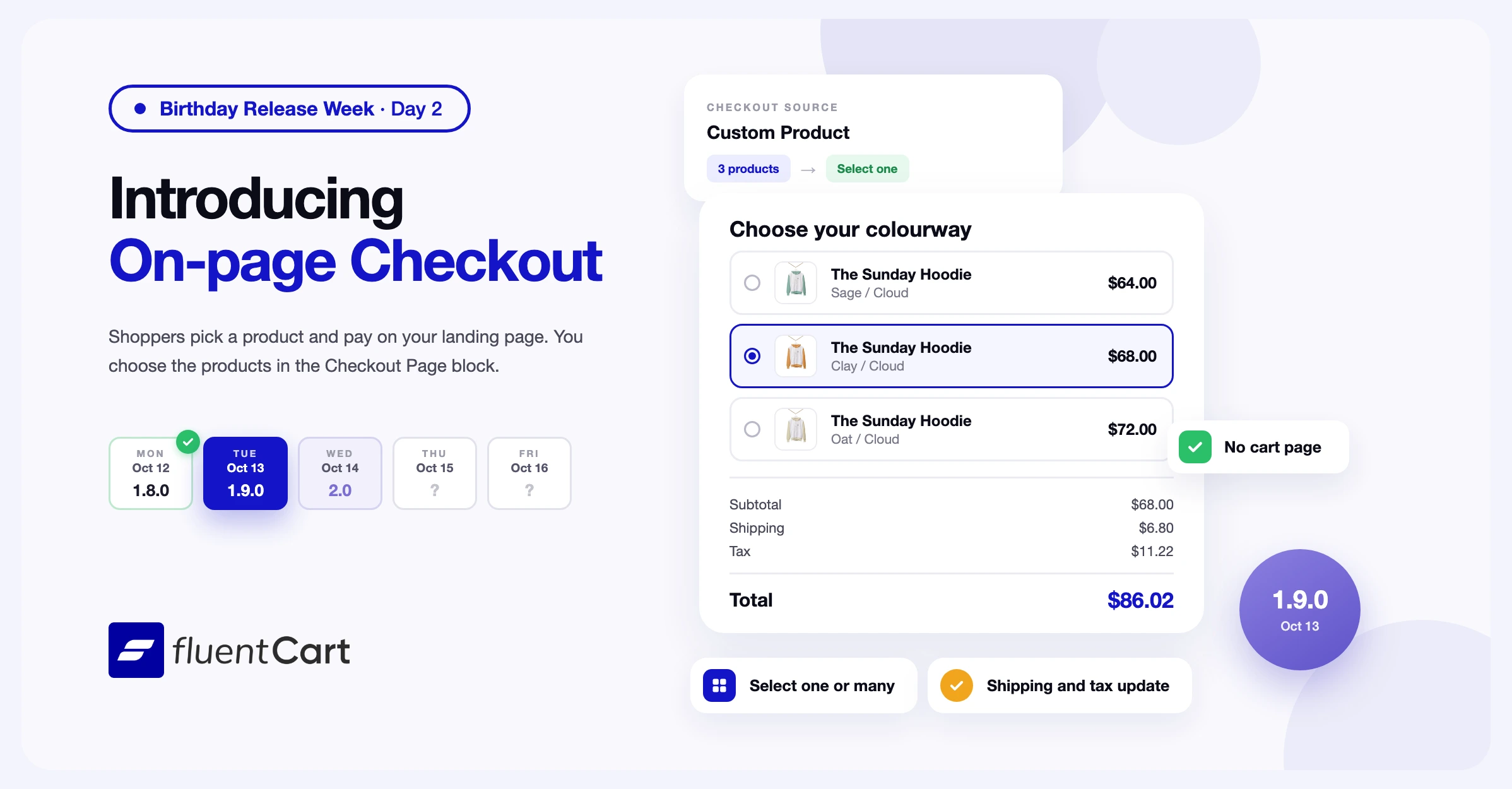
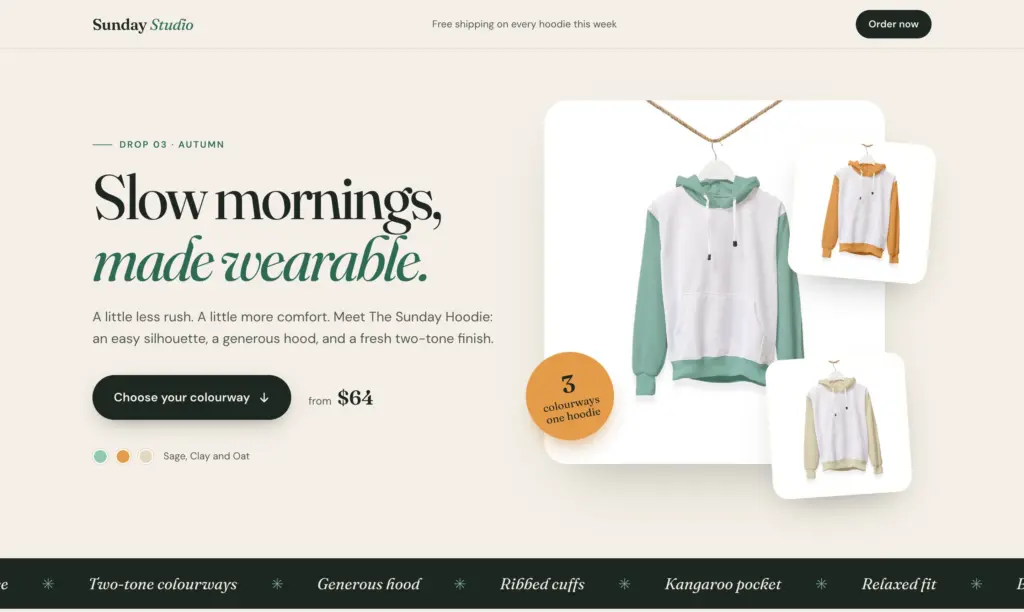
Many landing pages for one product end with a button to the product page. From there, the shopper adds the item to the cart and then opens the checkout page. FluentCart 1.9.0 adds on-page checkout to FluentCart Pro, so shoppers pick a product and pay on the same landing page.
This feature-led release also fixes two styling issues in the product search bar.
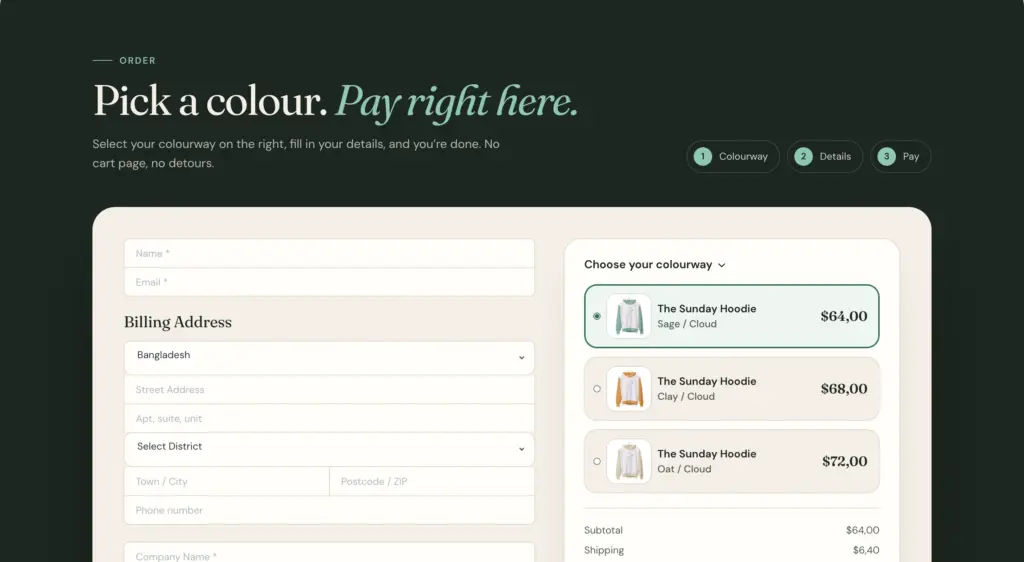
Shoppers pick a product and pay on the same page
Until now, the Checkout Page block showed the shopper’s cart. A visitor who arrives on a landing page often has an empty cart, so the block had nothing to sell. In 1.9.0, the Checkout Page block has a Checkout Source setting. Default Cart keeps the checkout you have today. Custom Product replaces the order summary items with a list of products you choose.
You choose the products in the block settings
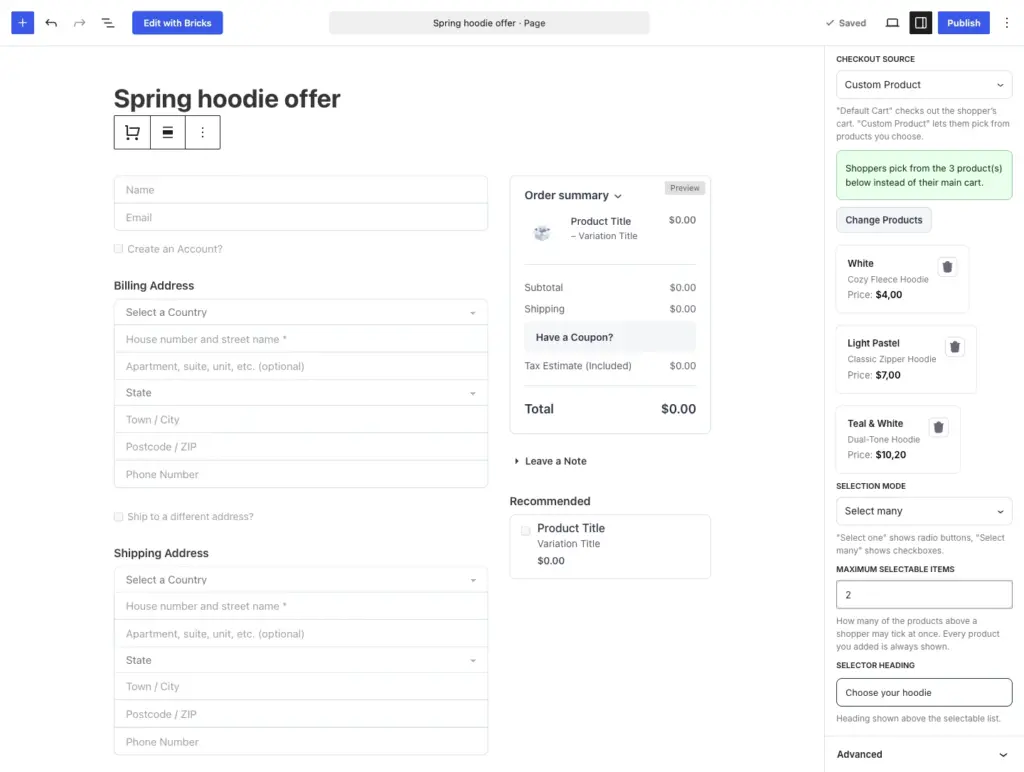
To choose the products, click Select Product in the block settings. The picker lets you tick variations from several products, up to 20 in one block. The block settings then list each product with its variation name and price.
Selection Mode sets how shoppers pick. Select one shows radio buttons, for a page where the shopper picks one colour or one plan. Select many shows checkboxes, for a bundle page. Maximum Selectable Items limits how many products a shopper can tick at once, from 1 to 20. Every product you added stays on the list. Selector Heading replaces the “Order summary” heading with your own text, such as “Choose your colourway”.
A subscription product can be on the list. One order cannot combine a subscription with other products, so use Select one on a page with plans.
Totals update each time the shopper changes the selection
When a shopper ticks or unticks a product, FluentCart recalculates the subtotal, shipping, tax, and total on the page. The coupon field works the same way as on the checkout page. Products that are out of stock or unpublished do not appear on the list. If shoppers cannot buy any of the products, the block shows the shopper’s own cart instead.
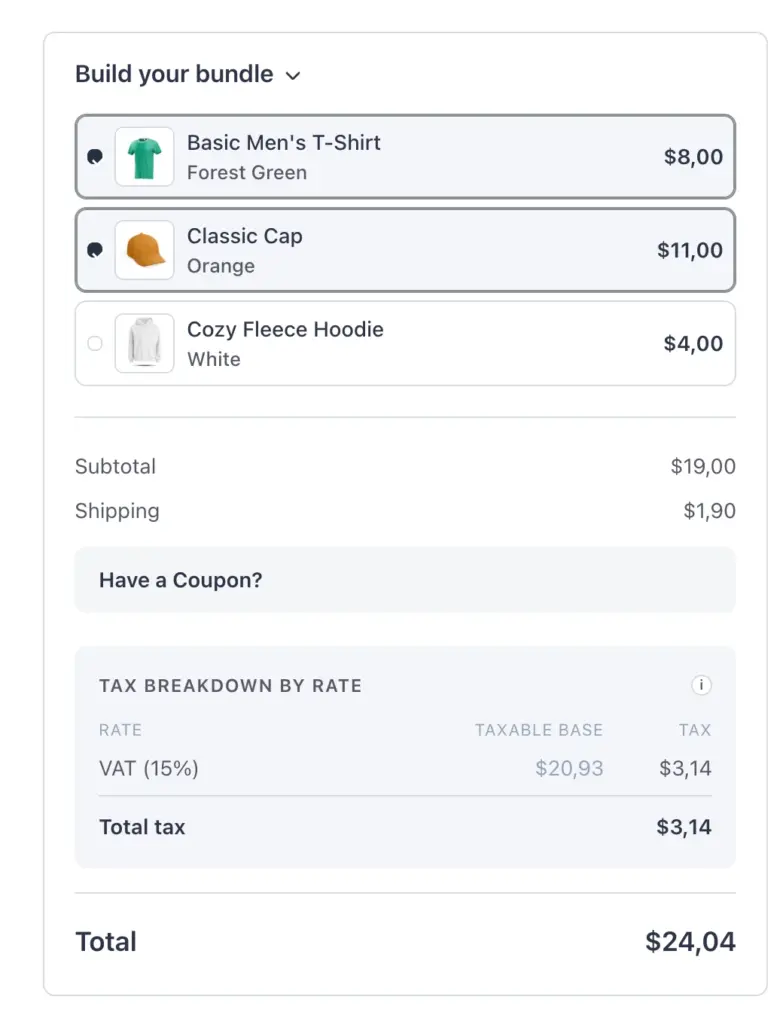
Each page with an on-page checkout keeps its own cart. Items already in the shopper’s main cart stay there. Two landing pages with different products do not add up into one cart.
Improvements
Developer extensions. Developers can supply the cart that a checkout shows through a filter hook. One hook covers both the Checkout Page block and the fluent_cart_checkout shortcode, and on-page checkout uses it too.
Fixes & Stability
Storefront polish. The search bar clear button no longer shows an extra border. Search result headings no longer have extra space above them.
Security and maintenance. This release includes ongoing security audits and routine hardening across FluentCart core and FluentCart Pro, including the new on-page checkout.
Getting on-page checkout
Update FluentCart and FluentCart Pro from your dashboard.
To add an on-page checkout to a page, activate FluentCart Pro. Add a Checkout Page block to the page and open the Products panel in the block settings. Set Checkout Source to Custom Product, click Select Product, tick the products, and click Add Items. Pick a Selection Mode. To show your own heading above the list, fill in Selector Heading. Without Pro, the Products panel shows Upgrade to Pro. Learn more about on-page checkout here.
To use the shortcode in a page builder, add fluent_cart_checkout with the settings as attributes. variation_id takes a comma-separated list of variation IDs. selection_mode takes single or multiple. max_items sets the Maximum Selectable Items, and selector_label sets the Selector Heading. For example:
fluent_cart_checkout variation_id="10,16,40" selection_mode="multiple" max_items="2" selector_label="Build your bundle"
Full Changelog
Features
- Adds on-page checkout, so the Checkout Page block or the
fluent_cart_checkoutshortcode sells products you choose on any page. Pro only. - Adds a Checkout Source setting to the Checkout Page block, with Default Cart and Custom Product options. Pro only.
- Adds Select one and Select many modes for on-page checkout, with a Maximum Selectable Items limit for Select many. Pro only.
- Adds a Selector Heading setting for the product list on an on-page checkout. Pro only.
- Adds subtotal, shipping, tax, and total updates each time a shopper changes their on-page checkout selection. Pro only.
- Adds a separate cart for each on-page checkout page, so the shopper’s main cart stays unchanged. Pro only.
Fixes
- Fixes an extra border on the search bar clear button and extra space above search result headings.
In case you missed
1.8.0, Oct 12, 2026
- Adds Dynamic Pricing, with rules that add a discount or a fee at checkout when your conditions match. Pro only.
- Adds pricing rule conditions for cart quantity, subtotal, coupons, purchase count, products, SKUs, user roles, payment methods, and checkout fields. Pro only.
- Adds pricing rules for first purchases, store-managed renewals, and subscription upgrades and downgrades. Pro only.
- Adds struck-through original prices for items a pricing rule discounts, at checkout, on the thank-you page, and in order emails. Pro only.
- Adds a Show reviews from setting, with Selected products and All products, to the Product Reviews, Review List, and Rating Summary with Review blocks.
1.7.1, Oct 8, 2026
- Adds Airwallex payments through the new Airwallex for FluentCart add-on. Pro only.
- Adds six review modules to Divi: Product Reviews, Product Review List, Rating Summary with Review, Review Form, Product Rating, and Write a Review.
- Adds six review elements to Bricks: Product Reviews, Review List, Rating Summary, Review Form, Write a Review, and Product Rating.
- Adds Border radius controls in Customize for storefront cards, buttons, and form fields.
- Adds a Brand name setting for PayPal, shown on the PayPal checkout instead of your business name.
Elementor Blocks 1.1.0, Oct 1, 2026
- Adds six Product Review widgets: Product Reviews, Product Review List, Review Summary, Review Form, Write a Review Button, and Product Rating.
- Adds a Layout Preset picker that shows the eleven review layouts as preview cards, with Classic free and the other ten in Pro.
- Adds Grid, Masonry, and Slider review views with up to six columns. Pro only.
- Adds control over each part of a review card, with fields you can reorder or hide.
- Adds Rating as a shop card element, and adds it to the bundled Shop template.

I’m Jewel, founder of FluentCart and CEO at WPManageNinja, the team behind Fluent Forms, Fluent CRM, Fluent Support, FluentLogs and a handful of other WordPress plugins. I have been writing WordPress code since 2009 and still think of myself as a developer first and an entrepreneur second. Most of what I write on this blog comes from arguments we have had inside the team about how to build software people can actually depend on.

Subscribe now
Related Articles and Topics
-
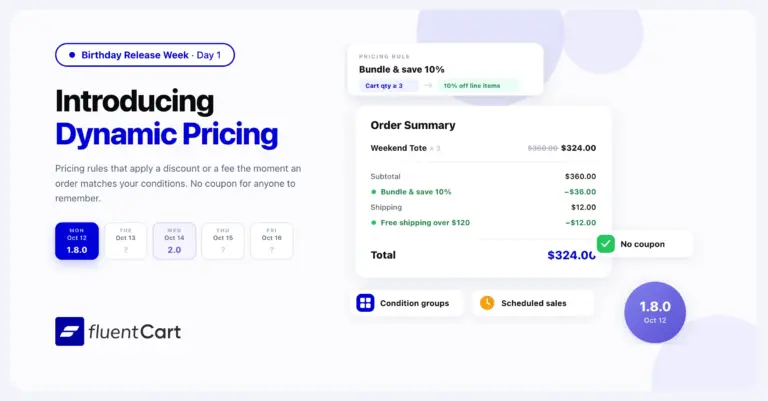
FluentCart 1.8.0 – Dynamic Pricing that follows your conditions
FluentCart 1.8.0 adds Dynamic Pricing to FluentCart Pro. A pricing rule adds a discount or a fee at…
-
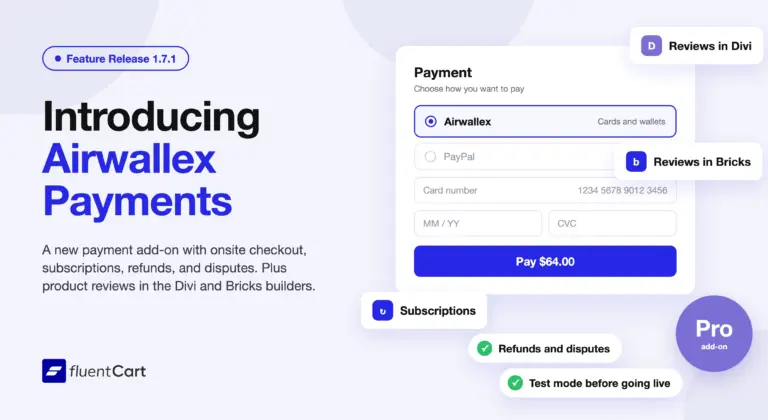
FluentCart 1.7.1 – Airwallex payments and builder reviews
FluentCart 1.7.1 adds Airwallex as a payment method through a new add-on, Airwallex for FluentCart. Airwallex subscriptions, refunds,…
-
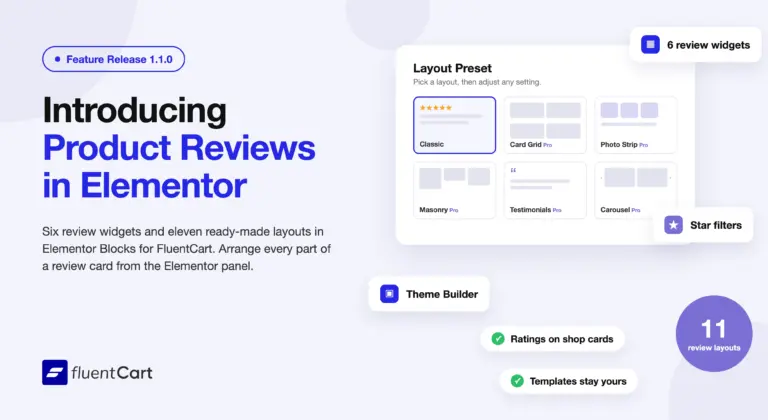
Elementor Blocks for FluentCart 1.1.0 – reviews, placed in Elementor
Elementor Blocks for FluentCart 1.1.0 adds six product review widgets, eleven review layouts, ratings on shop cards, and…



Add your first comment to this post