
Introducing Browsing History addon for FluentCart
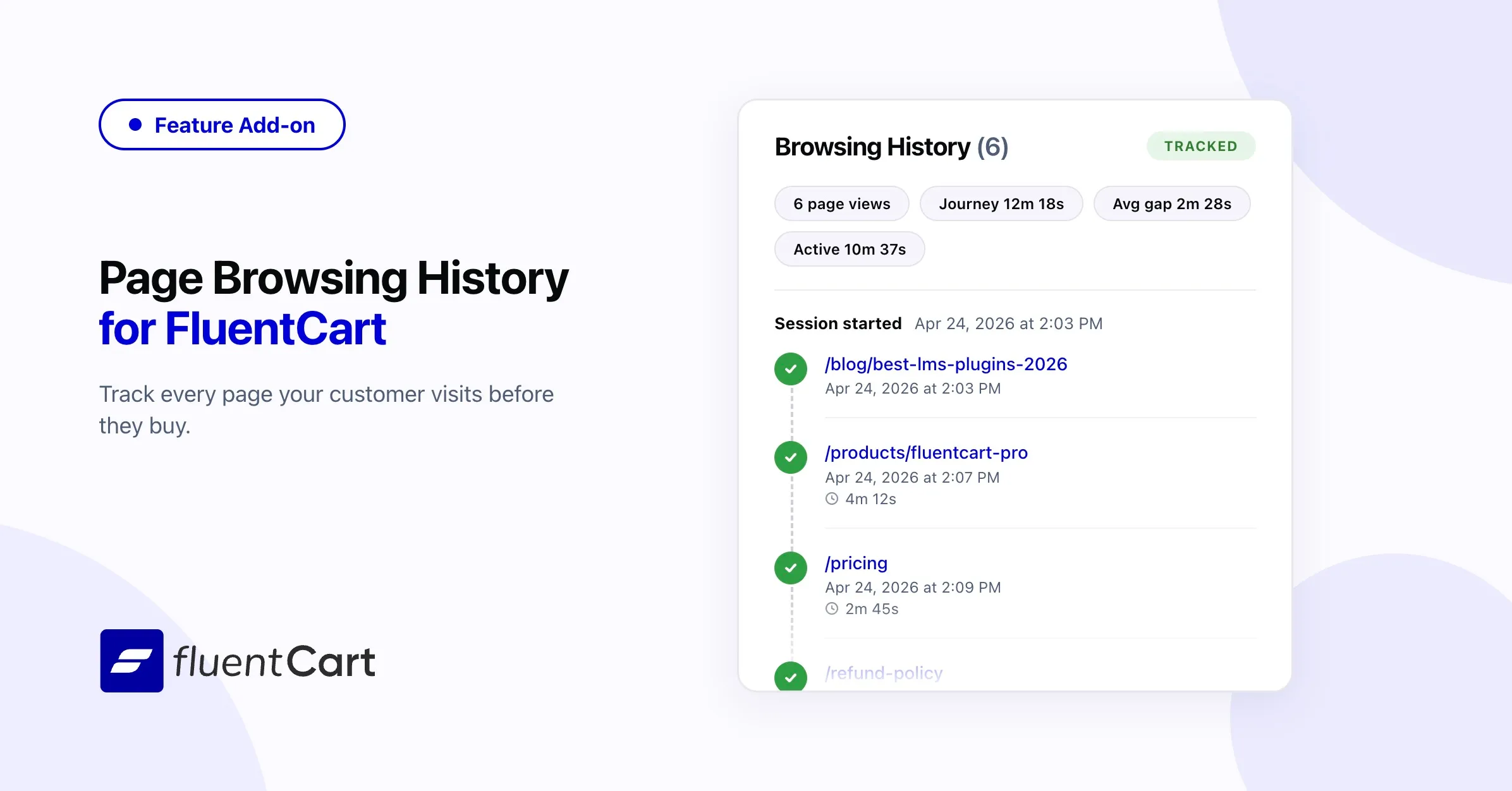
Day 5 of release week, and yes, the release train is still moving.
You know what your customers bought. You have no idea why they bought it. Which page pulled them in? What did they compare? Did they read your pricing page three times before deciding? Until now, the only way to answer those questions was to stitch together data from external analytics tools that were never designed to connect a pageview to a sale.
Page Browsing History addon changes that. Every order in FluentCart now carries the full trail of pages the customer visited before checking out — with dwell times, referral sources, and the exact sequence they followed. Built in. No third-party scripts. No dashboards to cross-reference. Open an order, see the journey.
Introducing Page Browsing History
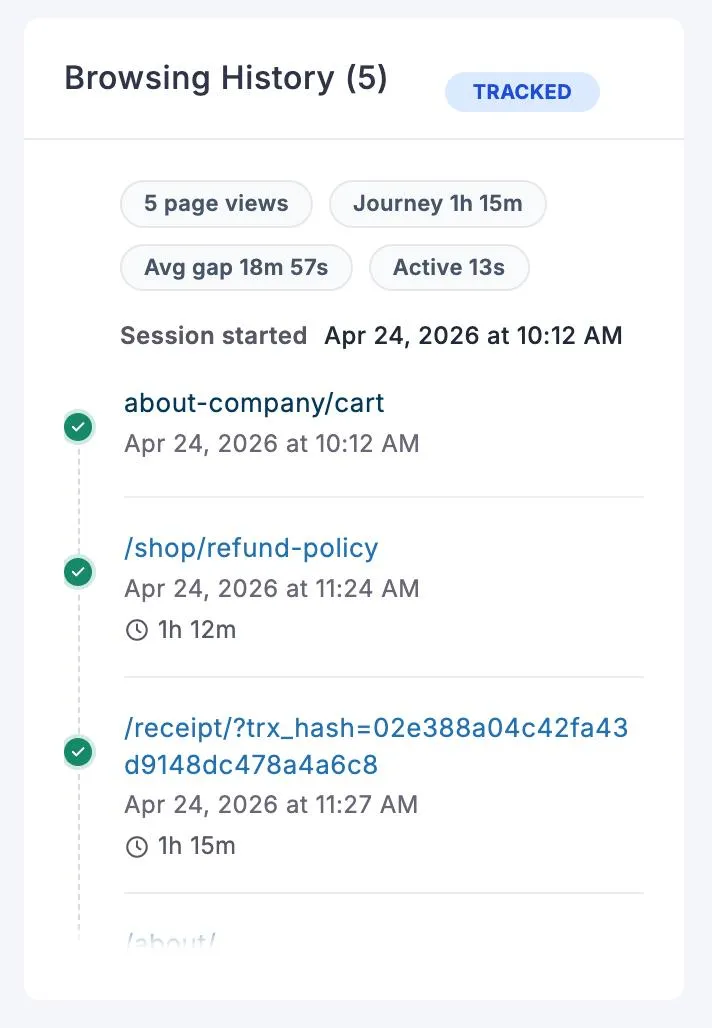
Open any order and you will see the complete browsing path — every page the customer visited, in sequence, with the time they spent on each one. A shopper who landed on a blog post, browsed three product pages, checked your refund policy, and then bought — you see exactly that trail. The question “how did this sale happen?” finally has an answer that does not require a separate analytics tool.
Read this documentation for more details.
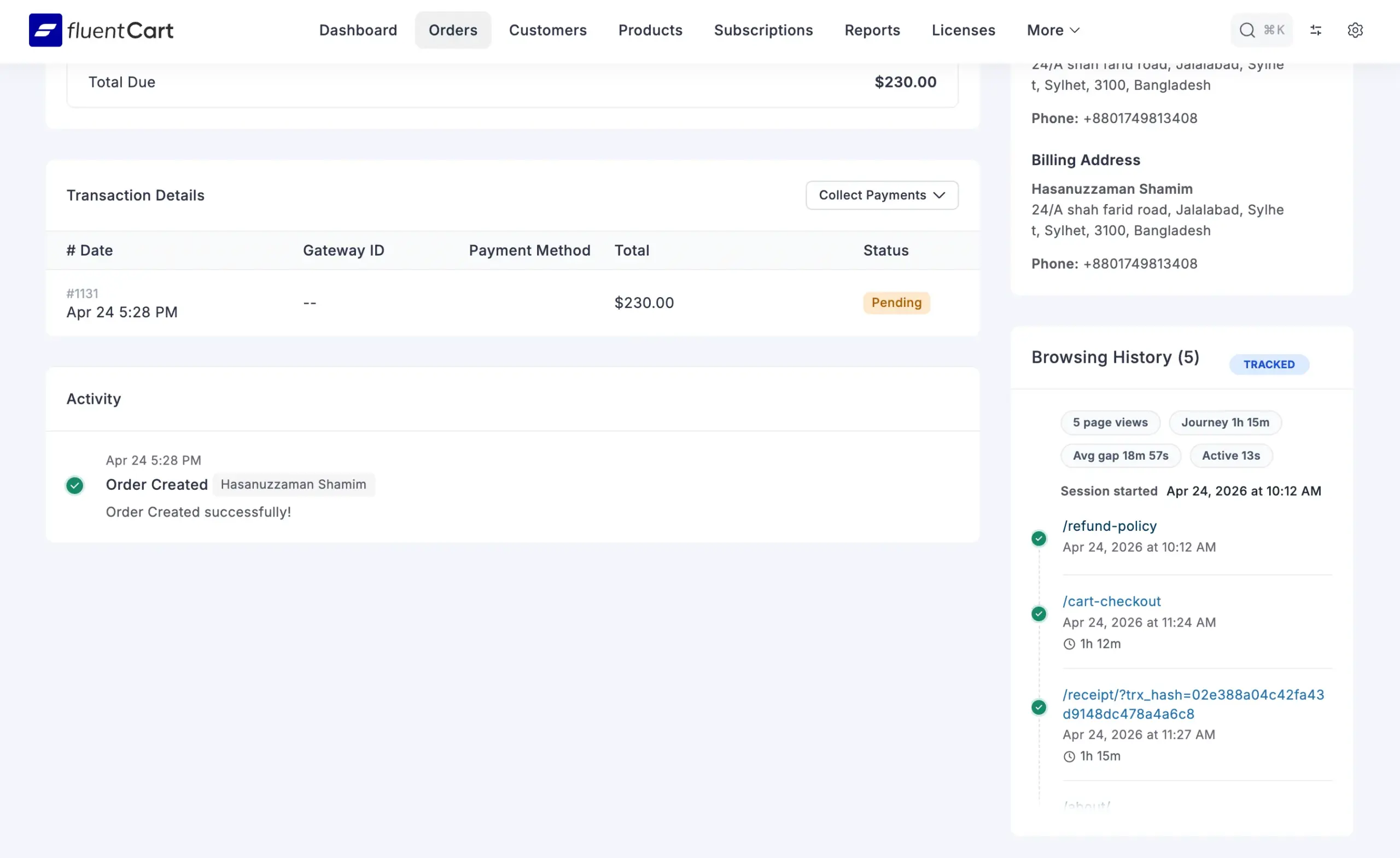
Referral Source Attribution
Each order records two referral points: the first referrer that originally brought the visitor to your store, and the last referrer if they left and returned through a different source. If a customer first found you through a Google search but came back two days later via your email newsletter to buy — both sources are captured and tied to that order.
For merchants running ads, affiliates, or content campaigns, this is direct attribution without analytics platforms. The real referrer is tied to a real sale.
Dwell Time and Page Engagement
Beyond the sequence of pages, the history captures how long the customer actually spent on each one. The landing page where their session started, and the exit page where it ended, are tracked separately for quick reference. A customer who spent four minutes on a product page tells a different story than one who bounced through five pages in thirty seconds.
Dwell time is measured using browser visibility events, so switching tabs or minimizing the window pauses the clock. It caps at 30 minutes per page to keep idle tabs from inflating the numbers.
Session Lifecycle
Every browsing session follows a clear path. It starts as active the moment a visitor lands on your site. If nothing happens for 60 minutes, it is automatically marked abandoned. When that session leads to a paid order, it becomes converted and is permanently linked to the order. After conversion, the visitor’s cookie rotates so their next visit starts a clean session — the converted trail stays untouched.
Both thresholds are adjustable via WordPress filters:
// Mark sessions as abandoned after 30 minutes instead of 60
add_filter('fctph_abandoned_after_minutes', fn() => 30);

// Keep non-converted sessions for 30 days instead of 15
add_filter('fctph_cleanup_days', fn() => 30);
Permanent, Snapshot-Based Storage
When an order is created, the entire browsing session is copied into the order’s metadata as a snapshot. That snapshot stays with the order permanently — it does not depend on the original tracking data. Even after the daily cleanup removes old session rows, every converted order keeps its full browsing history intact. The context of the sale is preserved for as long as the order exists.
Privacy-First, Zero Overhead
The plugin uses a single anonymous cookie to tie pageviews together. No IP addresses, no device fingerprints, no names, no third-party services. The cookie contains a random hash with no personal data and is set as HTTP-only with SameSite protection.
Non-converted sessions are automatically cleaned up after 15 days by a daily background task. Only orders that actually converted keep their history — which is the only history worth keeping. Your database stays lean without any manual maintenance.
How to install
Page Browsing History is an add-on that requires FluentCart Pro.
Please download the addon first and then install from your WordPress Dashboard -> Add New -> Upload Plugin and upload the fluent-cart-page-history.zip file.
There is no configuration for this addon. Once you install and get new orders, you can see the browsing history for that order in the order screen.
The panel appears alongside the other order information (Labels, UTM Details, Tax Information), so the full context of the purchase stays in one place.
What Comes Next
This is the first version. The browsing trail is already useful for understanding individual orders, but we see a broader direction — turning this data into patterns across orders. Think visual reports that show which pages consistently lead to purchases, where customers drop off, how different traffic sources compare in conversion quality, and what the most common paths to checkout actually look like across your entire store.
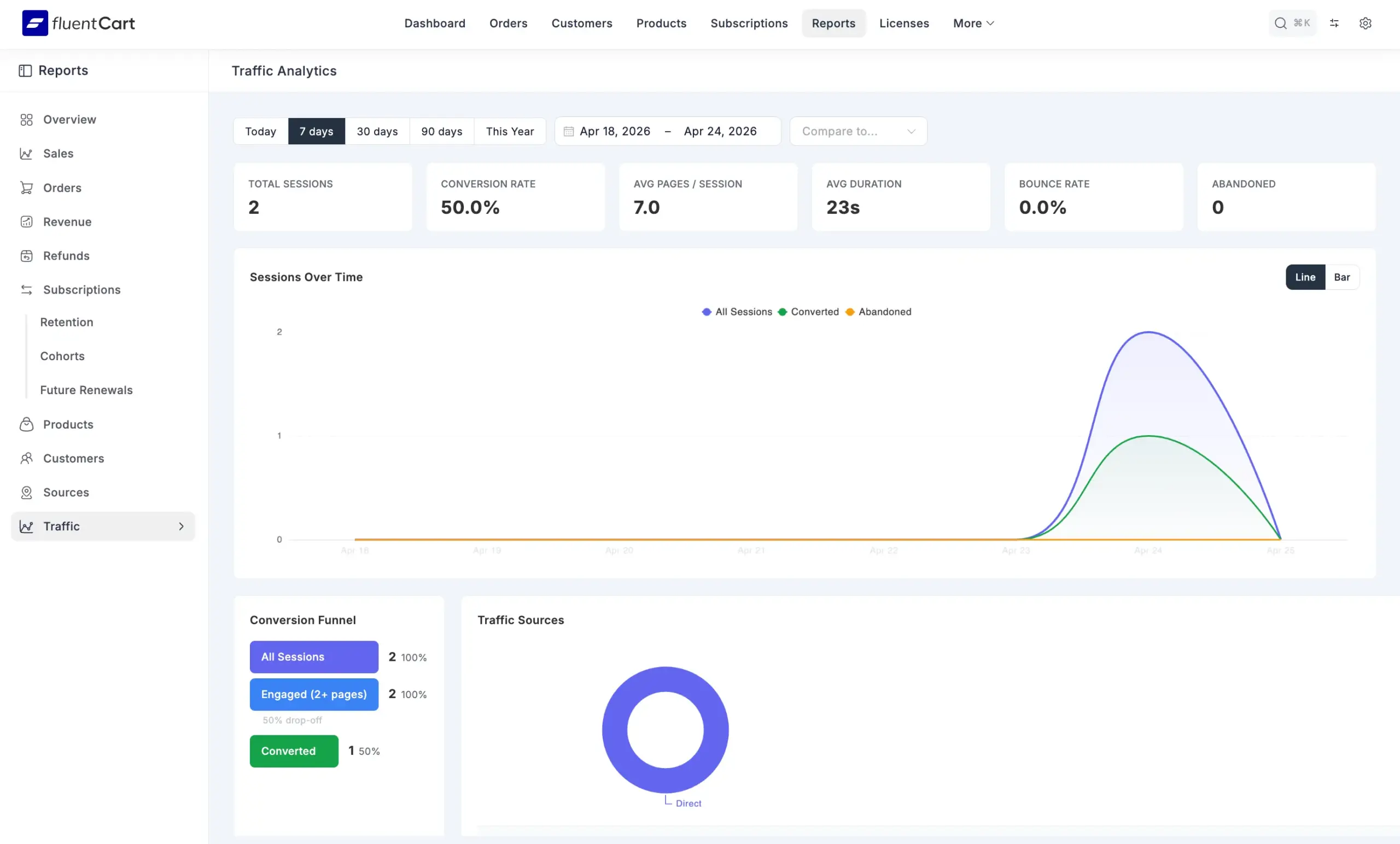
The goal is simple: every merchant should be able to see what is working and what is not, without leaving their dashboard or learning a third-party analytics tool. The data is already being collected — the reporting layer is what comes next.
For now, open a recent order and look at the path that led to it. You will probably learn something about your store you did not know.
Changelog
Version 1.0.0
- Page-by-page browsing trail attached to every order
- Per-page dwell time tracking via browser visibility events
- First and last referrer capture for source attribution
- Landing page and exit page tracking
- Session lifecycle: active, abandoned, and converted states
- Order page widget displaying the full browsing trail
- Snapshot-based storage — history persists permanently with the order
- Anonymous cookie-based tracking with no PII collection
- Automatic session cleanup with configurable retention
- Cookie auto-rotation after order conversion

I’m Jewel, founder of FluentCart and CEO at WPManageNinja, the team behind Fluent Forms, Fluent CRM, Fluent Support, FluentLogs and a handful of other WordPress plugins. I have been writing WordPress code since 2009 and still think of myself as a developer first and an entrepreneur second. Most of what I write on this blog comes from arguments we have had inside the team about how to build software people can actually depend on.

Subscribe now
Related Articles and Topics
-

Introducing Product Videos – FluentCart 1.6.4
Most of what makes a store trustworthy happens when nobody is watching: the product page a shopper studies…
-
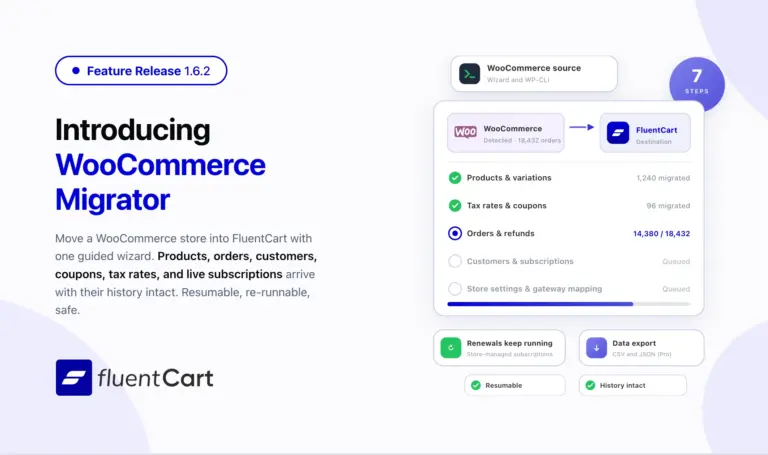
FluentCart 1.6.2 – Bring your WooCommerce store to FluentCart.
Switching platforms is the decision most store owners put off, not because the new platform is worse but…
-
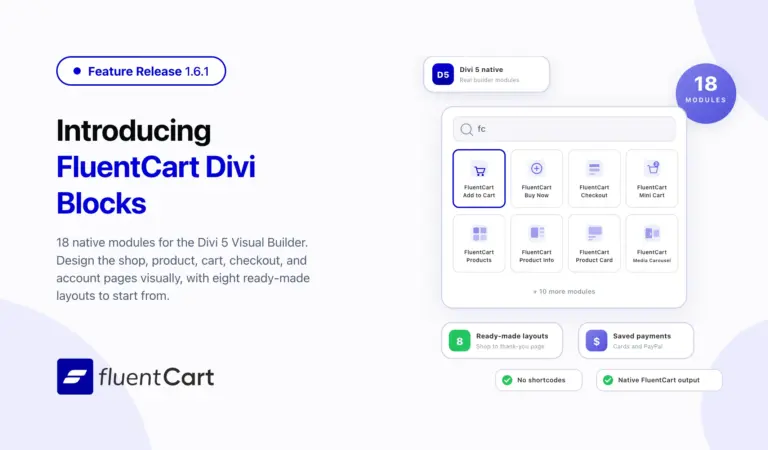
FluentCart 1.6.1 – Built Into the Divi Builder
FluentCart 1.6.1 ships FluentCart Divi Blocks, a new add-on with eighteen native Divi 5 Visual Builder modules, eight…



Leave a Reply