


A paid forum with an empty front page does more damage than no forum at all. A member logs in, sees the newest reply is three weeks old, and starts wondering what they pay for.
The plugin you pick shapes a lot of that. Some give members a plain board for questions and replies. Others build something closer to a private social network, with profiles, groups, and messages. And on a membership site, you also need to control who gets in, what each plan can see, and what happens when someone cancels. This guide compares six options for running a WordPress forum plugin on a membership site. If you’re still setting up the store side, our guide on building a website that sells products covers the groundwork first.
TL;DR
See frequently asked questions.
Real store owners. Real-life problems. Real answers. Join the FluentCart Community.
What to Look for in a WordPress Forum Plugin For a Membership Site
A good WordPress forum plugin for a membership site does three jobs. It gives members a clear place to talk. It lets you moderate without living in wp-admin. And it respects your access rules, so paid areas stay paid. Everything else (layouts, badges, reactions) sits on top of those three.
Here’s the short list we used to compare the six plugins below:
Performance deserves a second look. Every new topic and reply triggers database work, and forum pages are hard to cache. If your community grows, your server has to keep up. Our roundup of hosting for online stores explains what to look for in a plan that can carry that load.
One more tip: install your top two picks on a staging site first. Forum plugins add database tables and user roles, and those changes are hard to undo on a live site.
6 Best WordPress Forum Plugins for Membership Sites
The best WordPress forum plugins for membership sites are ARMember, bbPress, BuddyPress, wpForo, Asgaros Forum, and Simple:Press. We review each one below on the same four points: features, ease of use, support, and pricing.
| Plugin | Best for | Free version | Membership access |
|---|---|---|---|
| ARMember | Paid communities that need plans and access rules | Yes | Built in |
| bbPress | Simple, lightweight discussion boards | Yes, fully free | Through a membership plugin |
| BuddyPress | Social-network style communities | Yes, fully free | Through a membership plugin |
| wpForo | Feature-rich standalone forums | Yes, free core | Through membership integrations |
| Asgaros Forum | Fast, simple setup | Yes, fully free | Through a membership plugin |
| Simple:Press | Large communities with granular permissions | Yes, free core | Limited native support |
*Table Powered by NinjaTables
If you do end up using 2 plugins to manage membership and forum, FluentCommunity and FluentCart together can make a compelling solution.
1. ARMember

ARMember is an all-in-one membership plugin that adds a community layer through its Social Community add-on. Think of it as the gatekeeper. It decides who gets in, and it connects to bbPress, BuddyPress, or BuddyBoss when you need full forum threads.
Features
The catch is the forum itself. On its own, ARMember doesn’t give you nested threads, topics, or a BBCode or Markdown editor. You pair it with bbPress or BuddyPress for that.
Ease of use
A setup wizard walks you through the basics. Drag-and-drop form builders and prebuilt templates speed up profiles and directories. Registration, login forms, and paid plans all live in one dashboard, so you don’t juggle a second tool for signups.
Support
ARMember sells a yearly Pro plan, and the advanced community features sit there. The reviews we read don’t break down what support each plan includes, so confirm response times before you buy.
Pricing
If your forum sits behind a paywall, start your shortlist here.
2. bbPress
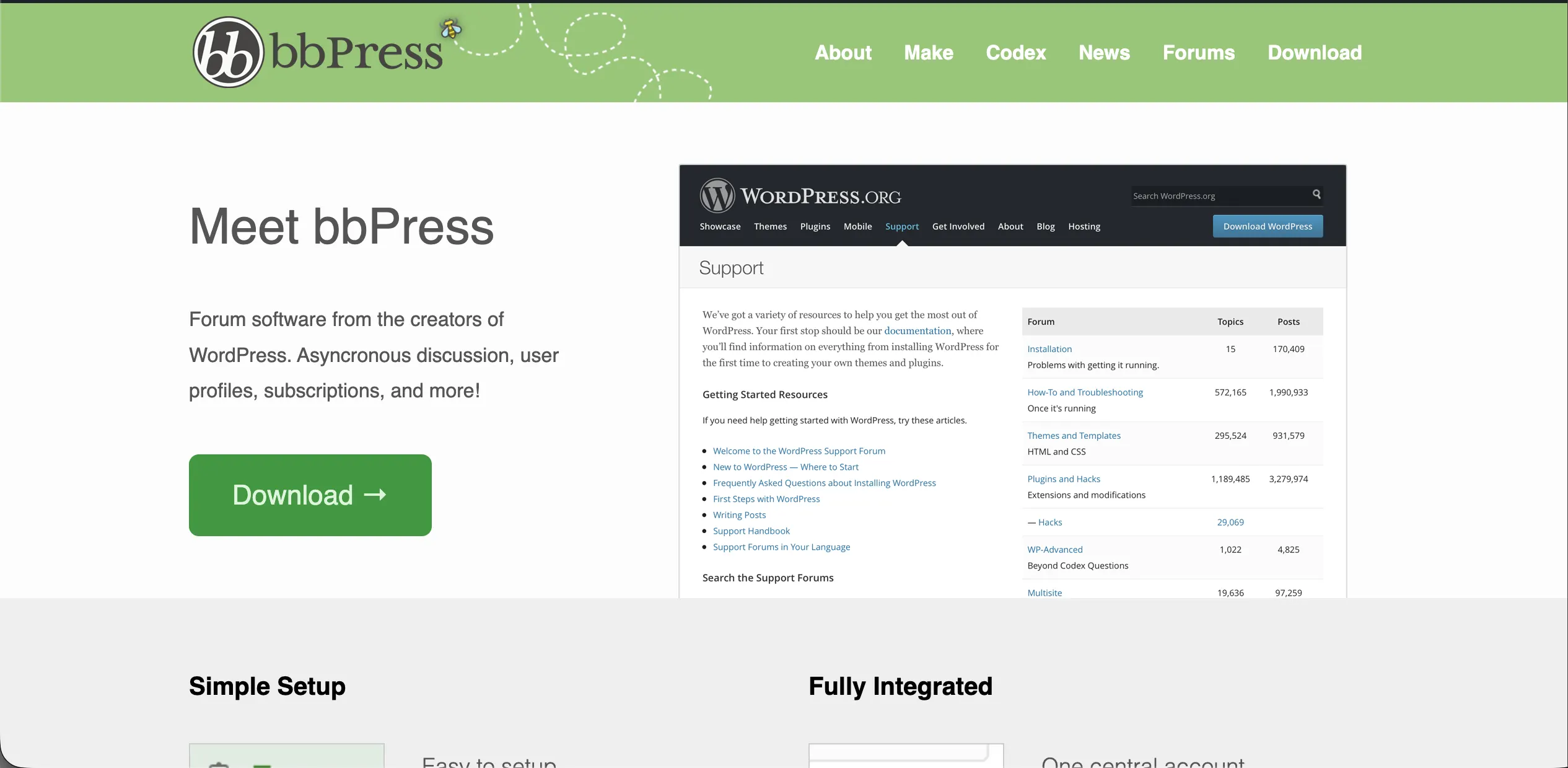
bbPress is a free, lightweight forum plugin that began as a WordPress.org project. It gives you forums, topics, and replies, and little else. That’s the point. It fits into almost any site without turning it into a social network.
Features
Ease of use
Setup is quick, and management feels like the rest of WordPress. The trade-off shows up on the front end. The default design looks basic, and it leans on your theme for mobile layouts. Plan on custom styling or extensions to make it feel modern.
Support
There’s no paid tier, so there’s no paid support desk. What you get instead is maturity. bbPress still runs the support forums on WordPress.org, and its long history has produced a large library of third-party extensions and themes. Automattic stewards the project.
Pricing
Choose bbPress when you already have a membership plugin and only need the discussion board.
3. BuddyPress
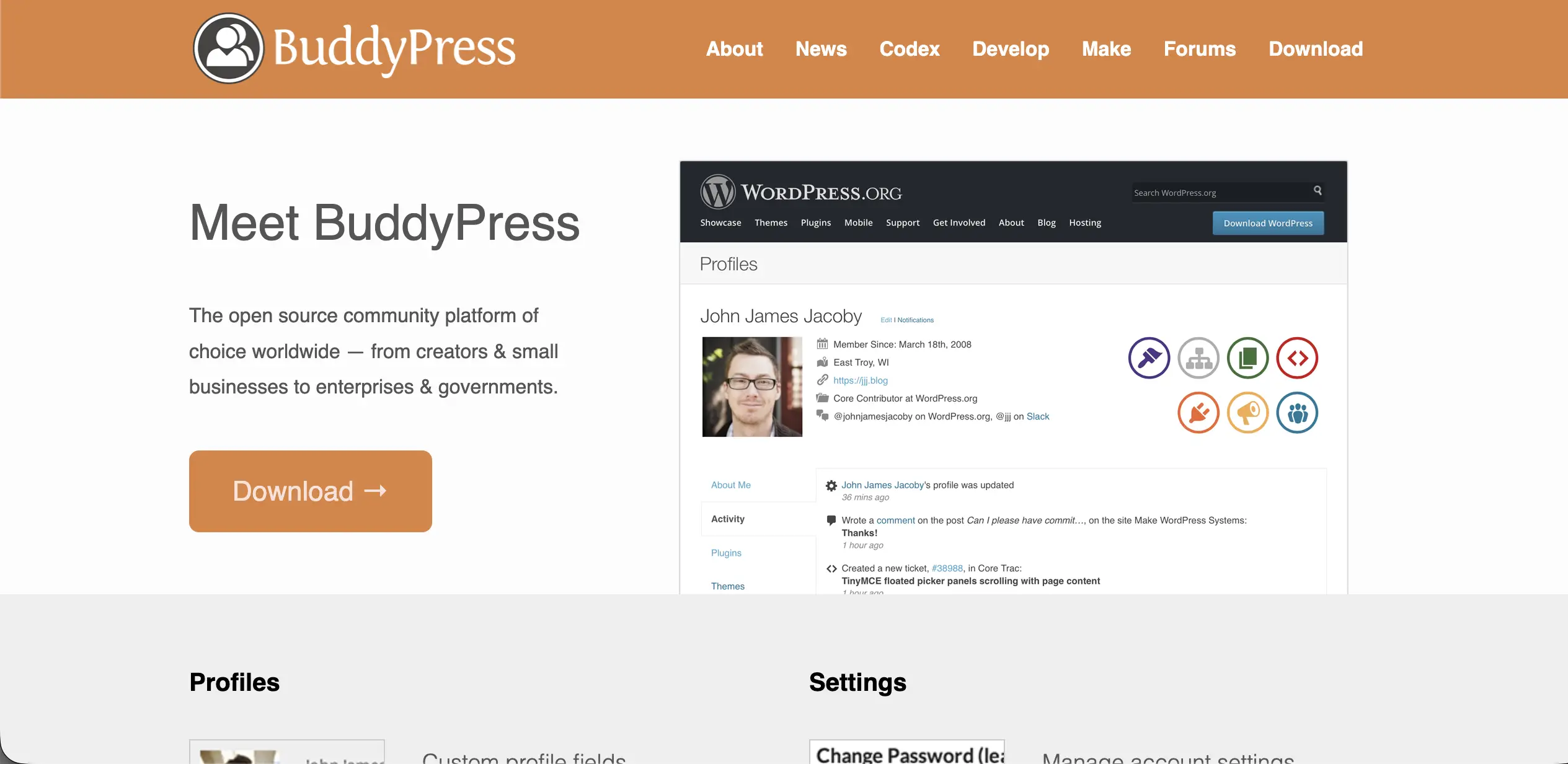
BuddyPress is a free, open-source plugin that turns WordPress into a social network. The forum isn’t the main event here. Members build profiles, join groups, follow activity, and message each other. Forums come from bbPress, which gives each group its own board.
Features
Ease of use
BuddyPress is modular, so you switch on only the parts you need. That flexibility costs setup time. The final look depends on your theme and extra plugins, and beginners who want everything ready on day one may find it slow going.
Support
Like bbPress, it’s free and community-run, with no paid support plan. It ships with translations in more than 47 languages. If you have developer time, you get a flexible base. If you don’t, budget for a compatible theme.
Pricing
Pick BuddyPress when member relationships matter as much as the discussions.
4. wpForo
wpForo is a feature-rich forum plugin with a free core. It sits between bbPress and full community platforms. You get modern layouts, profiles, reputation, and SEO tools out of the box, with paid add-ons for extras.
Features
Some features you might expect in core are paid add-ons. Private messaging, ad management, and polls are among them.
Ease of use
wpForo looks modern without a premium theme, and you manage forums with drag and drop. But the long settings list takes time to learn. If you want something basic, it may feel like more than you need.
Support
The developer ships regular updates and sells add-ons, so active upkeep is part of the deal. It also connects with membership plugins such as MemberPress and Paid Memberships Pro, which matters for gated forums.
Pricing
wpForo is the strongest free core if you want a full forum without building one from parts.
5. Asgaros Forum
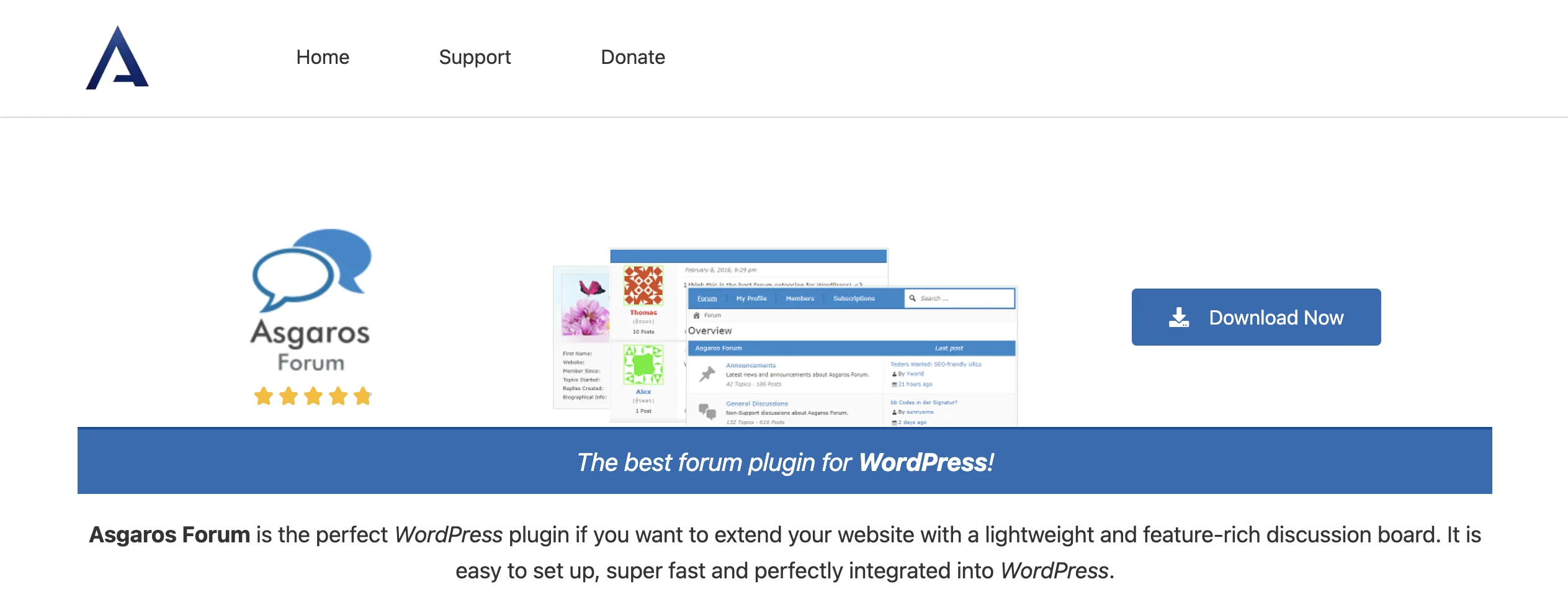
Asgaros Forum is a free, lightweight plugin built for quick setup. You add the forum to a page with a shortcode and you’re running in minutes. It covers the basics well and skips the heavy extras.
Features
Ease of use
This is the easiest plugin on the list. The dashboard is clean, and the shortcode setup takes little effort. Reviewers do point out gaps: there’s no custom redirect after login, and you get fewer SEO controls than wpForo offers.
Support
Asgaros Forum is 100% free, with a donation button for the developer. That means community-level support, not a ticket desk. Factor that in if your forum is a core part of what members pay for.
Pricing
Use Asgaros when you need a working forum this week, not next month.
6. Simple:Press
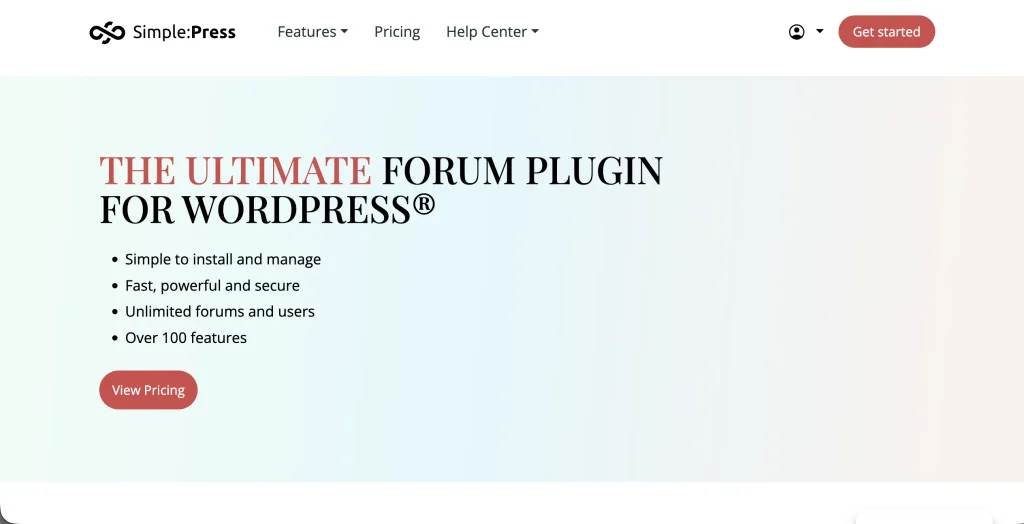
Simple:Press is a forum plugin built for control. Its permission system lets you decide, group by group, who can read, post, or moderate. Large and structured communities get the most out of it.
Features
Ease of use
Expect a steep learning curve. The settings run deep, and beginners may feel buried. Experienced admins tend to like having that much control in one place.
Support
Simple:Press sells premium plans, and most advanced features come through paid modules. The reviews we read don’t detail the support terms, so ask before you commit to a plan.
Pricing
Go with Simple:Press when access rules are complex and you have the time to configure them.
Best Free WordPress Forum Plugins in 2026
The best free WordPress forum plugins in 2026 are bbPress, BuddyPress, and Asgaros Forum, which cost nothing at all. wpForo, ARMember, and Simple:Press also offer free versions, but each one saves its bigger features for paid add-ons or plans.
Here’s how the free options split by use case:
Free is a fair starting point. But on a membership site, the forum isn’t the only cost. You still need a way to sell plans, collect renewals, and remove access when someone leaves.
How To Choose The Right Forum Plugin for Your Community
The right forum plugin depends on what your members come for. If they come for answers, pick a forum-first tool. If they come for each other, pick a social-first tool. And if they pay for access, put a membership layer in front of either one.
Use these quick matches:
Don’t skip the boring part. Test your top two on staging, write down your moderation rules, and check how each plugin looks on a phone.
Want the setup and retention steps in one place? Download the free Community Setup + Retention Checklist and work through it before launch day.
Where FluentCart Fits in a Paid Community Setup
FluentCart is the store and billing layer of a paid community. It sells one-time and subscription plans, runs renewals, and tracks revenue. Your forum plugin then handles the conversations. Keeping those jobs separate makes each one easier to manage.
Here’s what that looks like in practice. FluentCart supports native subscriptions with custom billing intervals, trials, and setup fees. It sends cancellation emails that state when access ends, plus scheduled reminders for upcoming payments. Its subscription reports show MRR, churn, and future renewals, so you can see retention in numbers, not guesses. Our guide to ecommerce KPIs explains which of those numbers to watch each month.
If you’d rather keep the community inside the Fluent family, FluentCart connects with FluentCommunity in the free plugin. A purchase grants access to community spaces, and a cancellation revokes it, with no manual cleanup. The full walkthrough is in our post on the FluentCart and FluentCommunity integration.
Pair that with FluentCRM, and you can tag members by plan and send onboarding emails automatically. A new member gets a welcome sequence. A quiet member gets a nudge back to the forum.
Frequently asked questions
Does WordPress have a built-in forum?
No. WordPress doesn’t include a forum by default. You add one with a plugin, and bbPress is the closest thing to an official option, since it started as a WordPress.org project.
Which WordPress forum plugin is best for a membership site?
ARMember is the best fit when access control matters most, because plans and restrictions are built in. For the forum itself, pair it with bbPress for simple boards or BuddyPress for a social community.
Can a WordPress forum handle a large community?
Yes, for most sites. Busy forums put heavy load on the database, so pick a plugin with caching (wpForo has a built-in cache) and a host that can scale with you.
Give your members a reason to log in
Remember that member staring at a three-week-old reply? The plugin you choose decides whether they see a lively board or a quiet one. But the plugin only builds the room. What fills it is a clear setup, fast moderation, and a habit of pulling members back in during their first weeks.
So start with the job. Pick the forum plugin that matches how your members want to talk, then put billing and access on solid ground. If you’re selling memberships or courses, take a look at FluentCart’s all-in-one ecommerce plugin to run subscriptions, renewals, and community access from one dashboard.

Rasel leads the marketing function at FluentCart, driving both high-level strategy and ground-level execution across the product’s growth engine. He plays a central role in defining how FluentCart is positioned, how it enters the market, and how it evolves based on user behavior and feedback. His responsibilities span go-to-market planning, funnel architecture, conversion strategy, and narrative development. He works across teams to ensure that product decisions, marketing efforts, and customer experience stay tightly aligned.

Subscribe now
Related Articles and Topics
-

Credit Card Payment Plugins Compared: Which Should You Choose?
Compare 10 credit card payment plugins for 2026. See the hidden 1.9% to 3% fees on free plans,…
-

Membership Affiliate Programs: The Cost-effective, Integrated Setup
Run membership affiliate programs on WordPress with one integrated stack.
-

Best Membership WordPress Plugin: 8 Options Compared for 2026
Compare the best membership WordPress plugin options for 2026 by use case.




Add your first comment to this post